


A lightweight, modern desktop application for real-time monitoring and management of Windows services.
Provide a seamless dashboard for developers and system admins to monitor status, track resources (CPU/RAM), and control critical services. Default configuration supports monitoring POS services, but can be adapted for any Windows service.
| Feature | Description |
|---|---|
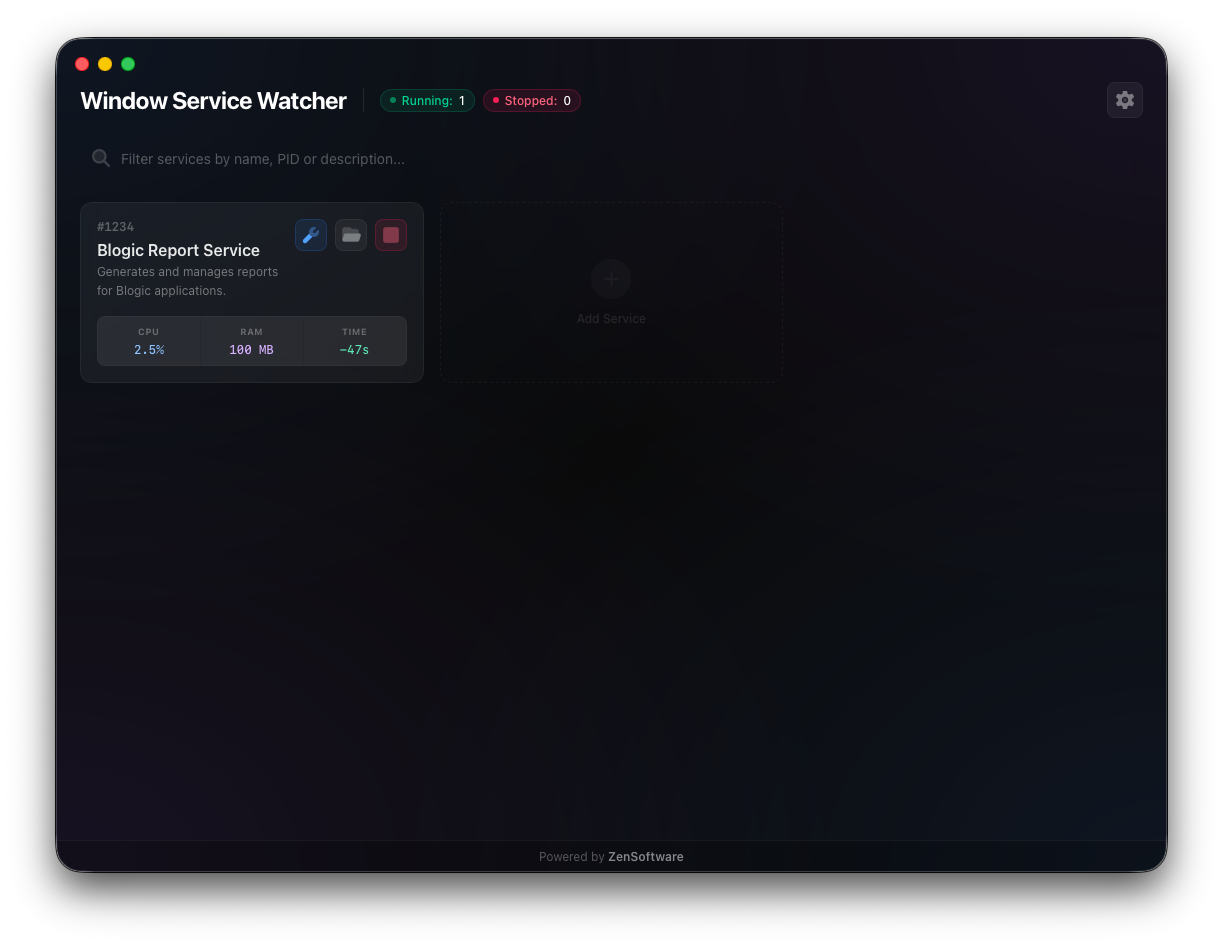
| ⚡ Real-time Monitoring | Live status updates (Running, Stopped, Paused) with sub-second latency. |
| 📊 Resource Tracking | Visual graphs for CPU usage (%) and Memory consumption (MB). |
| 🎮 Service Control | Start, Stop, and Restart services directly from the UI. |
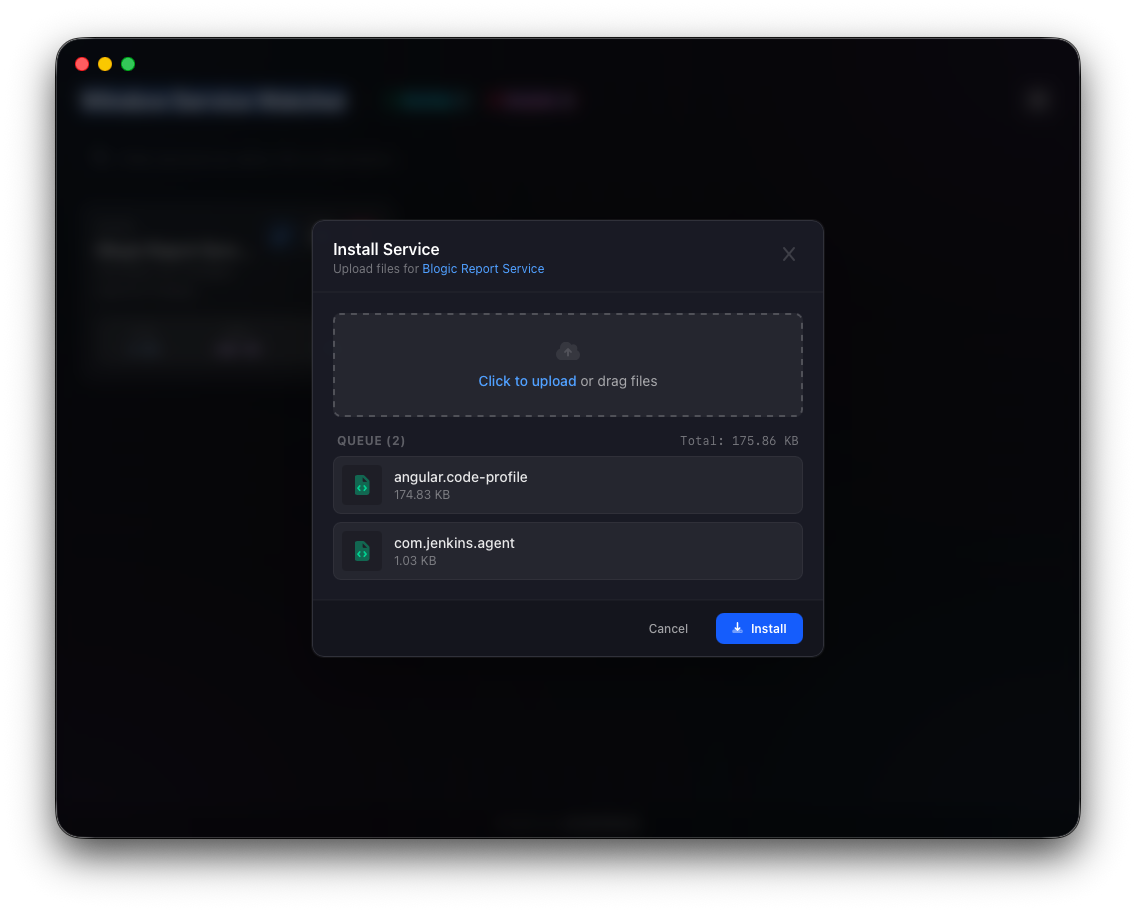
| 📦 Smart Installation | Install and update service executables/files with one click. |
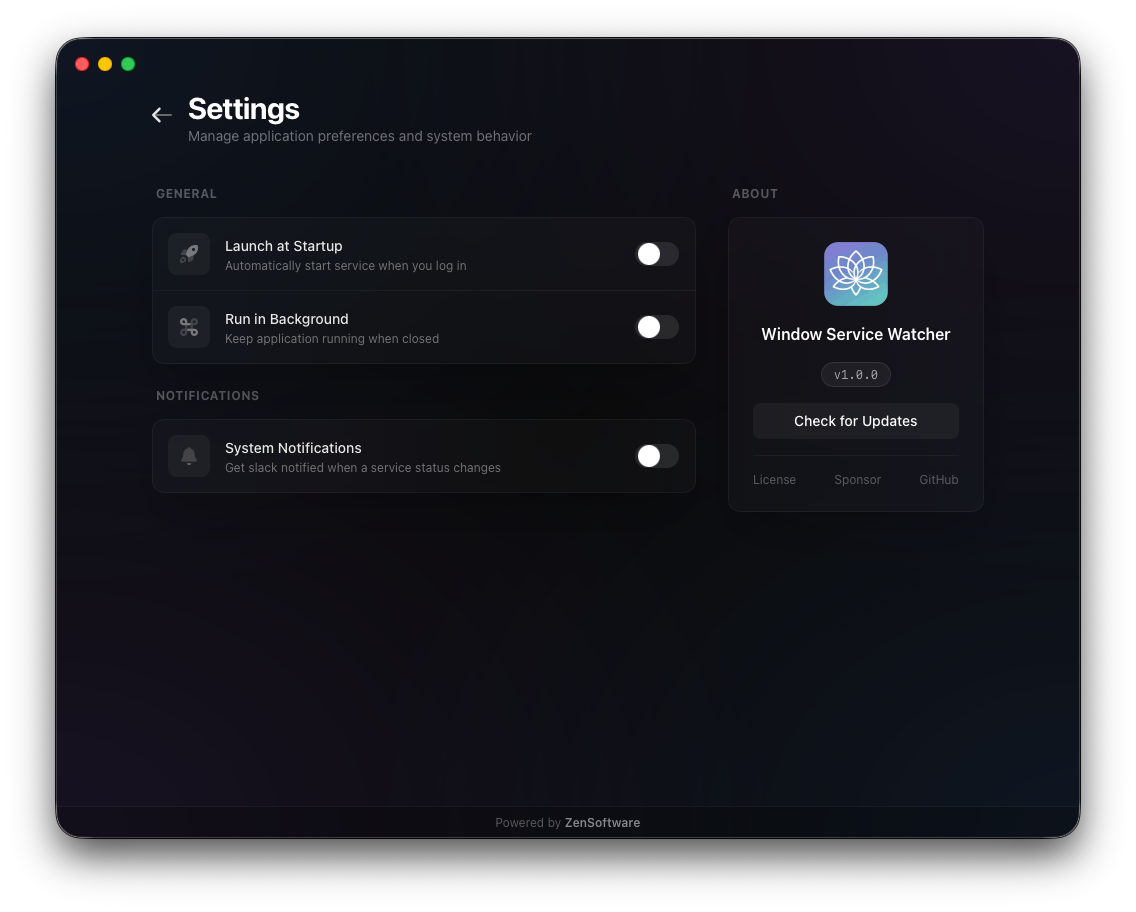
| ⚙️ Configurable | Simple YAML configuration for managing multiple services. |
| 🔔 System Tray | (Coming Soon) Background operation and status notifications. |
| Real-time Monitoring | Configuration & Settings |
|---|---|
 |
 |
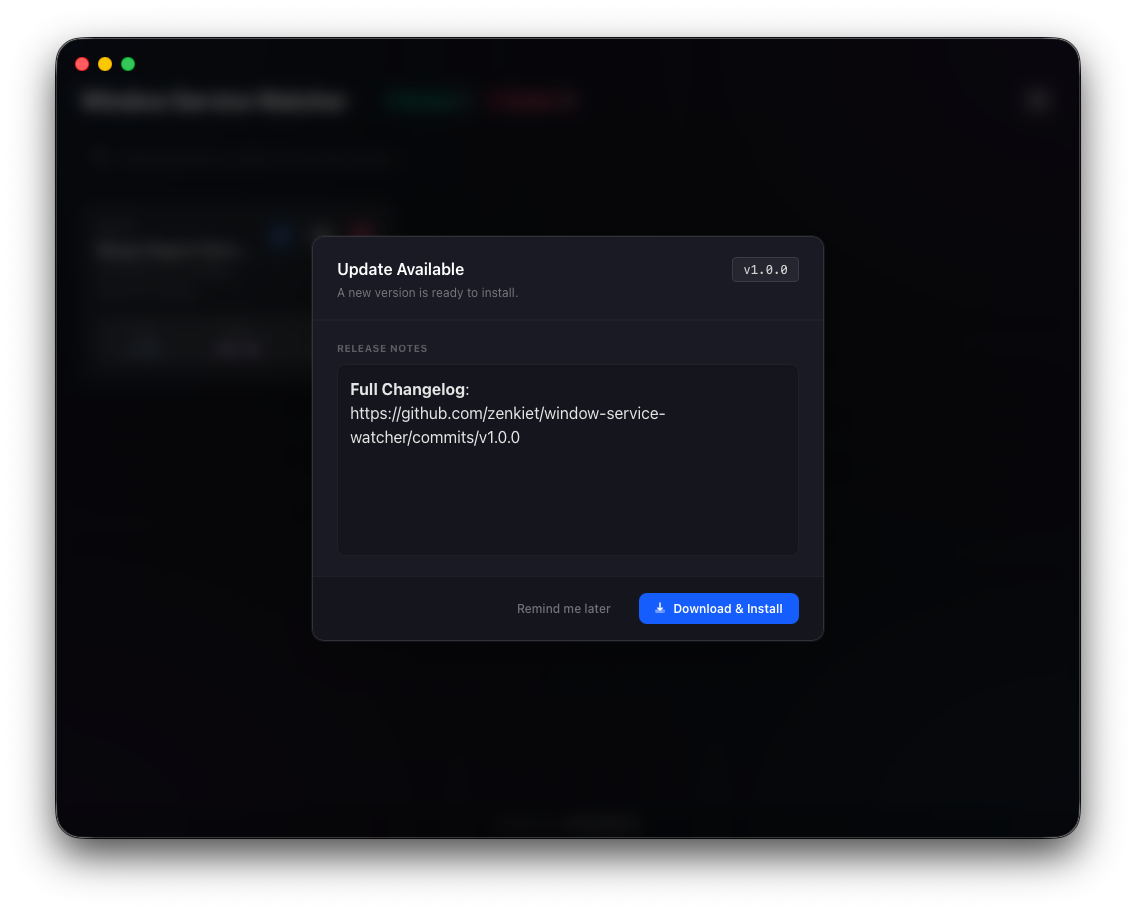
| Service Installer | OTA Updates |
|---|---|
 |
 |
Built on the Clean Architecture principle, ensuring separation of concerns and maintainability.
- Frontend: Svelte 5 + TailwindCSS for a high-performance, reactive UI.
- Backend: Go + Wails for native Windows API interaction.
- Bridge: Async communication via Wails runtime events (
services-update).
window-service-watcher/
├── internal/
│   ├── app/        # App lifecycle & Watcher logic
│   ├── config/     # Config loader (YAML)
│   ├── domain/     # Interfaces & DTOs
│   └── service/    # Windows SCM implementation
├── frontend/src/   # Svelte 5 UI Components
├── main.go         # Entry point
└── wails.json # Wails config- Go (v1.25+)
- Node.js (LTS)
- Wails CLI:
go install github.com/wailsapp/wails/v2/cmd/wails@latest
-
Clone & Install Dependencies
git clone https://github.com/zenkiet/window-service-watcher.git
cd window-service-watcher

# Install backend & frontend deps
make deps
cd frontend && pnpm install
-
Run in Development Mode
wails dev
-
Build for Production
wails build
# Output: ./build/bin/window-service-watcher.exe
The app auto-generates this file on first run.
services:
  - id: "550e8400-e29b-41d4-a716-446655440000" # Unique ID
    name: "Payment Gateway Service"           # Display Name
    serviceName: "PaymentSvc"                 # Actual Windows Service Name
    path: "C:\\Services\\Payment\\app.exe"    # Executable Path
installable: true # Allow file updates- Status Cards: (🟢 Running, 🔴 Stopped, 🟡 Pending).
- Play/Stop: Toggle service state.
- Metrics: Hover over cards to see detailed CPU/RAM history.
| Function | Description |
|---|---|
Startup(ctx) |
Initializes Service Manager connection. |
Start/StopService(id) |
Controls specific service state. |
InstallService(id, files) |
Updates binary files and restarts service. |
GetConfig() |
Returns the current loaded configuration. |
| Event | Payload | Description |
|---|---|---|
services-update |
map[string]Status |
Real-time status stream (1Hz). |
❌ Service Not Found / Error Fetching State
- Cause:
serviceNameinconfig.yamldoesn't match the actual Windows Service name. - Fix: Check
services.mscfor the exact Service Name (not Display Name) and update config.
🚫 Permission Denied
- Cause: Controlling Windows services requires Administrator privileges.
- Fix: Run the application or terminal as Administrator.
📉 Metrics Not Showing
- Cause: The service might be running but the process ID (PID) cannot be retrieved, or monitoring is blocked.
- Fix: Ensure the service is actually running and you have permissions to query its process information.
Contributions are welcome! Please open issues or pull requests for bug fixes, features, or improvements.
This project is licensed under the MIT License - see the LICENSE file for details.
Star the repository ⭐
Share it with your network 📢
Made with ❤️ by ZenKiet