-1.8l0imacwd1.webp)
🍻 Join the community: Discord

Important
HiFi Subsonic compatibility will only work with Recommended subsonic clients. If HiFi does not work with the Subsonic client, it will not be implemented.
I’m going to support https://www.plex.tv/plexamp. It’s not a new thing I just forgot to add it. I forgot about Plex itself when I moved to Jellyfin, so I won’t support any other third-party Plex apps. It will be exclusive to the official Plexamp app.
The following jellyfin music clients will continue to be compatible with HiFi from the day one release and will remain fully functional unless the app itself is broken.
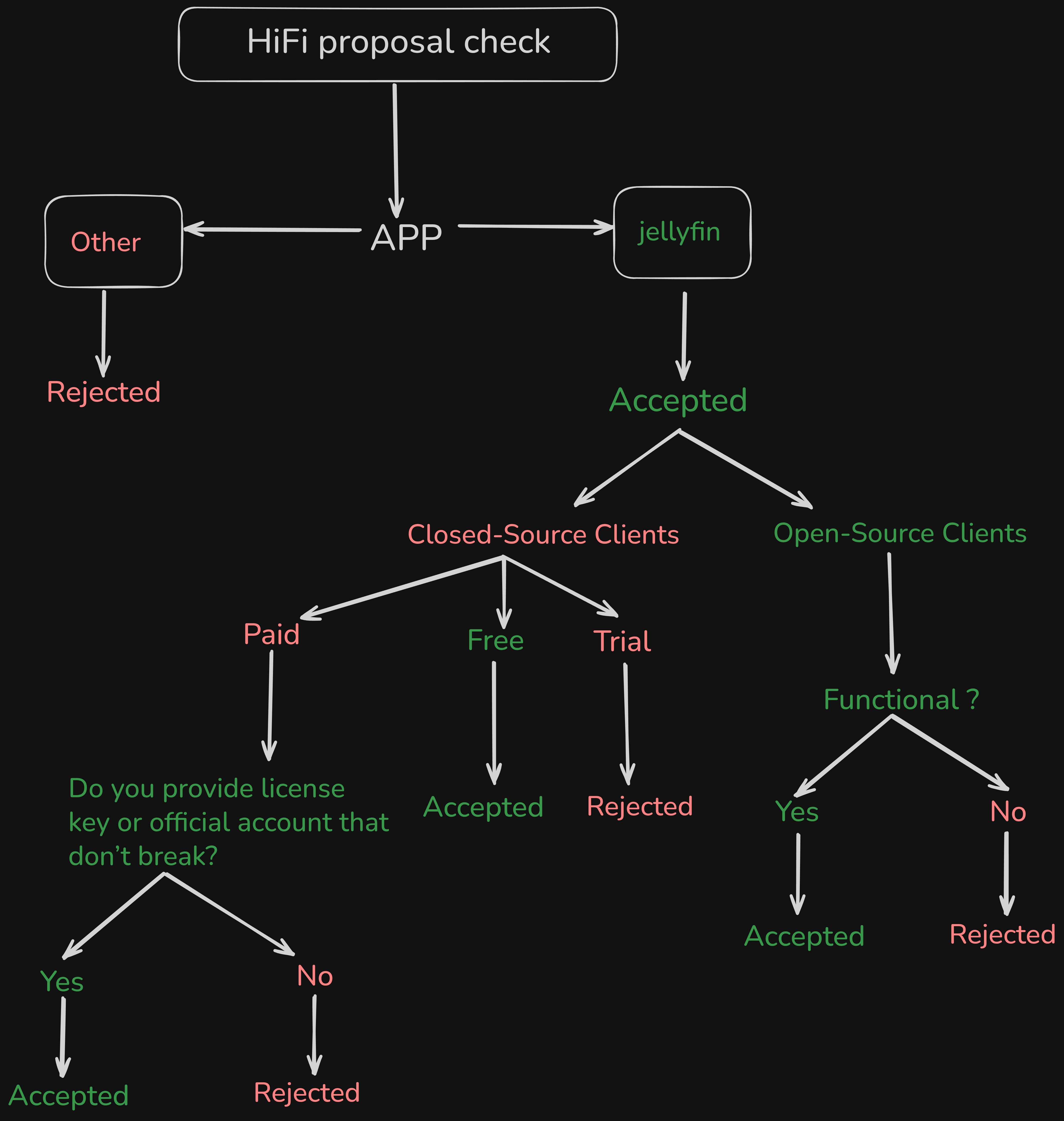
All other clients should work as well, since they all use Jellyfin’s API. If they don’t, I will eventually make them work. If you want to request support for a specific jellyfin music app, open an issue. Before doing so, please check the HiFi proposal guide below. Anything else that comes without a hifi proposal check will be rejected.
- https://www.fintunes.app
- https://github.com/jmshrv/finamp
- https://streamyfin.app
- https://github.com/jeffvli/feishin
- https://symfonium.app
- https://github.com/LLukas22/Jellyswarrm
- https://github.com/Devioxic/Foxy-Desktop
- https://github.com/Stannnnn/jelly-app
- https://github.com/Taiko2k/Tauon
- https://github.com/pathetic/bloodin
- https://github.com/saltpi/iPlay
- https://github.com/dweymouth/supersonic
- https://github.com/Jellify-Music/App
-
We do not encourage piracy. This project is made purely for educational and personal use, intended only for listening, not for downloading. If you somehow download copyrighted content, you are solely responsible for complying with the relevant laws in your country.
-
The HiFi Project assumes no responsibility for any misuse or legal violations arising from the use of this project.
-
HiFi project requires a valid Tidal subscription. We encourage users to maintain an active subscription.
-
The subsonic client use the maximum quality available from the HiFi API.
-
Community projects may be inspired by or related to the HiFi Project but aren’t officially part of it. These projects are run independently, and the HiFi team isn’t responsible for their content or actions. Each project team should follow any relevant laws and handle its own checks and compliance.
-
The HiFi project does not claim ownership of any music or audio content. All rights remain with their respective copyright holders. Users are encouraged to support artists and rights owners by maintaining a valid Tidal subscription. HiFi serves solely as a playback and control interface (e.g., on a Raspberry Pi) for personal, non-commercial use.
-
Tidal subscribers who don’t like the official app and want more client options.
-
Anyone who want to try Tidal music before making a commitment.
-
Anyone who wants to listen to hifi-res lossless audio.
-
Anyone who doesn’t want to store terabytes of music.
-
Anyone who want to access over 110 million songs through their Subsonic-based client.
-
Anyone who doesn’t need to download and manually add tracks.
-
Developers who want to create their own Subsonic-based client using HiFi as a tidal proxy.
First, check which routes are supported by Hifi. Hifi uses OpenSubsonic API, but that doesn’t mean it supports every endpoint that OpenSubsonic provides. Hifi only supports the necessary endpoints required to play music. For example, You can connect the Hifi server to Feishin to observe how it works in practice.
Important
Unfortunately, if we detect spam bots abusing the managed server, we have to ban you.
Note
First Install the latest Go version. https://go.dev/doc/install and https://git-scm.com/install
Please obtain the HiFi managed server values https://gist.github.com/sachinsenal0x64/0b7945a4a0df4c77ecf3bc7b7a7ee2f5.
Note
HiFi runs on port 8080 or 5000 or 5005 by default. If all is working, the logs below will appear.
2025/12/26 00:22:52 INFO Hifi Running in MANAGED mode
2025/12/26 00:22:52 INFO Hifi API server running host=0.0.0.0 port=8080 url=http://0.0.0.0:8080
 git clone https://github.com/sachinsenal0x64/hifi

 go mod tidy

 export MANAGE_HOST="value" TIDAL_HOST="value" MODE="value" CLIENT_ID="value" SCHEME="value"

go run .Note
HiFi has a fully self-hosted version with a database setup, but in the managed version, the database is optional. Therefore, we use the credentials below.
Note
For multiple family members, setting up a database and hifi webui is important. See the self-host guide below.
| Field | Value |
|---|---|
| Server name | HiFi |
| Server URL | http://127.0.0.1:8080 |
| Username | hifi |
| Password | local |
| Enable legacy password | Enabled |
 cd hifi

 git pull

 go mod tidy

 export MANAGE_HOST="value" TIDAL_HOST="value" MODE="value" CLIENT_ID="value" SCHEME="value"

go run .Pending...
Reason: The current installation is a little bit complex, so I will make this as simple as possible.
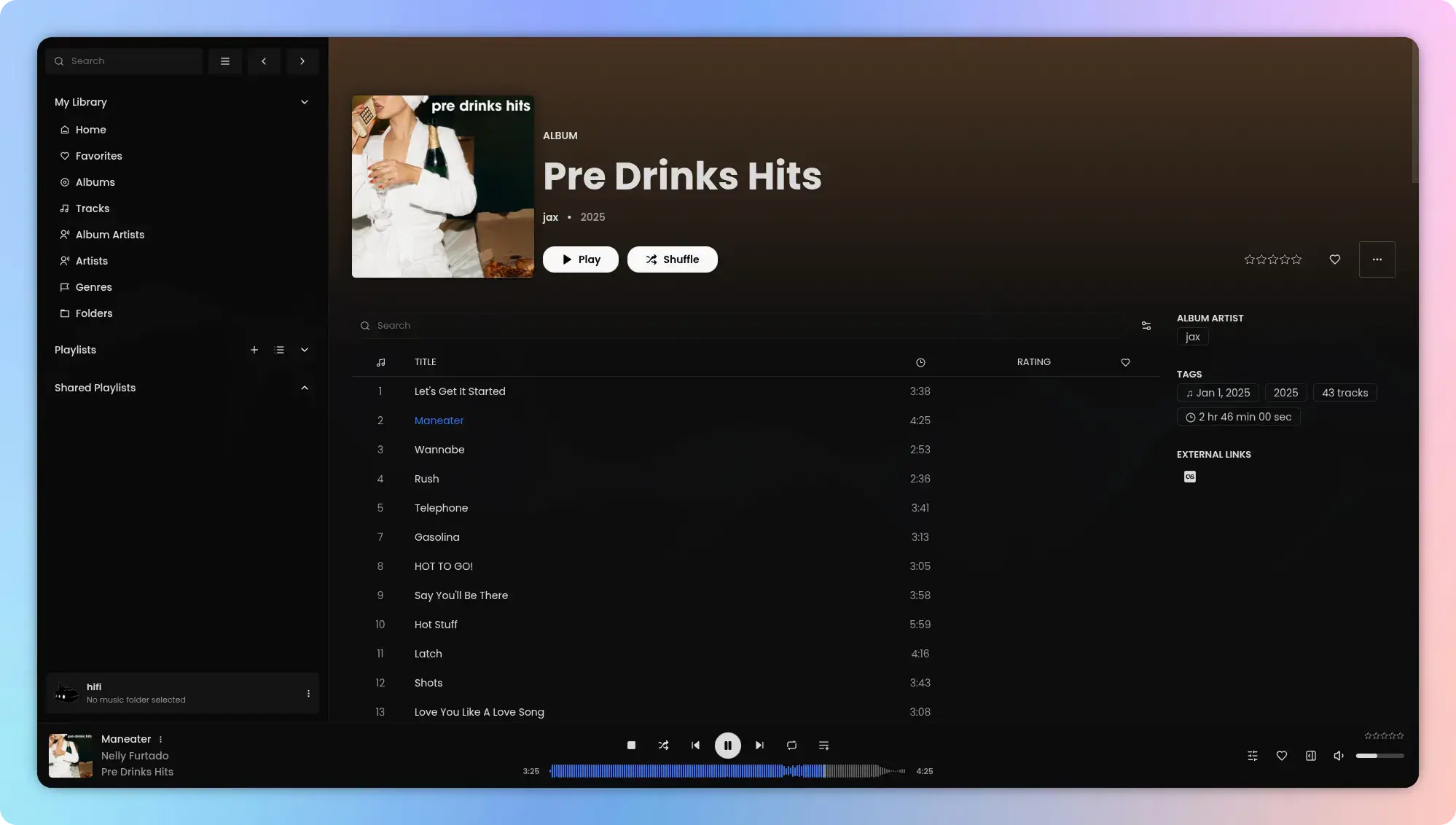
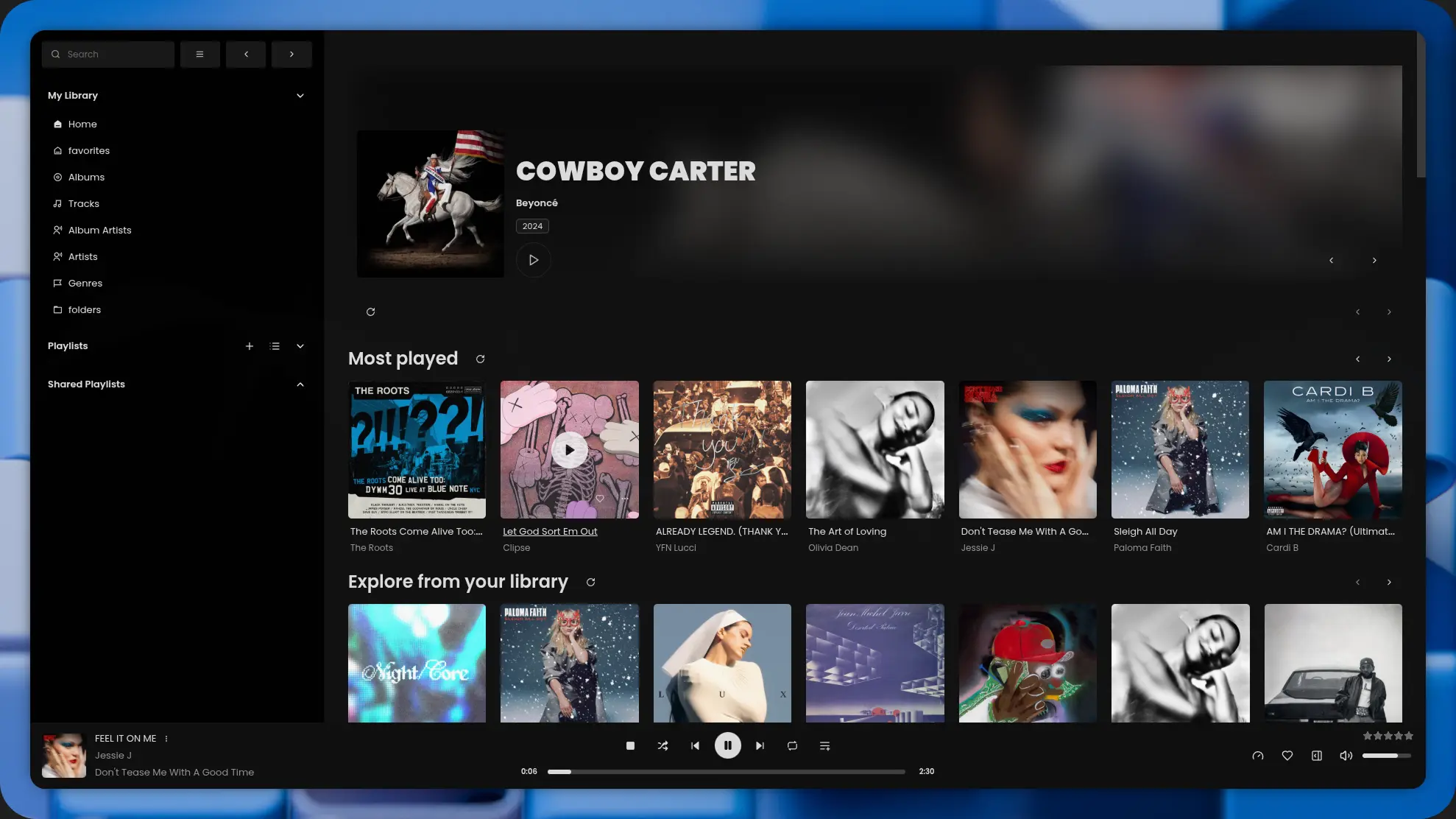
- https://github.com/jeffvli/feishin (Desktop/Web)
- https://github.com/eddyizm/tempus (Mobile)
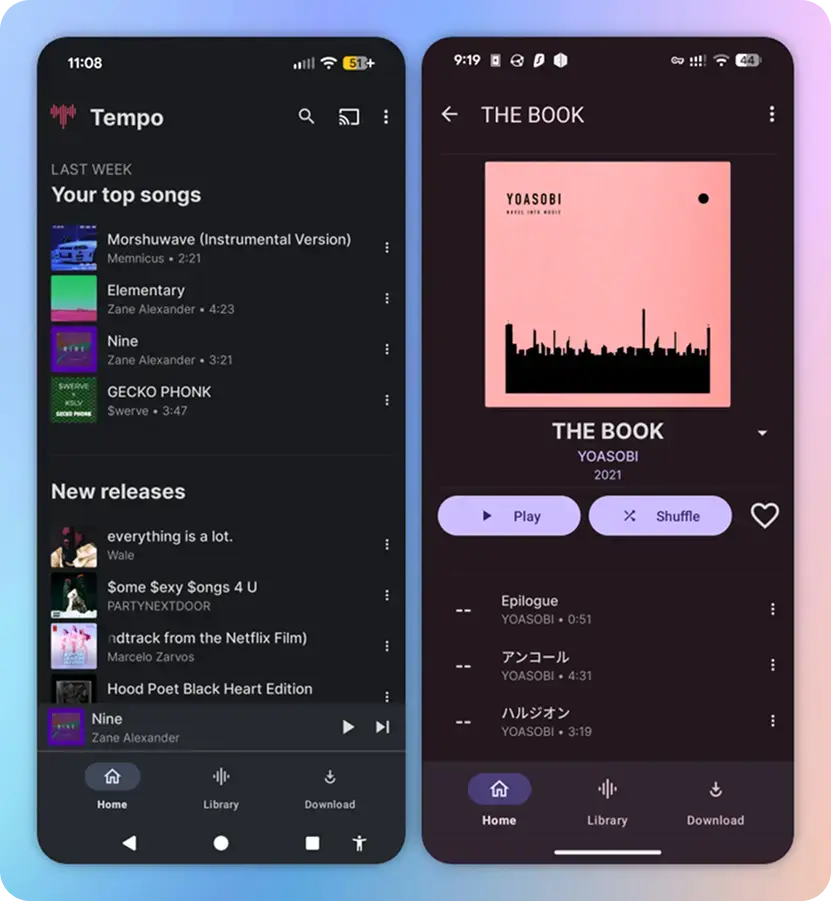
- https://github.com/CappielloAntonio/tempo (Mobile)
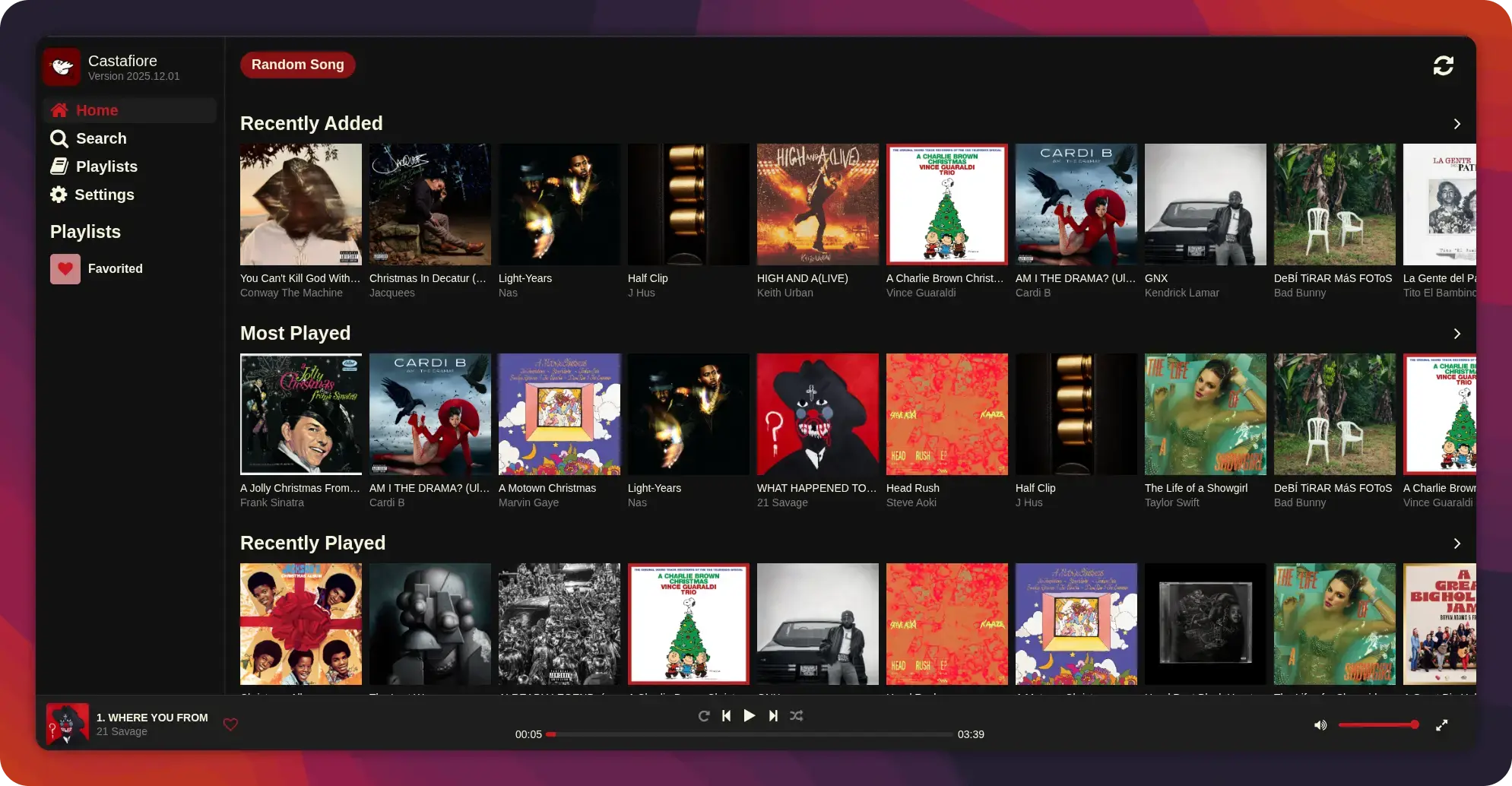
- https://github.com/sawyerf/Castafiore (Web/Mobile)
- https://ultrasonic.github.io/download (Mobile)
- https://substreamerapp.com (Mobile)
Please refer to CONTRIBUTING.md.
Please refer to SECURITY.md.
Hifi is released under the MIT License.

![@dependabot[bot]](https://avatars.githubusercontent.com/in/29110?s=64&v=4)


