Make a Finder window appear with better touch tool trackpad gesture --> apple script The finder window :
- Create if no exist with "visor size" (half of the screen height, full screen width and bottom fixed)
- Else if exist, take existing window
- If window is not frontmost, make it active
- If window is minimized (or hidden) restore (or make it active)
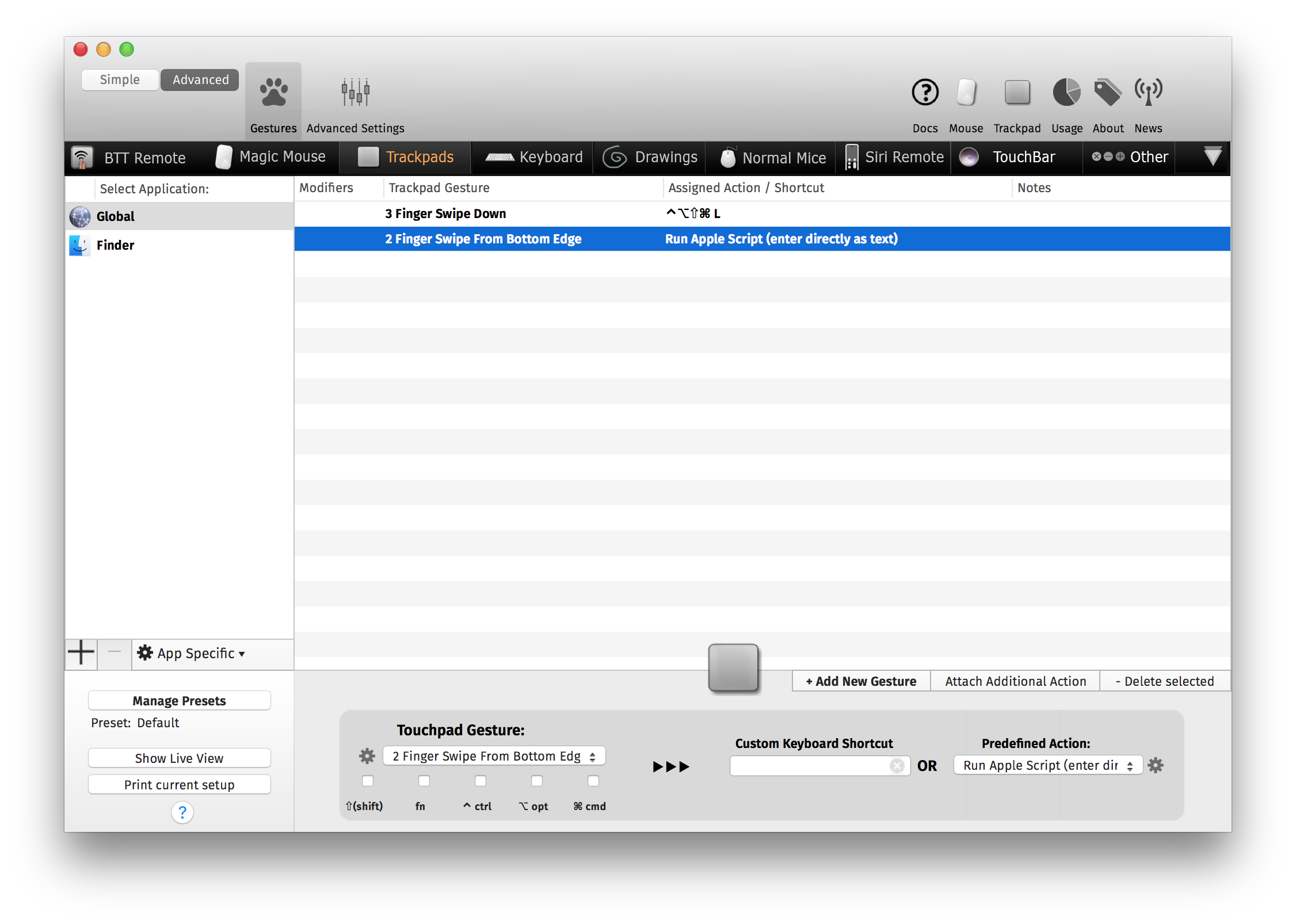
Better Touch Tool or any software for binding apple script to keyboard shortcut / trackpad gesture
Simply add a new rule with "Execute apple script" and paste the script content in the popup
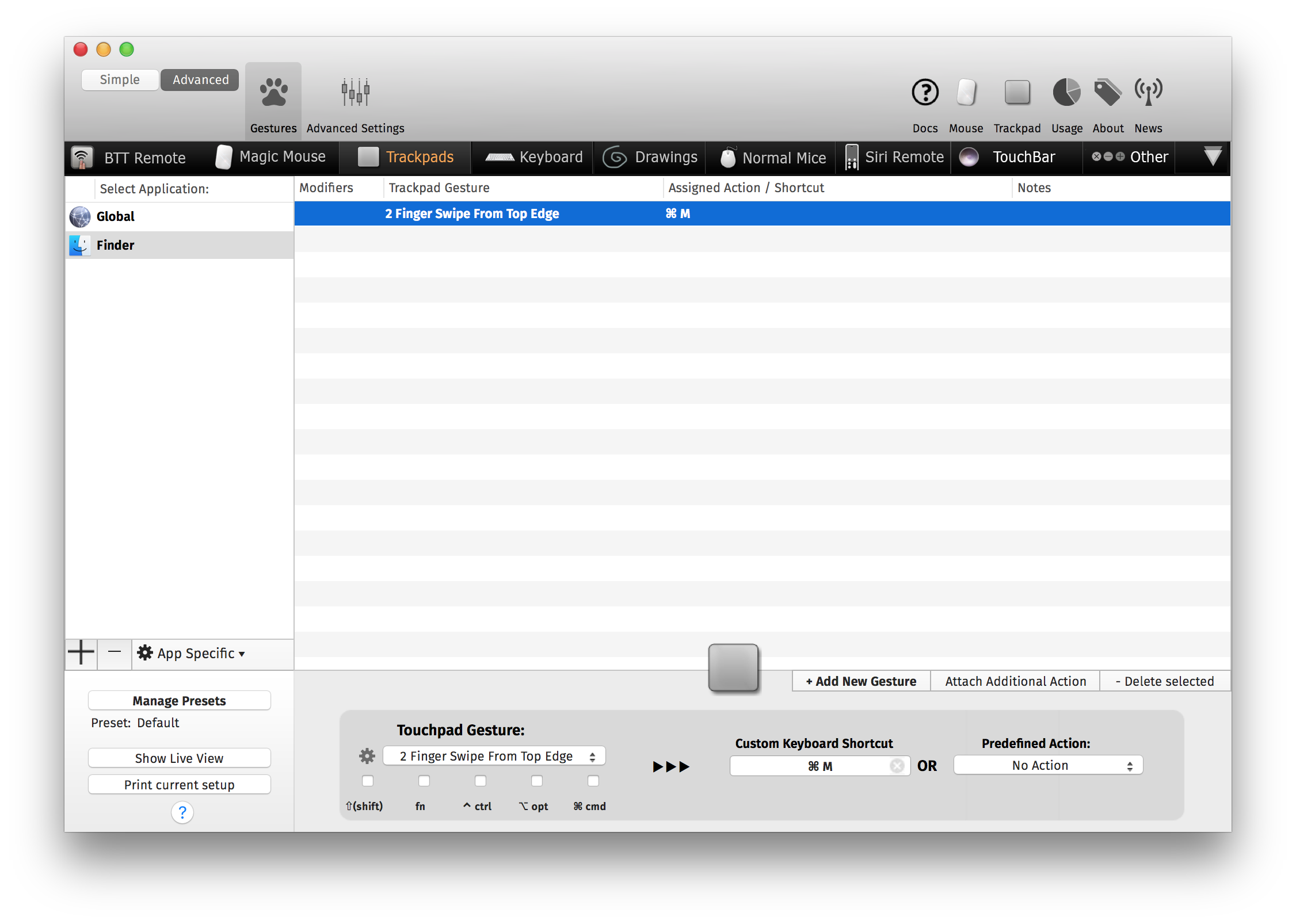
I personnaly use "Swipe from top edge"
Juste create a rule (you can put it in the "Finder" left sidebar item for prevent conflict) than minimise the windows.
You can use the minimise better touch tool action or CMD+M keyboard shortcut