- Download this plugin as zip
- Open your dashboard administrator
- Go to Extensions > manage > install
- Select "Upload Package File"
- Upload your zip plugin
- Klik active
- Open your dashboard administrator
- Don't forget to install Virtuemart
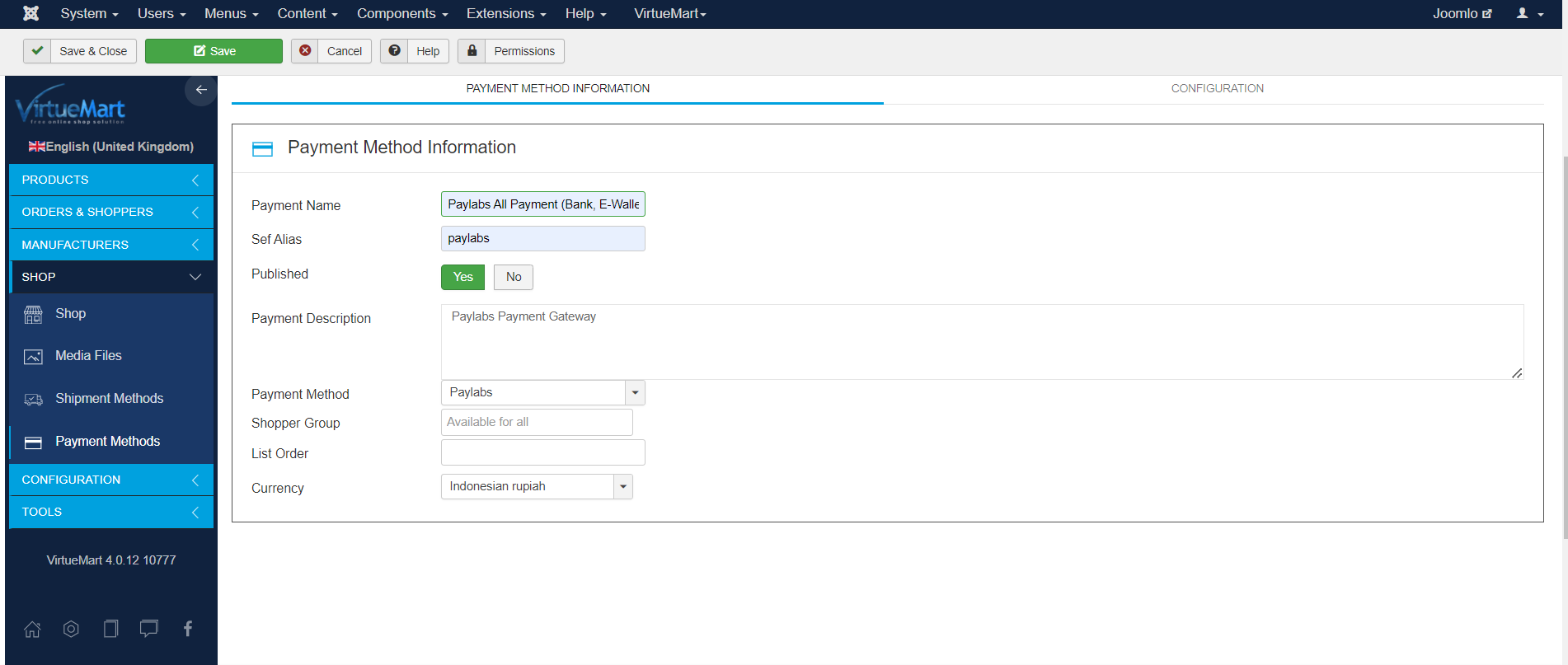
- Go to VirtueMart > Payment Methods
- Click New
- You can fill in freely / follow like this: Open Image
- Click Save
- Open Configuration Tab
- Fill in your Paylabs data
- Save & Close
- Test order