

BtW Importer migrates your Blogger/Blogspot content to WordPress with a single click using your .atom file.
A powerful yet simple migration tool, BtW Importer helps you seamlessly transfer posts, images, and formatting from Blogger (Blogspot) to WordPress. Whether you're a casual blogger or managing a large archive, this plugin handles the complex parts so you don’t have to.
Make sure to check your content after you import contents. Also, this plugin doesn't overwrite current post or pages, so if you've imported posts or pages and want to import again, kindly delete the previous imported posts, pages, and images.
For some reason, Nginx-based server are slower when importing compared to Apache or Litespeed. If you're using Nginx, it's recommended to install in local wordpress, then upload the wordpress to hosting.
- Scans and downloads embedded images
- Replaces outdated Blogger URLs with WordPress-friendly links
- Sets featured images using the first image in each post
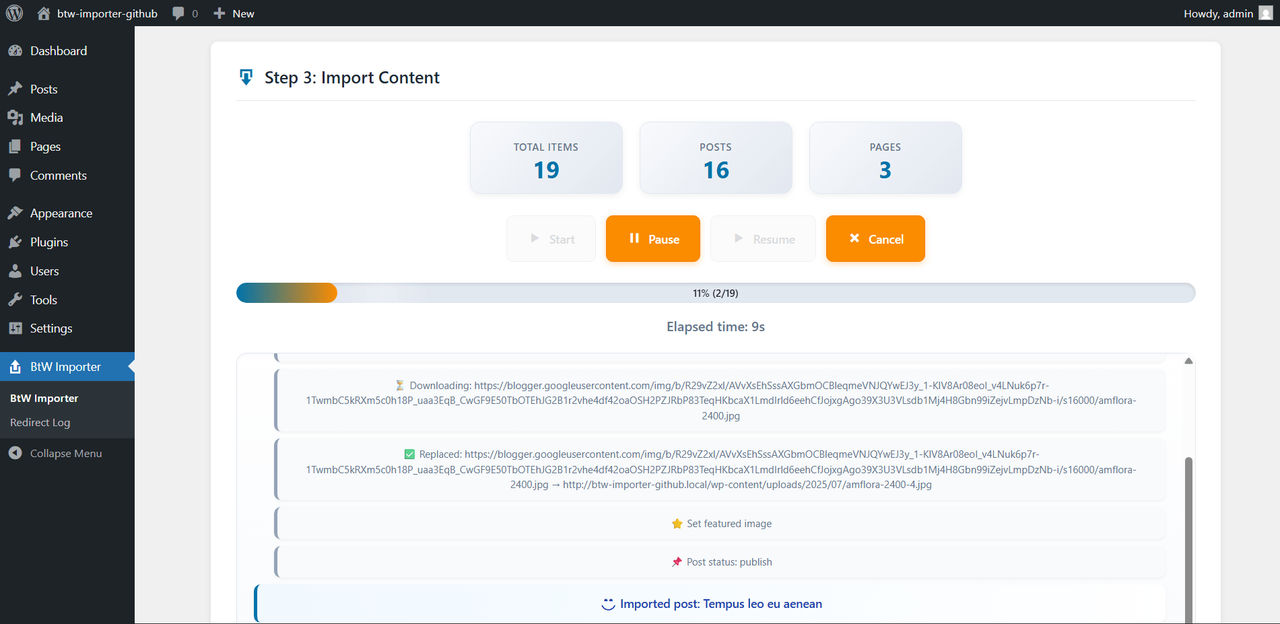
- Displays real-time progress during import
- Supports image formats:
jpg,jpeg,png,gif,webp,bmp,svg,tiff,avif,ico. Undownloaded images and videos still embedded, but with external files. - Import content based on post type
- Keep external embedded content
- Posts or Pages date sync as date in the .atom file (eg. your blogspot post published on 2022/02/02, then the post in wordpress also 2022/02/02)
- Categories added or use existing category based on .atom file
- Only blogspot/google images downloaded, others external (saving your hosting storage, especially if you use external CDN)
- Only download originial size images (avoid duplicated)
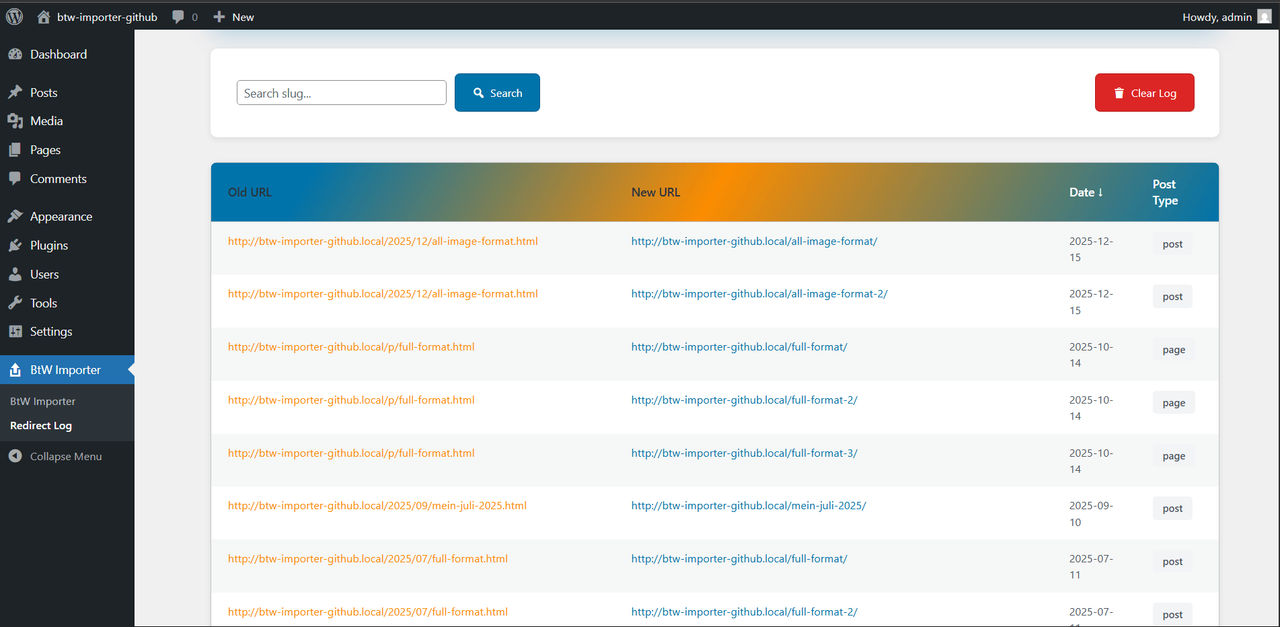
- Automatically add 301 redirect from blogspot permalink to new wordpress URL to keep your SEO (only for post with
/YYYY/MM/slug.htmlformat) - Redirect log page to check list of redirection has beed made, also option to clear redirection logs
- PHP
8.1or later cURLPHP extensionallow_url_fopenenabledSimpleXML/XMLPHP Extension- Writable
wp-content/uploadsfolder (default configuration meets this)
- Upload the plugin files to
/wp-content/plugins/btw-importer, or install via the WordPress plugin screen. - Activate the plugin via Plugins in your WordPress dashboard.
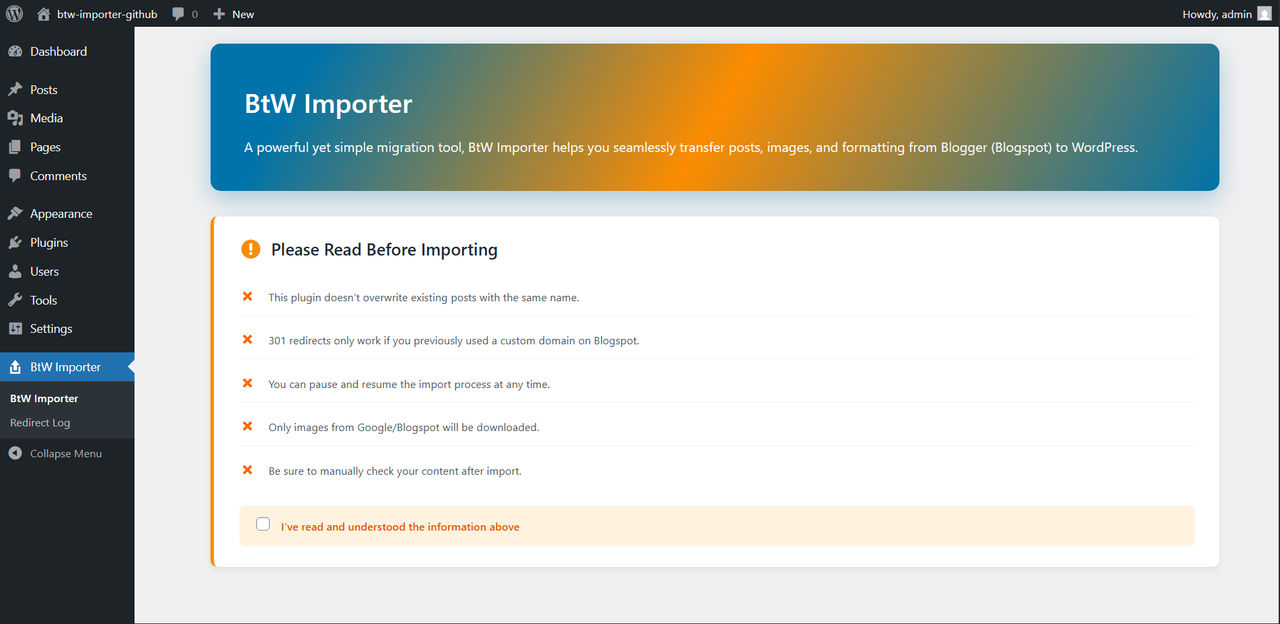
- Access the BtW Importer menu from the dashboard sidebar.
- Importer Page
- Import Process
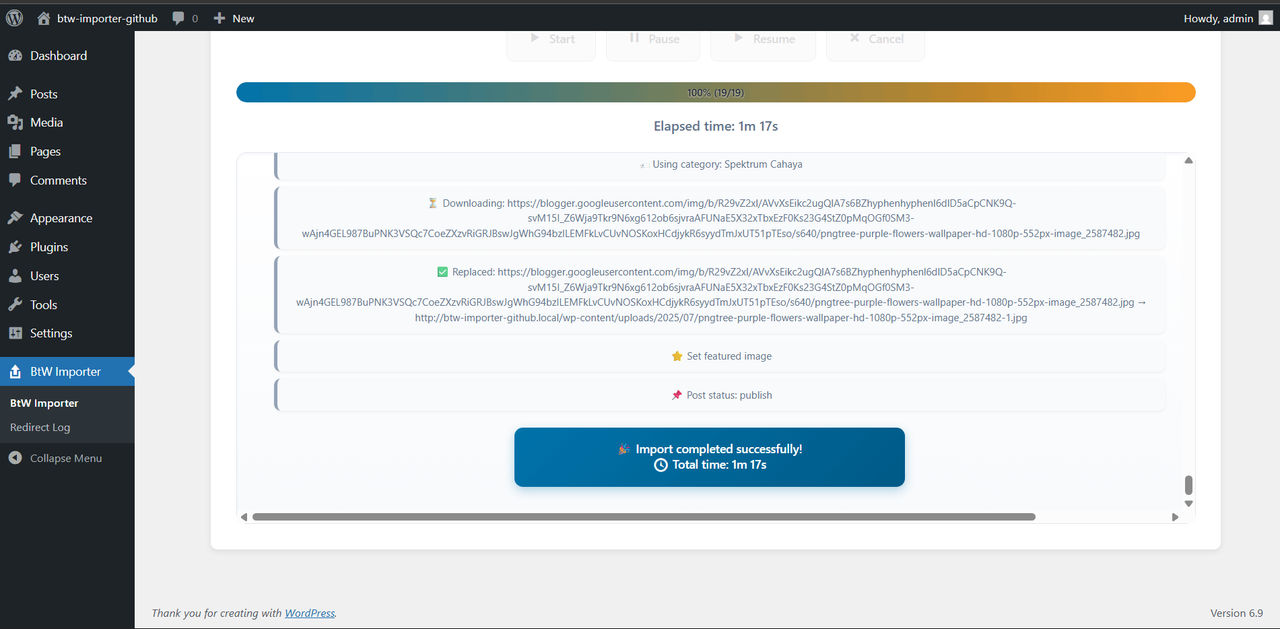
- Done Importing
- Redirect Log
- Download your
.atomfile:
Blogger → Settings → Back Up → Download → redirects to Google Takeout - Open the BtW Importer menu in WordPress
- Read and check the agreement
- Upload the
.atomfile from your local storage - Extract the atom file in second step
- Start the migration
- Monitor the live progress
- Done! Your Blogger content is now in WordPress
The Changelog moved to dedicated