A 3D interactive demonstration comparing Central Processing Unit (CPU) and Neural Processing Unit (NPU) architectures for AI workloads. This application visualizes how different processor architectures handle tasks—comparing the serial, high-latency power of CPUs against the massive parallel efficiency of NPUs.
It features real-time 3D simulation and uses the Google Gemini API to provide dynamic, context-aware educational explanations based on the current simulation state.
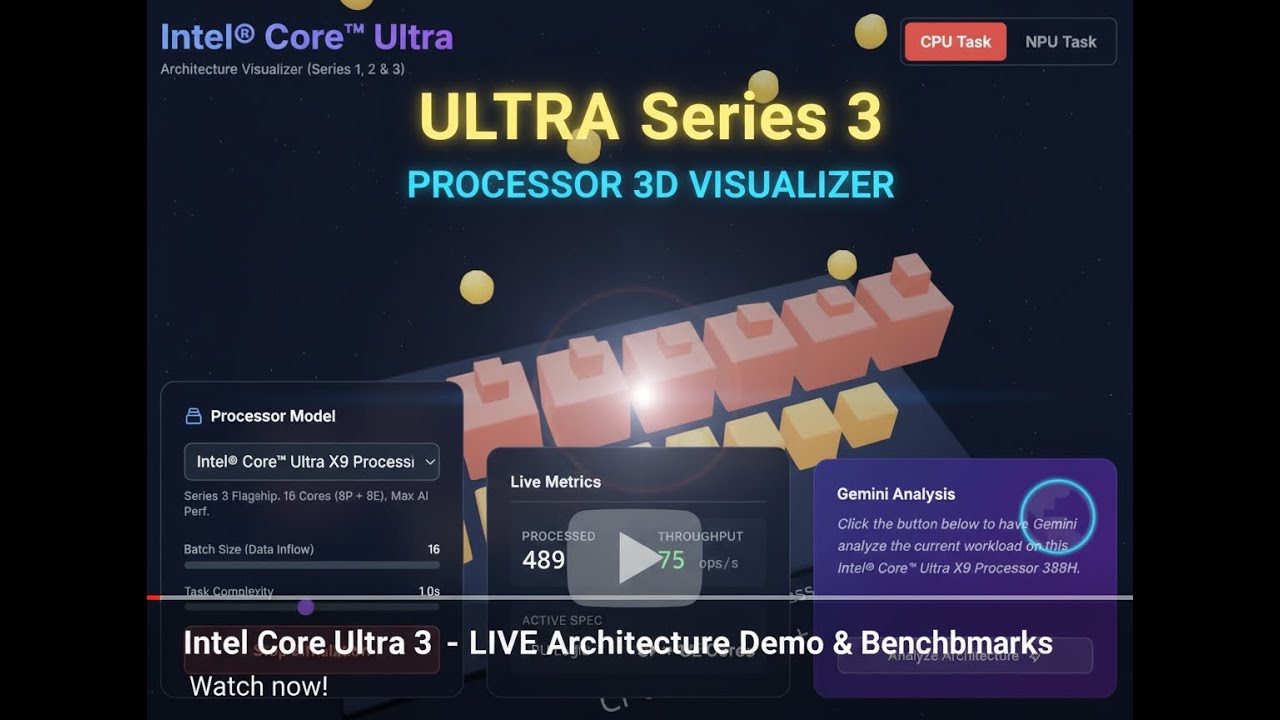
Watch the video above to see the simulation in action.
| CPU Mode (Serial Processing) | NPU Mode (Parallel Processing) |
|---|---|
 |
 |
| Visualizing high-speed individual cores | Visualizing massive parallel throughput |
| AI Analysis | Simulation Controls |
|---|---|
 |
 |
| Gemini explains performance metrics | Adjust batch size and complexity |
- Interactive 3D Visualization: Built with React Three Fiber, allowing users to orbit and inspect the processor architectures.
- Dual Architecture Modes:
- CPU: Simulates 4 powerful cores optimized for sequential processing.
- NPU: Simulates a 64-core grid optimized for parallel batches.
- Real-time Physics Simulation: Visualizes data particles flowing into cores, processing, and exiting, with accurate throughput calculation.
- Dynamic AI Insights: Integrated with Google Gemini 2.0 Flash to analyze current simulation metrics (throughput, batch size) and explain why one architecture is performing better than the other.
- Customizable Workloads: Adjust "Batch Size" and "Task Complexity" on the fly to see how they impact utilization and saturation.
- Frontend: React 19, TypeScript, Tailwind CSS
- 3D Engine: Three.js, @react-three/fiber, @react-three/drei
- AI: Google GenAI SDK (Gemini 2.0 Flash)
- Build/Imports: ES Modules via esm.sh (No bundler required for dev)
- A modern web browser (Chrome, Edge, Firefox).
- A Google Gemini API Key.
-
Clone the repository (or download the files).
-
Set your API Key:
- The application expects
process.env.API_KEYto be available. - Note: Depending on your environment, you may need to manually replace
process.env.API_KEYinservices/gemini.tswith your actual key string for local testing, or use a.envloader if using a build tool.
- The application expects
-
Serve the application:
- Because this project uses ES Modules directly in the browser, you must serve it via a local HTTP server (opening
index.htmldirectly as a file won't work due to CORS policies).
Using Python:
python3 -m http.server 8000
Using Node.js (http-server):
npx http-server . - Because this project uses ES Modules directly in the browser, you must serve it via a local HTTP server (opening
-
Open in Browser:
- Navigate to
http://localhost:8000.
- Navigate to
- CPU: High clock speed (fast individual processing) but low concurrency (4 cores). Best for low batch sizes and complex serial tasks.
- NPU: Lower clock speed per core but massive concurrency (64 cores). Best for high batch sizes (like matrix multiplications in AI models).
MIT License