Python Desktop News Application. Data sourced from the external news API – https://newsapi.org. The application ‘Paperboy’ displays news data from three categories: Sports, Business and Technology. The user can save their favourite news stories to the ‘My News’ section. Favourite news articles are stored in a local ‘Sqlite’ database.
Click the following Images to view demos of the site in action:
- Welcome screen - Welcome message is displayed to the user along with instructions on how to use the application.
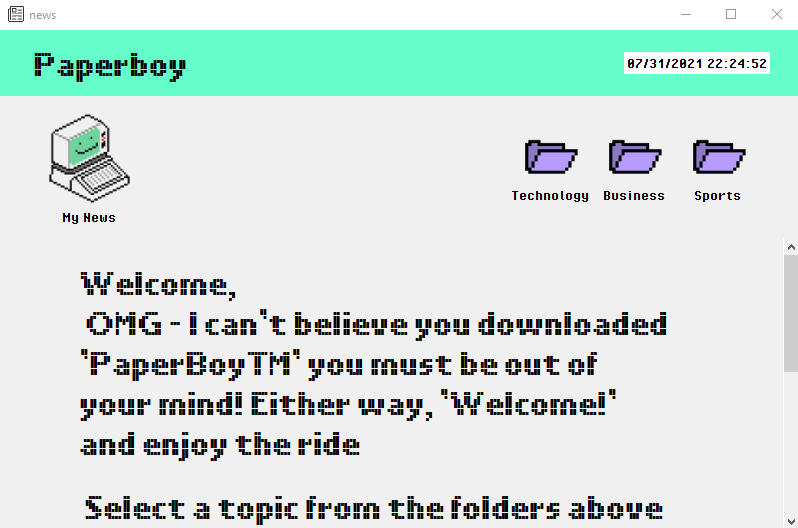
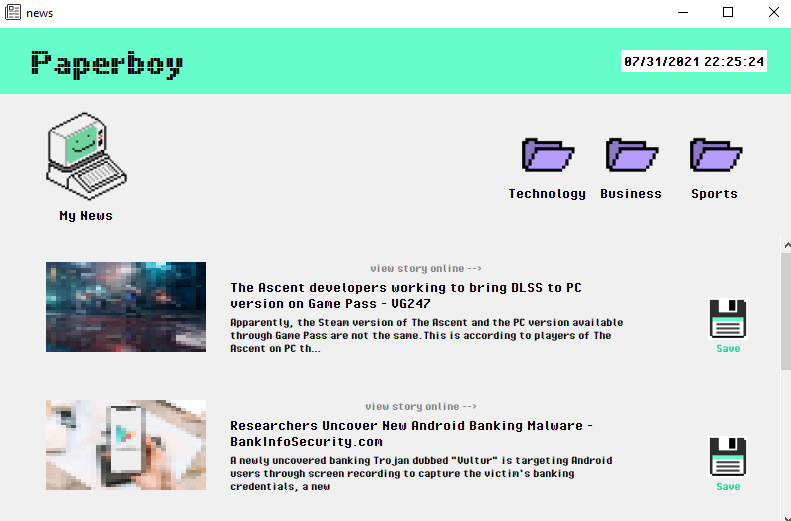
- Browse News - News is displayed to the user in a scrollable news feed, filtered by category.
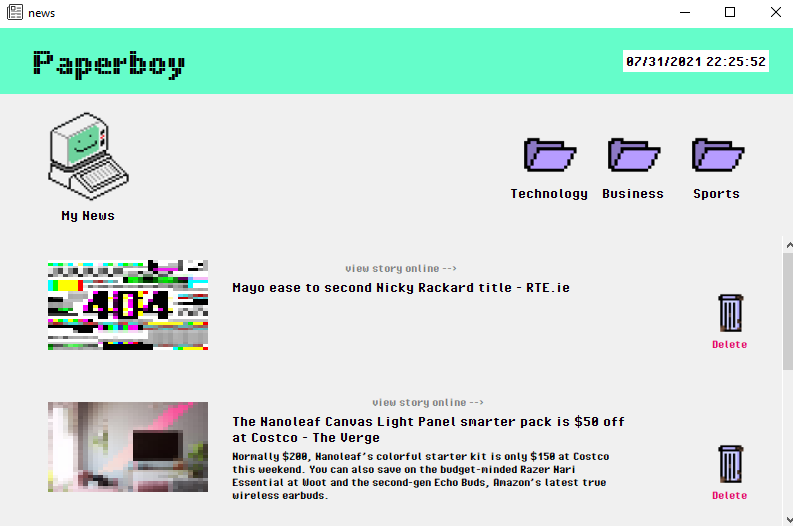
- My News - News saved by the user is visible here. View gets updated as items are saved or deleted.
- Download and install Python 3.7.1 - https://www.python.org/downloads/release/python-371/
- Navigate to newsapi.org and select 'Get API key' - https://newsapi.org/
- Register to recieve your unique API KEY.
-
Clone project
git clone https://github.com/lauraFortune/paperboy.git
-
Open file news_api.py. Nagvigate to line 27. Update the API_KEY variable with the api key you recieved from newsapi.org.
API_KEY = 'your_api_key' -
Run app
python main_gui.py
- Codemy.com - Python Tkinter - Adding a Full Screen ScrollBar