Full CRUD Web application/tool designed to allow users to create:
- Branching narrative fiction
- Educational / Presentation slides or instructions
- Simple text adventure style games
This end of year project(Dec 2019) takes the form of a website database, which is entirely UGC(User Generated Content) driven. A simple interface provides an unobtrusive canvas for the UGC, while ‘Progressive Disclosure’ techniques have been employed throughout, to ensure a good User Experience (UX).
- Javascript, jQuery, HTML5, CSS
Click the following Images to view demos of the site in action:
-
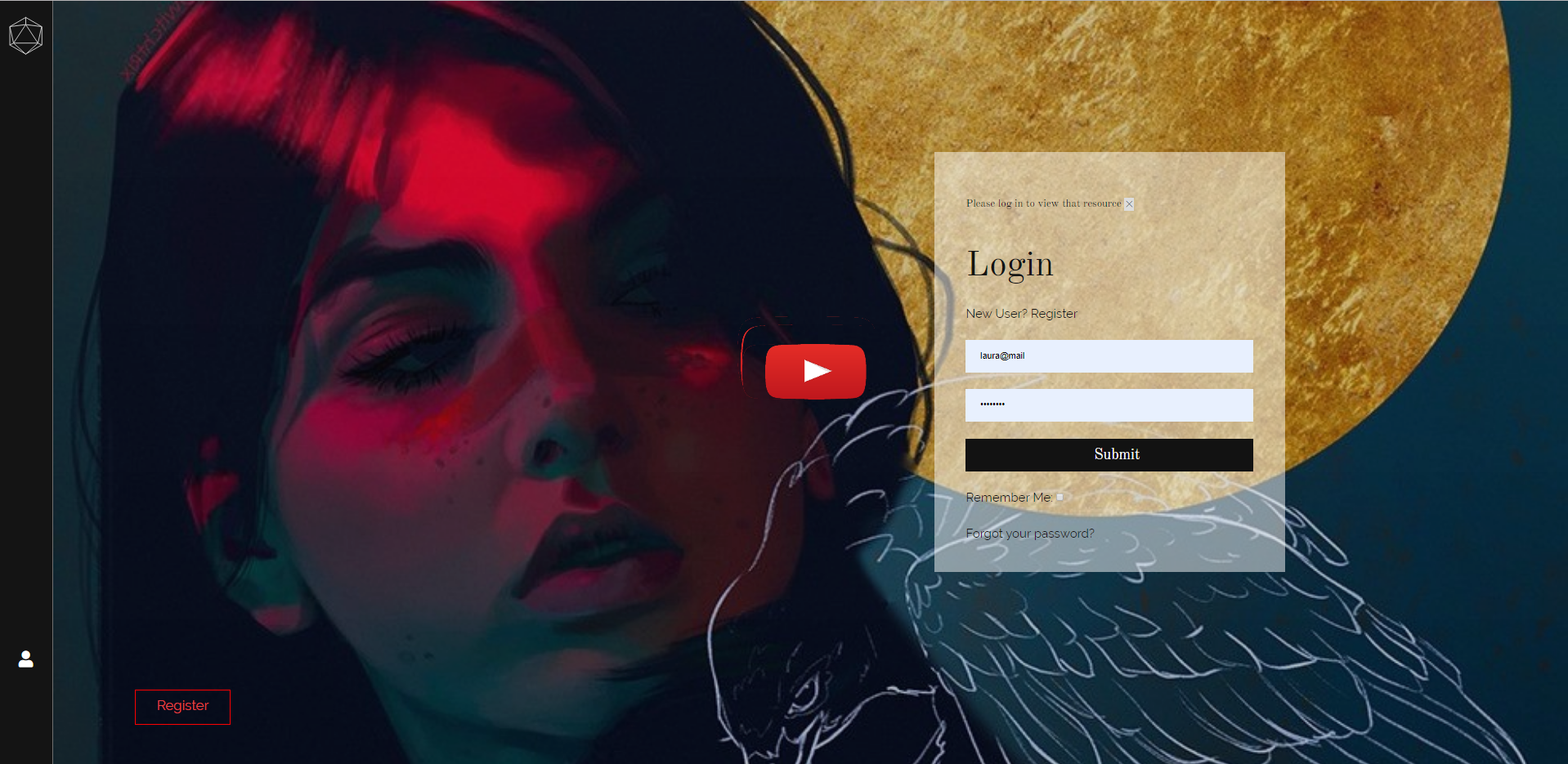
Create an account & Password reset
-
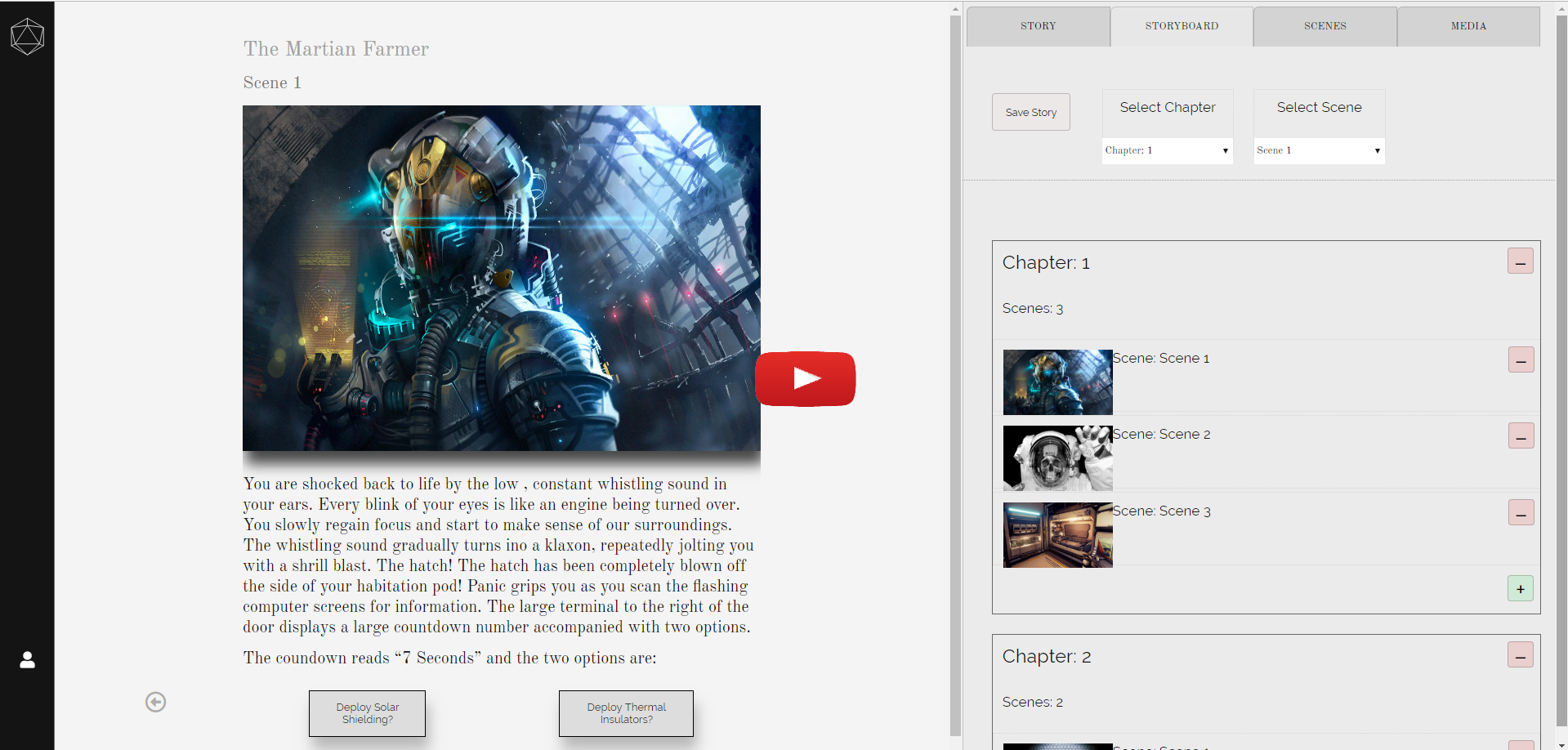
Create a ‘Story’ (user-created interactive content) - builds live on screen inside a story viewer. Changes made within the editor are instantly reflected in the view.
-
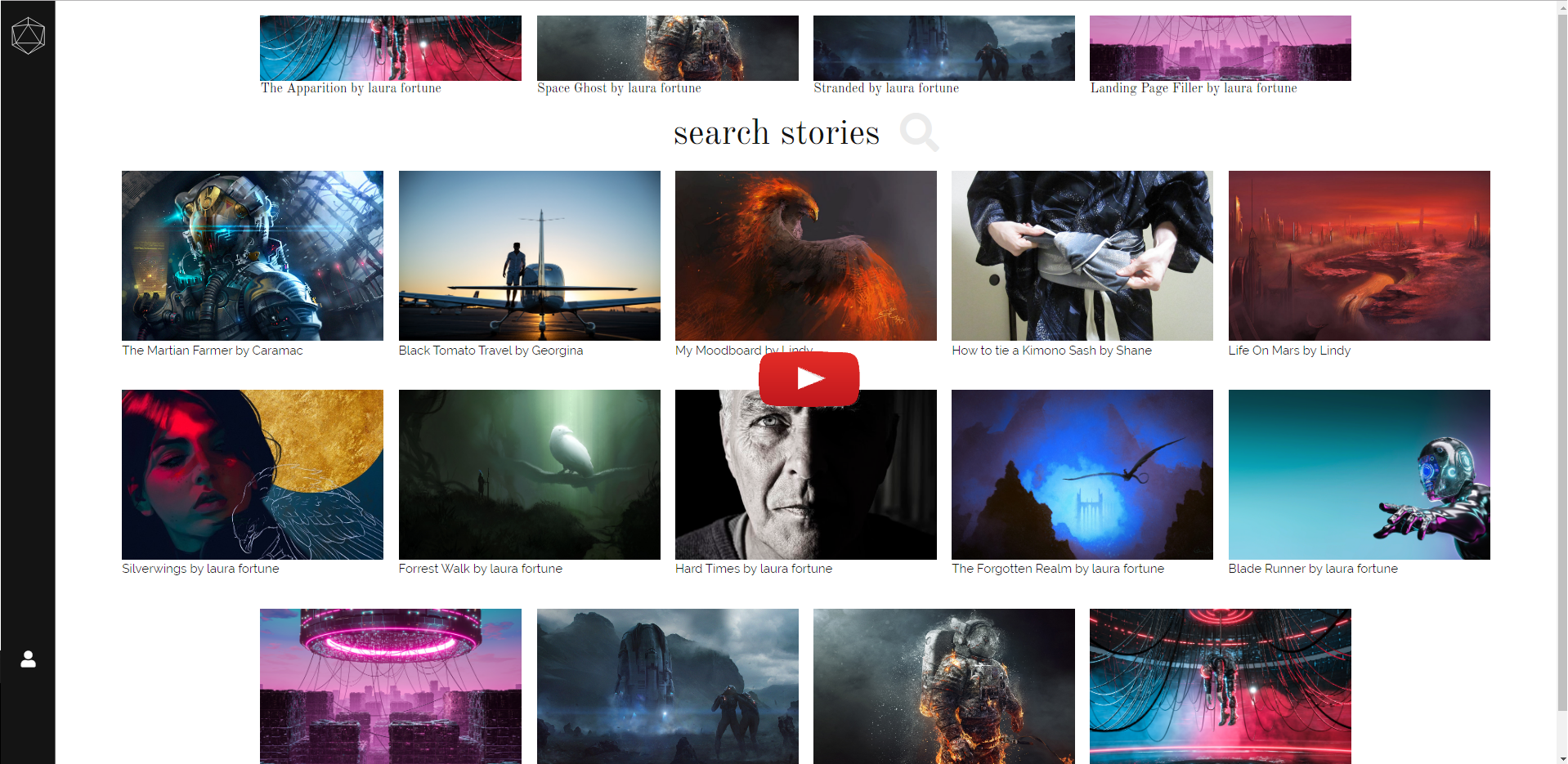
Publish/Unpublish and Browse 'Stories'
-
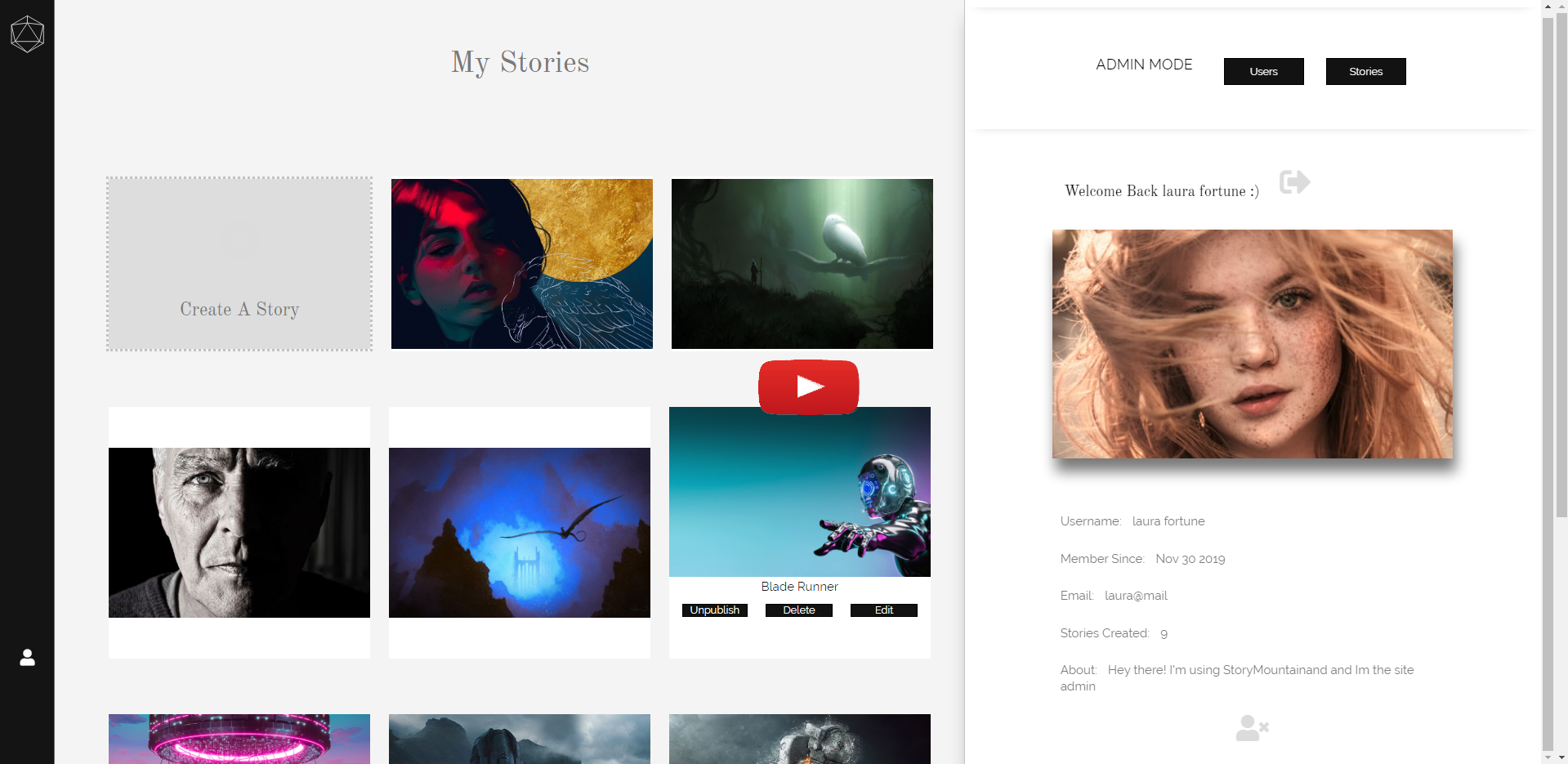
Admin privileges & functionality
- Download and install NodeJs - https://nodejs.org/en/
You don't have a mongoDB account....
- Navigate to mongoDB Atlas and sign up for a free account - https://www.mongodb.com/cloud/atlas/register
- Select 'CREATE A CLUSTER' ( choose the FREE cluster option )
You have a mongoDB account...
-
Whitelist your ip address
- Select Network Access and choose to 'Add IP ADDRESS'
- You can select 'ADD CURRENT IP ADDRESS' for local development or 'ALLOW ACCESS FROM ANYWHERE' to allow any address to connect.
-
Create a database
- Select 'CLUSTERS' and choose 'COLLECTIONS'
- Select 'CREATE DATABASE' - you will be prompted to enter the following infromation:
1. Database Name - Name of your choice
2. Collection Name - Enter 'stories' (case sensitive)
-
Select 'CLUSTERS' and choose 'CONNECT' - next choose 'Connect your Application'.
-
Select Node.js Version 3.0 or later.
-
You can copy and save your connection string. Don't forget to replace '< password >' with the password you chose when creating your cluster.
If connecting your gmail account for nodemailer you must 'enable less secure apps access' inside security settings.
-
Clone project
git clone https://github.com/lauraFortune/StoryMountain.git
-
Create a new file inside the root directory and name it '.env'. Populate your '.env' file based on the provided '.env.example' file inside the 'StoryMountain' folder.
Example '.env' file:PORT = 3000 DB = mongodb+srv://clustername:[email protected]/databaseName?retryWrites=true&w=majority EMAIL_SERVICE = gmail EMAIL_ACOUNT = yourAccount.gmail.com EMAIL_PASSWORD = yourPassword
-
Run app
node app.js
-
Open http://localhost:3000 to view it in your browser.
- Ian Schoonover - Node JS Password Reset Walkthrough
- Traversy Media - Node.js With Passport Authentication