Illuminating moments in video
Find any moment in your videos by describing what you see or what was said.






A video search application that lets users find specific moments in their videos by describing what they're looking for. Users can search by describing a visual scene ("man standing near a red car") or by what was said ("when I mentioned the budget"). The app returns the exact video and timestamp matching their query.
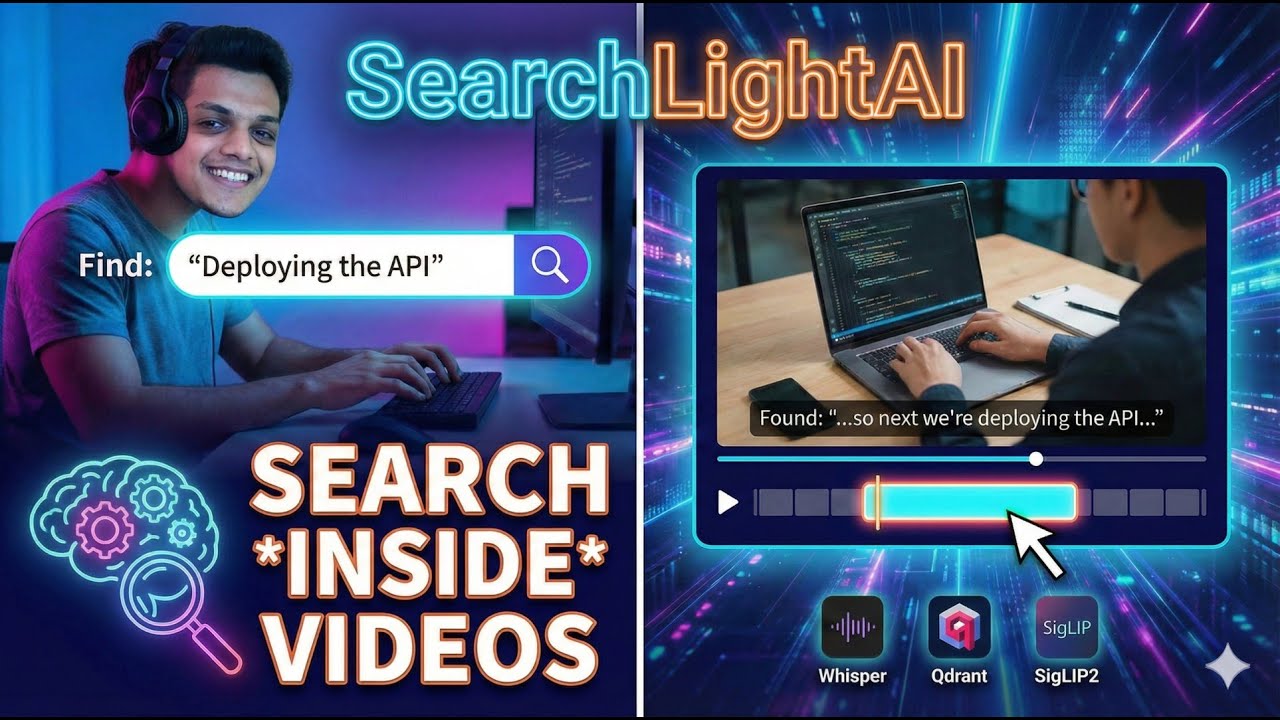
- 🎬 Visual Search — Describe a scene and find matching video moments
- 🎤 Speech Search — Search by what was said in the video
- 🔀 Hybrid Search — Combine visual and speech for best results
- ⚡ GPU Accelerated — Fast embedding generation and transcription with CUDA
- 🔍 Precise Timestamps — Jump directly to the exact moment
- 🎯 Smart Keyframes — Automatic scene change detection with PySceneDetect
flowchart LR
    subgraph Upload["1. Upload"]
        A[Video File] --> B[Save to /uploads]
        B --> C[Extract Metadata<br/>FFprobe]
        C --> D[Generate Thumbnail]
    end

    subgraph Frames["2. Frame Extraction"]
        E[Scene Detection<br/>AdaptiveDetector] --> F[Extract Keyframes<br/>FFmpeg]
        F --> G[Save to /frames]
    end

    subgraph Audio["3. Audio Processing"]
        H[Extract Audio<br/>FFmpeg → WAV] --> I[Transcribe<br/>faster-whisper]
        I --> J[Segment Text<br/>+ Timestamps]
    end

    subgraph Embed["4. Embedding Generation"]
        K[Keyframe Images] --> L[SigLIP2<br/>768-dim vectors]
        M[Transcript Text] --> N[all-MiniLM-L6-v2<br/>384-dim vectors]
    end

    subgraph Store["5. Storage"]
        O[(PostgreSQL<br/>Metadata + Transcripts)]
        P[(Qdrant<br/>Visual Collection)]
        Q[(Qdrant<br/>Speech Collection)]
    end

    D --> E
    G --> K
    J --> M
    J --> O
    L --> P
    N --> Q
flowchart LR
    Q[/"User Query<br/>'man near red car'"/]

    subgraph SearchType["Search Type Selection"]
        VIS[Visual Search]
        SPE[Speech Search]
        HYB[Hybrid Search]
    end

    subgraph Embedding["Query Embedding"]
        VE[SigLIP2<br/>Text → 768-dim]
        SE[all-MiniLM-L6-v2<br/>Text → 384-dim]
    end

    subgraph VectorSearch["Vector Similarity Search"]
        VC[(Qdrant<br/>Visual Collection)]
        SC[(Qdrant<br/>Speech Collection)]
    end

    subgraph Results["Result Processing"]
        MERGE[Merge & Dedupe]
        SCORE[Rescale Scores<br/>SigLIP sigmoid → 0-1]
        ENRICH[Enrich with<br/>Video Metadata]
    end

    PG[(PostgreSQL)]
    RES[/"Search Results<br/>Video + Timestamp + Score"/]

    Q --> SearchType
    VIS --> VE
    SPE --> SE
    HYB --> VE & SE

    VE -->|Cosine Similarity| VC
    SE -->|Cosine Similarity| SC

    VC --> MERGE
    SC --> MERGE
    MERGE --> SCORE
    SCORE --> ENRICH
    PG --> ENRICH
    ENRICH --> RES
| Layer | Technology |
|---|---|
| Frontend | Next.js 16, React 19, Tailwind CSS, shadcn/ui |
| Backend | FastAPI, SQLModel, Alembic |
| Visual Search | SigLIP2 (google/siglip2-base-patch16-512) |
| Text Search | Sentence Transformers (all-MiniLM-L6-v2) |
| Transcription | faster-whisper |
| Video Processing | FFmpeg, PySceneDetect |
| Databases | PostgreSQL (metadata), Qdrant (vectors) |
- Upload: User uploads a video file
- Scene Detection: PySceneDetect identifies scene changes and extracts keyframes
- Audio Extraction: FFmpeg extracts the audio track
- Transcription: faster-whisper converts speech to text with timestamps
- Embedding Generation:
- Keyframes → SigLIP2 → Visual embeddings (768-dim)
- Transcript segments → Sentence Transformers → Text embeddings (384-dim)
- Vector Storage: Embeddings stored in Qdrant for fast similarity search
- Search: User query is embedded and matched against stored vectors
- Results: Returns video timestamps with relevance scores
- NVIDIA GPU with CUDA support (for AI model inference)
- Docker and Docker Compose (for containerized setup)
- FFmpeg installed on your system
- PostgreSQL database
- Node.js 20+ and pnpm (for local development)
- Python 3.13 and uv (for local development)
Choose one of the following methods:
🐳 Option 1: Docker Compose (Recommended)
The easiest way to run the full stack with GPU support.
1. Clone and configure:
git clone https://github.com/kiranbaby14/searchlightai.git
cd searchlightai

# Copy environment files
cp apps/server/.env.example apps/server/.env
cp apps/client/.env.example apps/client/.env
2. Start all services:
docker-compose up -d3. Wait for models to load:
# Watch server logs until you see "application_started"
docker logs -f searchlight-server
4. Access the application:
- Frontend: http://localhost:3000
- API: http://localhost:8000
- API Docs: http://localhost:8000/docs
Services started:
postgres- PostgreSQL database (port 5432)qdrant- Vector database (ports 6333, 6334)server- FastAPI backend with GPU (port 8000)client- Next.js frontend (port 3000)
📦 Option 2: Monorepo Development Setup
Best for development with hot-reload on both frontend and backend.
1. Clone and install dependencies:
git clone https://github.com/kiranbaby14/searchlightai.git
cd searchlightai

# Install all dependencies (JS + Python)
pnpm run monorepo-setup
2. Set up databases:
# Start PostgreSQL (use your preferred method)
# Create database named "searchlight"
createdb searchlight

# Copy and configure environment
cp apps/server/.env.example apps/server/.env
cp apps/client/.env.example apps/client/.env
3. Run development servers:
# Starts both client and server with hot-reload
# Also starts Qdrant container automatically
pnpm run dev
4. Access the application:
- Frontend: http://localhost:3000
- API: http://localhost:8000
🔧 Option 3: Manual Local Setup
Full control over each service. Requires 3 terminal windows.
Terminal 1 - Qdrant Vector Database:
# Start Qdrant container
docker run -d --name searchlight-qdrant \
  -p 6333:6333 -p 6334:6334 \
  -v qdrant_data:/qdrant/storage \
  qdrant/qdrant
Terminal 2 - Backend Server:
cd apps/server

# Copy environment file
cp .env.example .env

# Install Python dependencies
uv sync

# Run database migrations
uv run alembic upgrade head

# Start the server
uv run uvicorn main:app --reload
Terminal 3 - Frontend Client:
cd apps/client

# Copy environment file
cp .env.example .env

# Install dependencies
pnpm install

# Start development server
pnpm run dev
Prerequisites for this method:
- PostgreSQL running locally with database
searchlight - Update
.envfiles with correct database URLs
On first run, the server needs to download and load AI models (~2-3 minutes).
Wait until you see application_started in the server logs before using the app.
# Watch server logs
docker logs -f searchlight-server

# Or in monorepo dev
# Look for: "ml_models_loaded" and "application_started"searchlightai/
├── apps/
│ ├── client/ # Next.js frontend
│ │ ├── src/
│ │ │ ├── app/ # App router pages
│ │ │ ├── components/ # React components
│ │ │ ├── lib/ # API client & utilities
│ │ │ └── types/ # TypeScript definitions
│ │ └── package.json
│ │
│ └── server/ # FastAPI backend
│ ├── app/
│ │ ├── api/ # Route handlers
│ │ ├── core/ # Config, DB, dependencies
│ │ ├── models/ # SQLModel definitions
│ │ ├── schemas/ # Pydantic schemas
│ │ ├── services/ # Business logic
│ │ └── utils/ # Helper functions
│ ├── alembic/ # Database migrations
│ └── pyproject.toml
│
├── docker-compose.yml # Full stack deployment
├── package.json # Monorepo scripts
└── pnpm-workspace.yaml
MIT
⭐ Star this repo if you find it useful! ⭐
Made with ❤️ by the Kiranbaby14