This repository is dedicated to showcasing a collection of simple and fun computer games, all implemented in Python. The main goal of Oyna is to provide a platform where anyone, can explore Python programming through engaging and interactive games. By studying and interacting with these games, you can learn important programming concepts, algorithms, and the Python language in an enjoyable and hands-on way.
Whether you're just starting with Python or looking to improve your coding skills, the Oyna repository is a great resource to help you learn while having fun.
This repository contains various games that highlight different aspects of Python programming. Each game is designed to be simple yet effective, and they are all easy to understand and modify.
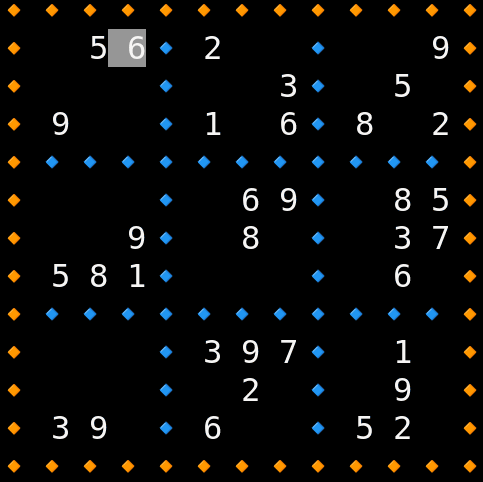
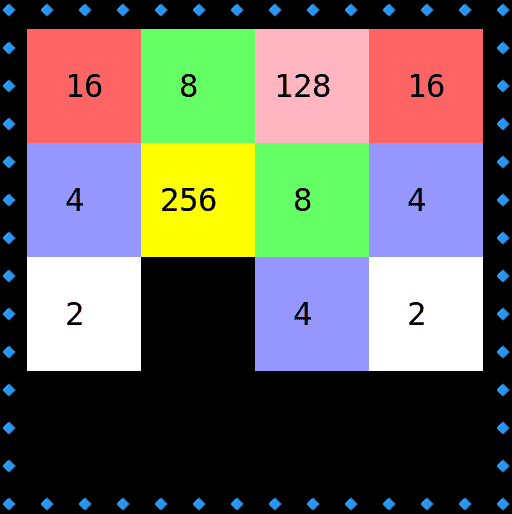
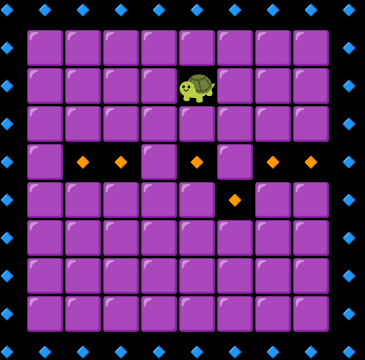
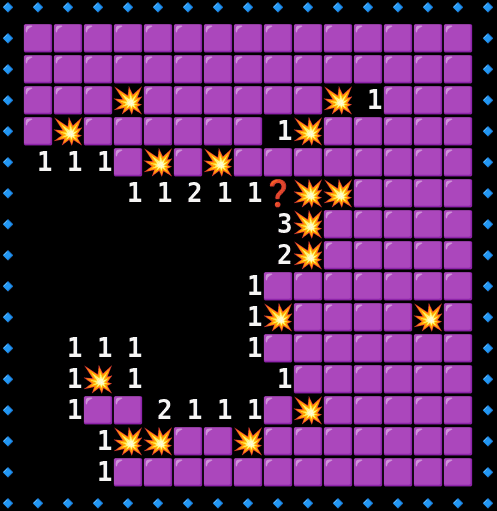
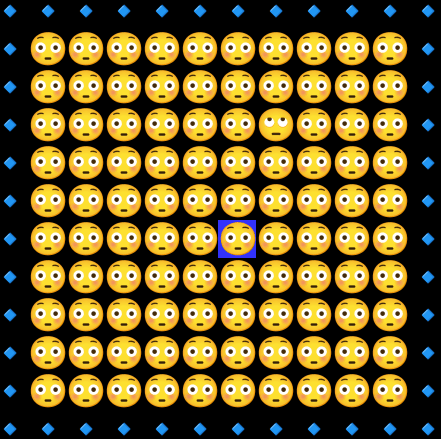
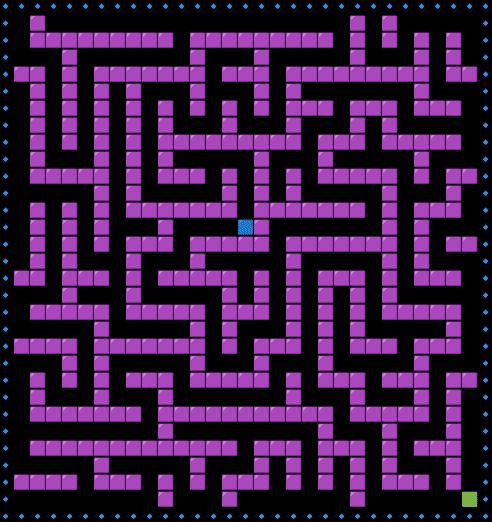
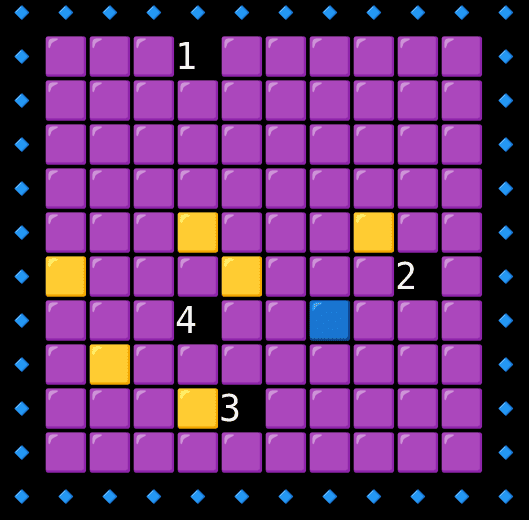
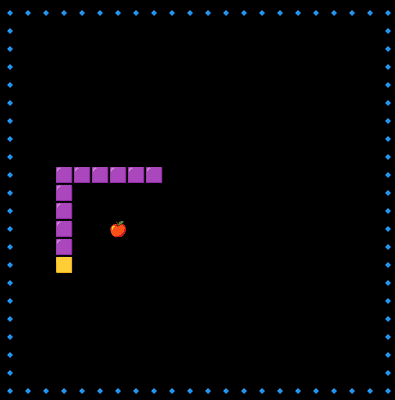
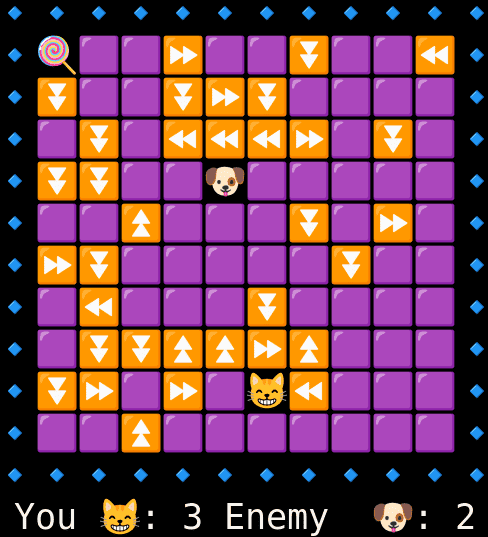
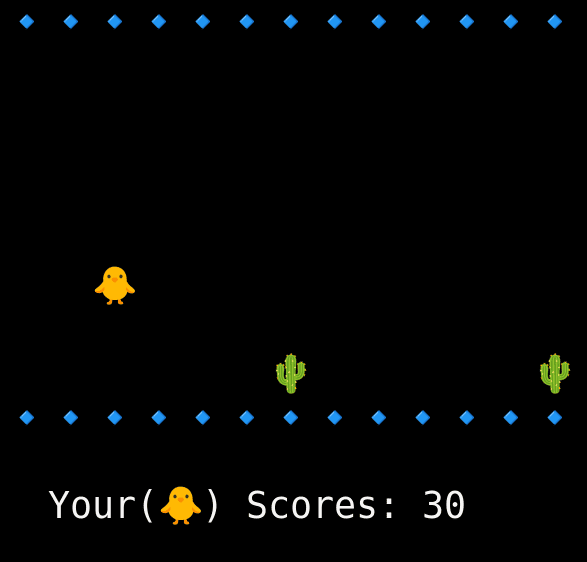
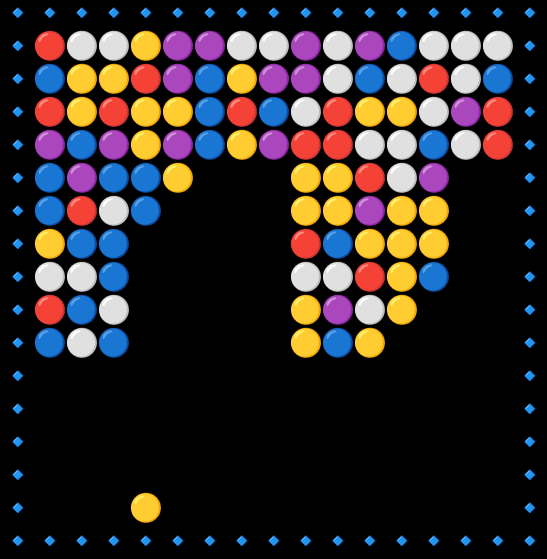
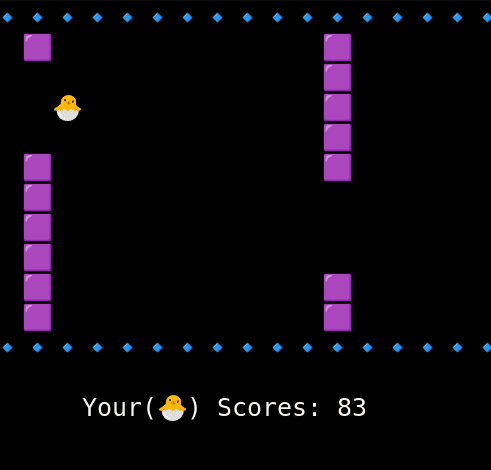
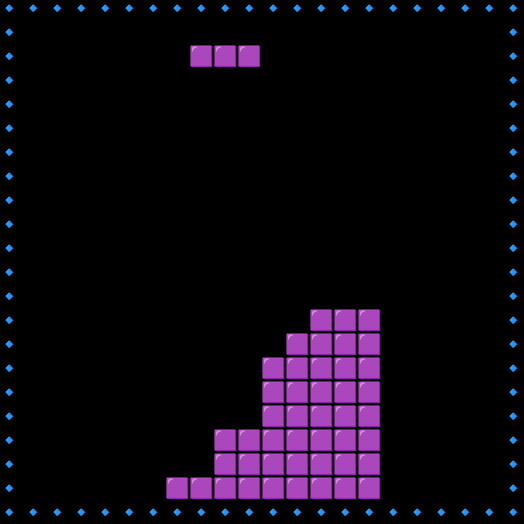
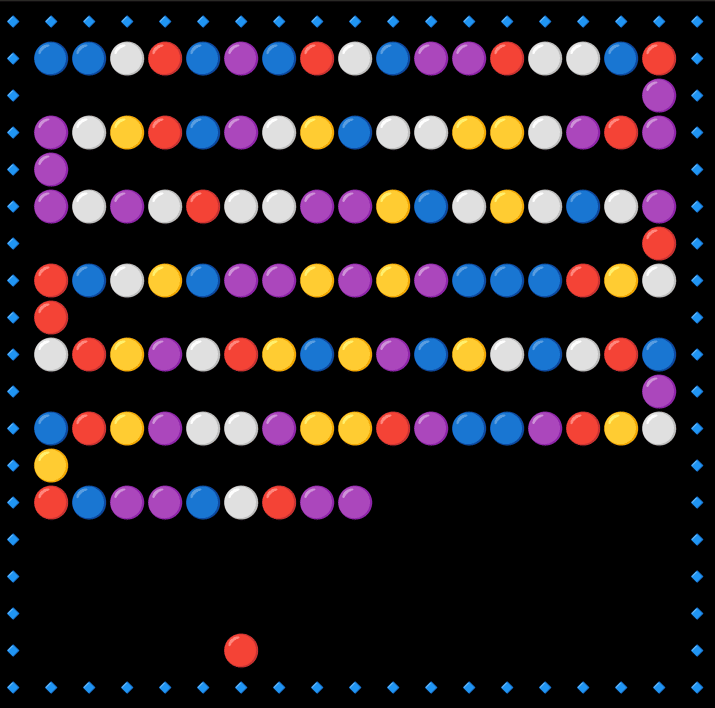
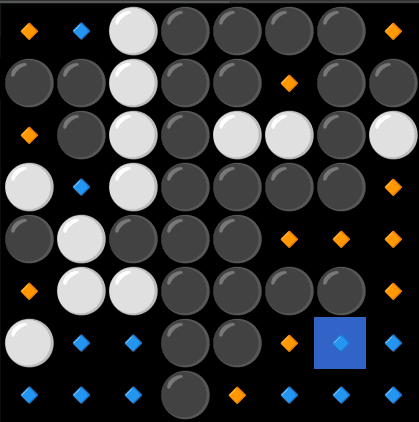
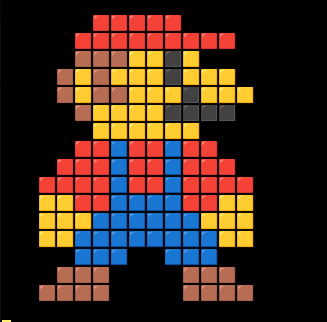
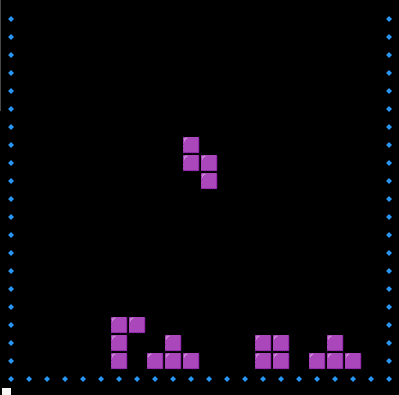
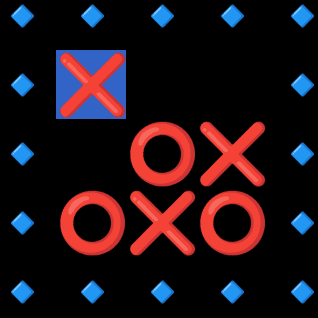
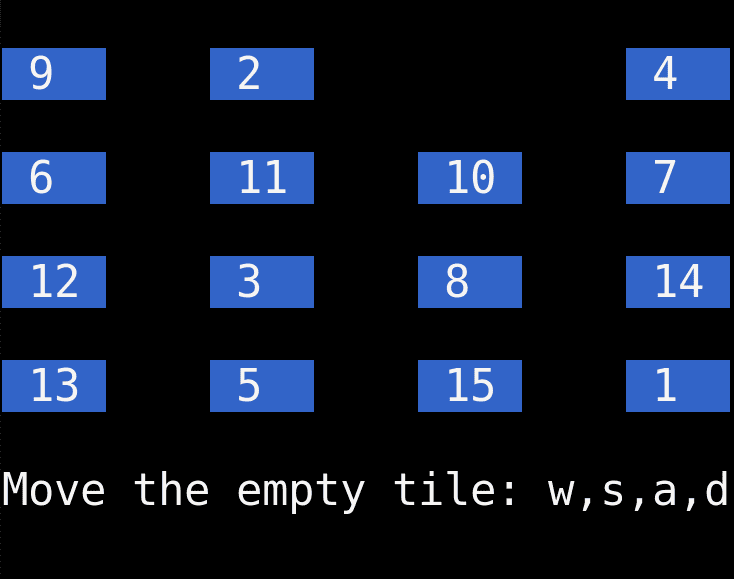
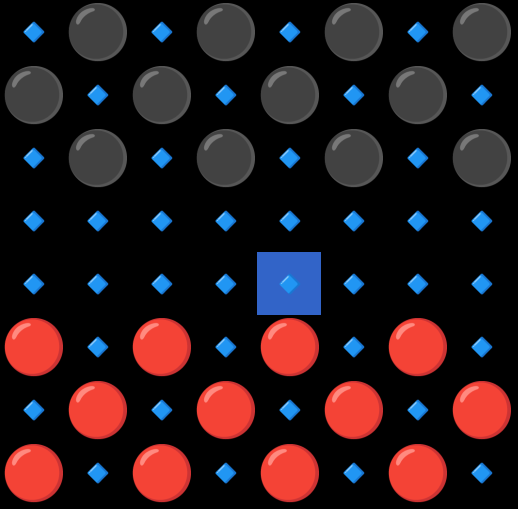
- Beginner-Friendly: Whether you're new to Python or programming in general, these games are designed to be easy to follow.
- Learn by Doing: The best way to learn programming is through practice, and Oyna offers you an opportunity to get hands-on experience by working with real code.
- Fun and Engaging: Who said learning can't be fun? These games are built to keep you engaged and motivated while learning Python.
-
Clone this repository to your local machine using:
git clone https://github.com/kamyarmg/oyna.git
-
Python version: This project requires Python >= 3.10.
-
Create venv: create and activate a virtual environment:
python3 -m venv .venv source .venv/bin/activate -
Install package + dev dependencies: installs the package editable and developer extras (includes
pynputandpre-commit):python -m pip install --upgrade pip pip install -e '.[dev]' -
Install pre-commit hooks (after installing dev deps):
pre-commit install
-
Run a single game (examples): many games expose a runnable
grid_base.pywith a__main__guard. Run a specific game as a module. Examples:# Run Sudoku python -m oyna.sudoku.grid_base # Run Snake python -m oyna.snake.grid_base # Run Flappy Bird python -m oyna.flappy_bird.grid_base
-
About
pynput: input handling usespynput(declared inpyproject.toml). On Linux ensure an X server or desktop session is available —pynputneeds access to the system input devices.
OR Install it using pip
pip install oyna
-
-
Navigate to the game directory you want to explore.
-
Run the game using Python
-
Enjoy and start learning!
To add or refactor a game or any other feature, please read the CONTRIBUTING.md file first. After that, you can create a new game or make changes and submit a pull request.