A tool to chat with YouTube and Bilibili videos using AI.
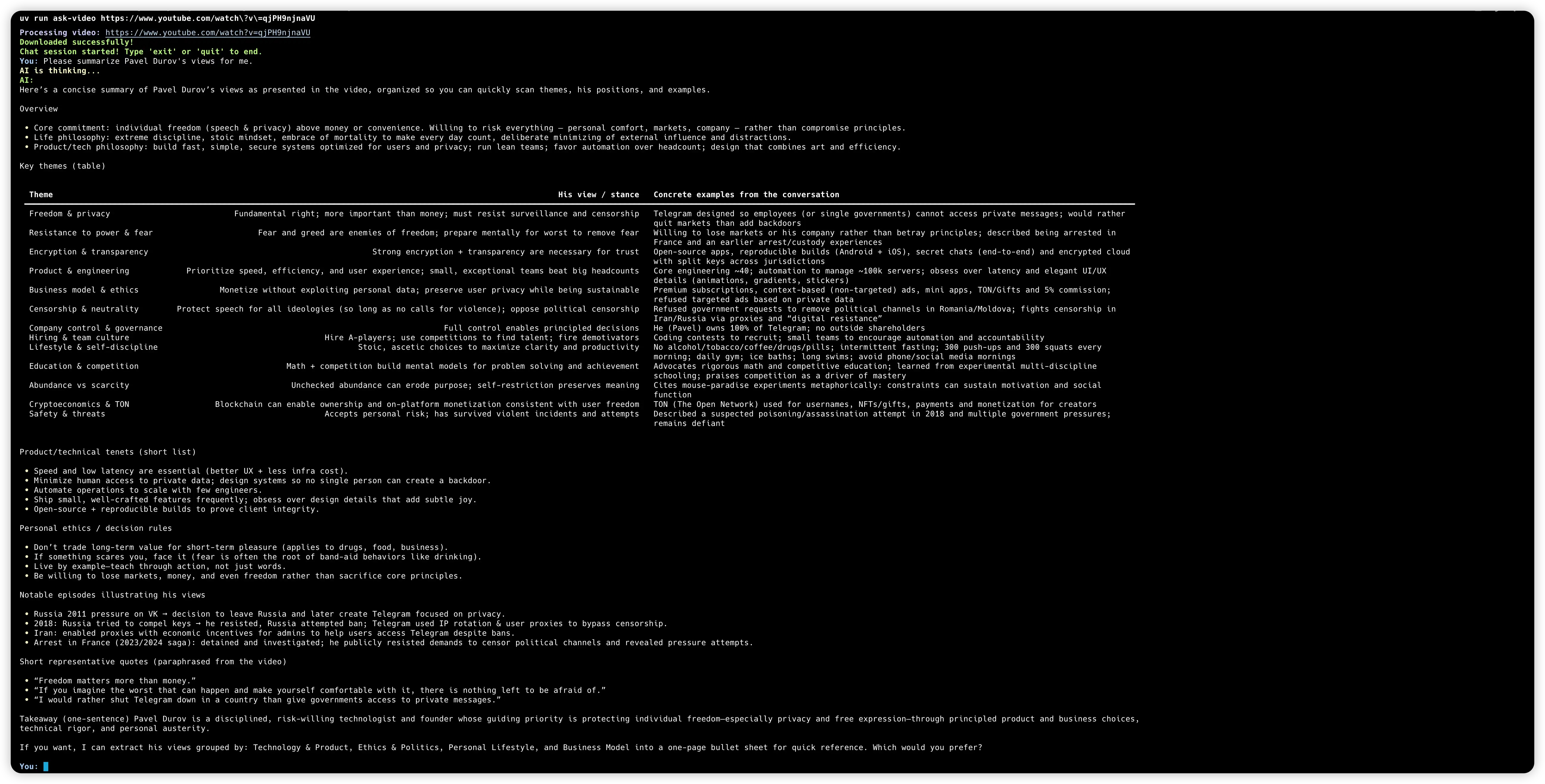
- Video Download: Automatically fetches video from YouTube and Bilibili videos.
- AI Chat: Uses OpenAI (or compatible) models to answer questions based on the video content.
- Streaming Output: Responses are streamed in real-time for a better user experience.
- Cross-Platform: Works on macOS, Linux, and Windows.
You can run this tool directly using uvx without installing it manually.
You need to have uv installed.
-
Set your OpenAI API Key: You need to provide your OpenAI API key. You can do this by setting an environment variable.
export OPENAI_API_KEY=your_api_key_hereIf you are using a custom OpenAI-compatible provider (like DeepSeek, Moonshot, etc.), you can also set the base URL and model:
export OPENAI_BASE_URL=https://api.example.com/v1
export OPENAI_MODEL_ID=gpt-5-mini-2025-08-07
-
Run with
uvx:uvx ask-video <VIDEO_URL>
Example:
uvx ask-video https://www.youtube.com/watch?v=qjPH9njnaVU
To develop or contribute to this project:
-
Clone the repository:
git clone https://github.com/jtsang4/ask-video.git cd ask-video -
Install dependencies:
uv sync
-
Run locally:
uv run ask-video <URL>
- Support local ASR model to transcribe videos
- Add GUI for easier use
This project is licensed under the MIT License. See the LICENSE file for details.