Dracula dark theme (UI + syntax) for the CudaText editor.
Based on information available at https://github.com/dracula/dracula-theme and Dracula theme for Visual Studio Code and Atom.
UI color table: dracula_ui.html
Syntax color table: dracula_syntax.html
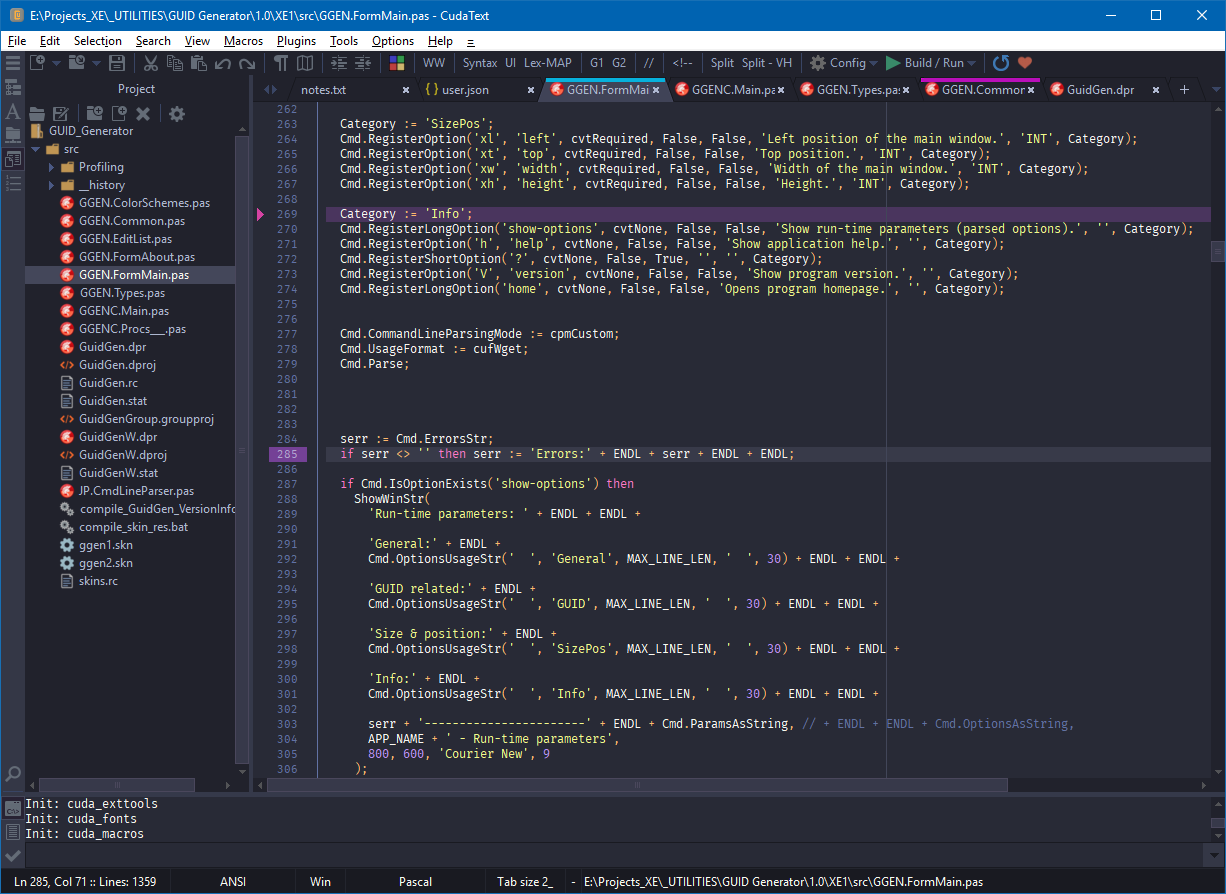
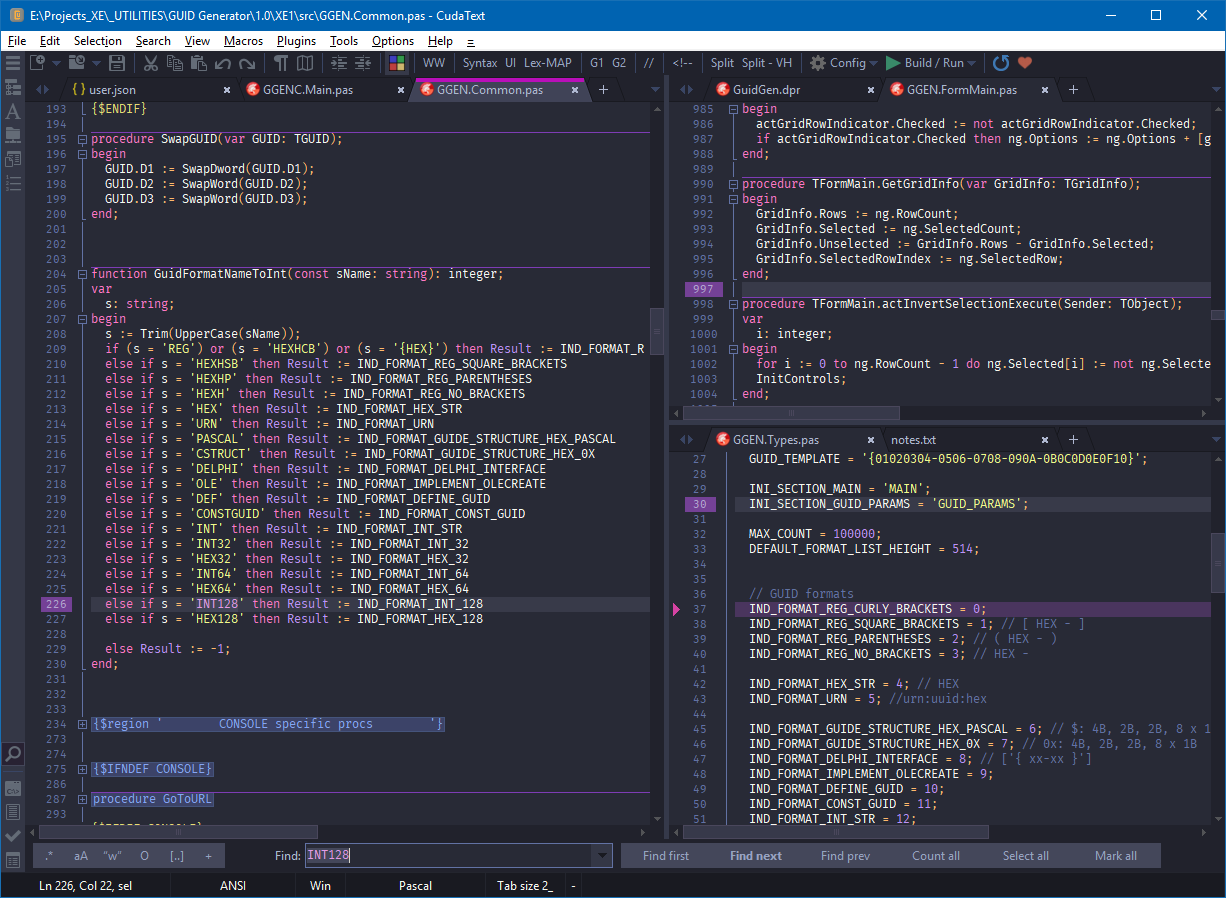
Download theme.Dracula.zip file (from Releases page), run the CudaText editor, drop this file on the main window and confirm installation. Select menu Options -> Color themes -> UI -> dracula.
This theme is maintained by the following person(s) and a bunch of awesome contributors.
 |
|---|
| Jacek Pazera |
28.04.2019
New UI items: EdMinimapTooltipBg, EdMinimapTooltipBorder, EdBlockStapleActive, TreeSelBg2. Removed TreeLines.
Changed syntax items: Lex_TextBold, Lex_TextItalic, Lex_TextBoldItalic, Lex_TextCross.