It has three main features:
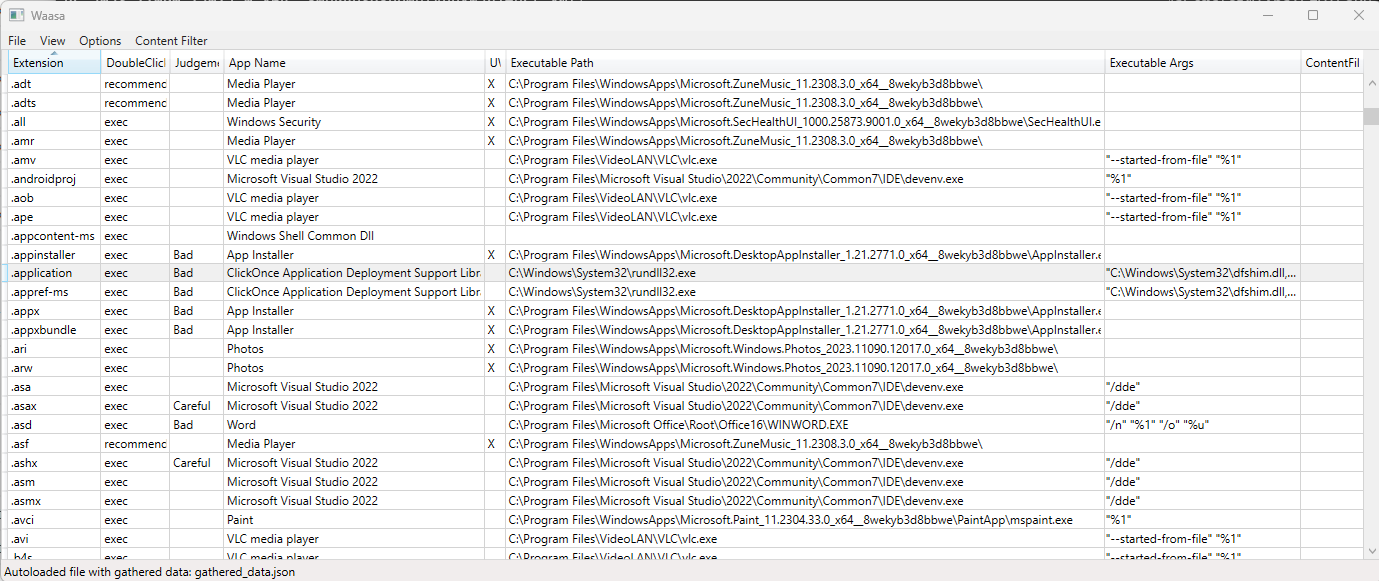
- Display all file extensions and their associated programs from a windows machine
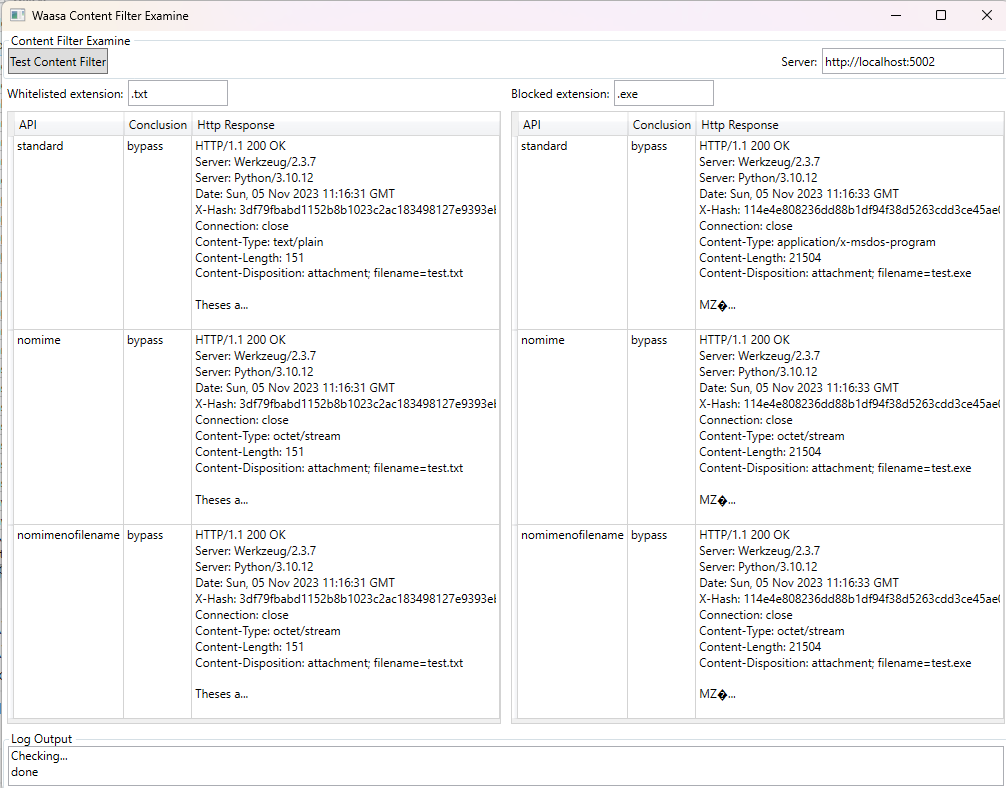
- Test a content filter whitelist/blacklist against the file extensions
- Give information about which file extensions are malicious
This can give a RedTeamer:
- An overview of the attack surface of a machine
- A list of files or ways the content filter can be bypassed
There is a online version:
- badfiles.ch: A list of malicious file extensions
- badfiles.ch/windows.html: Windows attack surface
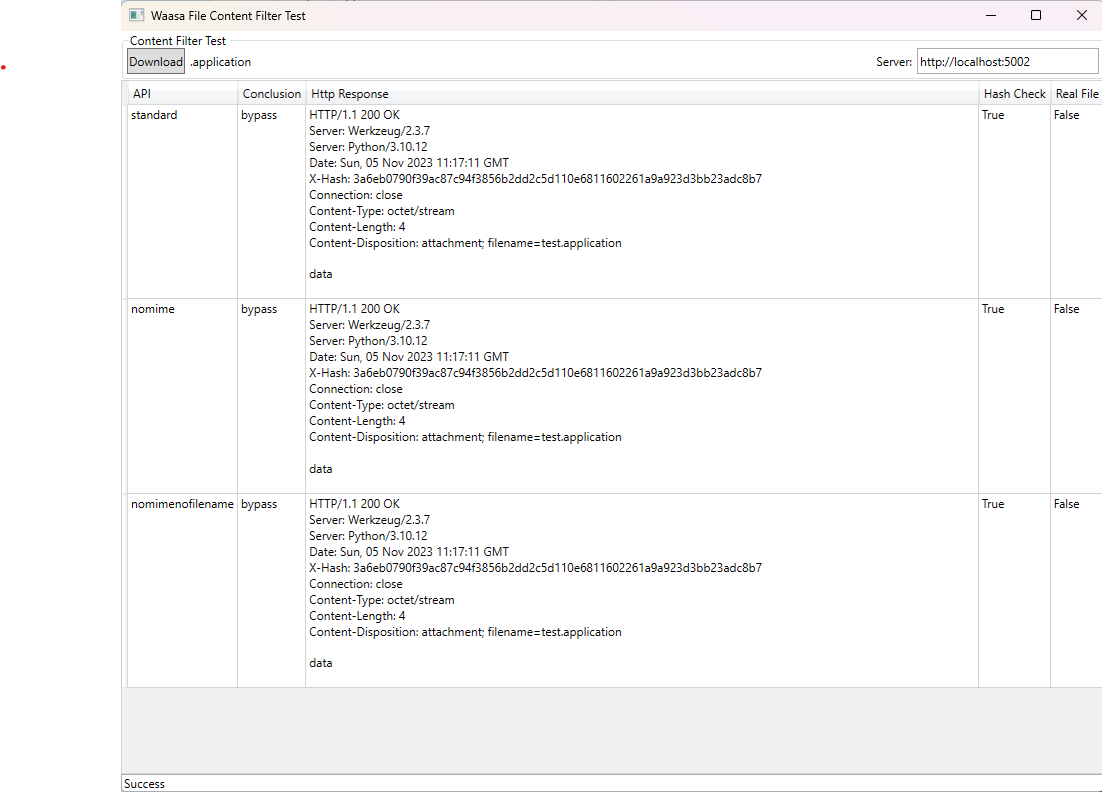
- It uses
./waasa.jsonas default dump filename by default - You can copy
waasa.jsonto another machine for analysis
Create a registry dump (to waasa.json):
> .\waasa.exe dump
Create CSV from dump:
> .\waasa.exe dump --csv output.csv
Create all files in ./output/:
> .\waasa.exe --files
- gathered_data.json: a dump from the registry of a machine and more, around 10MB
- waasa.json: parsed registry dump (from gathered_data.json)
- waasa.csv: Output to CSV
- waasa.txt: Input of file extensions
From a fresh Windows 10 VM with Visual Studio installed:
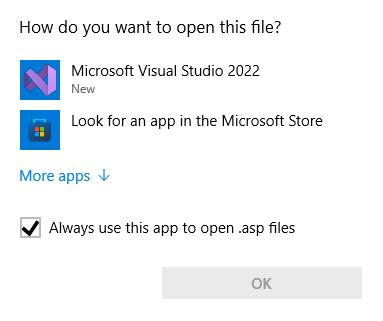
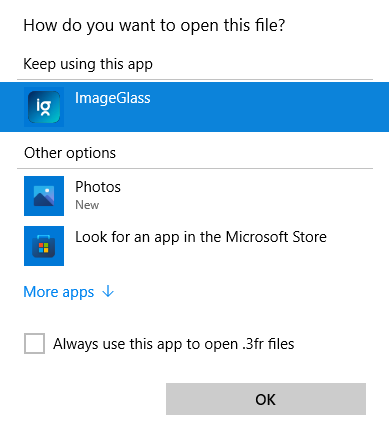
Windows basically knows three types of actions when clicking a file:
- Execute the associated program
- Show "Open With" dialog, where a program is preselected (recommended)
- Show "Open With" dialog, no preselection or recommendation
Because of Windows restrictions, waasa will treat 1) and 2) mostly as the same. Which makes sense from an attackers perspective too, as users will likely click "Open With Recommended" entry.
The results are mostly based on Windows shlwap interface, which gives a lot of wrong results.
I tried to improve the algorihmn, but there are still misidentifications possible. Double check
your results (by manually clicking on the files).