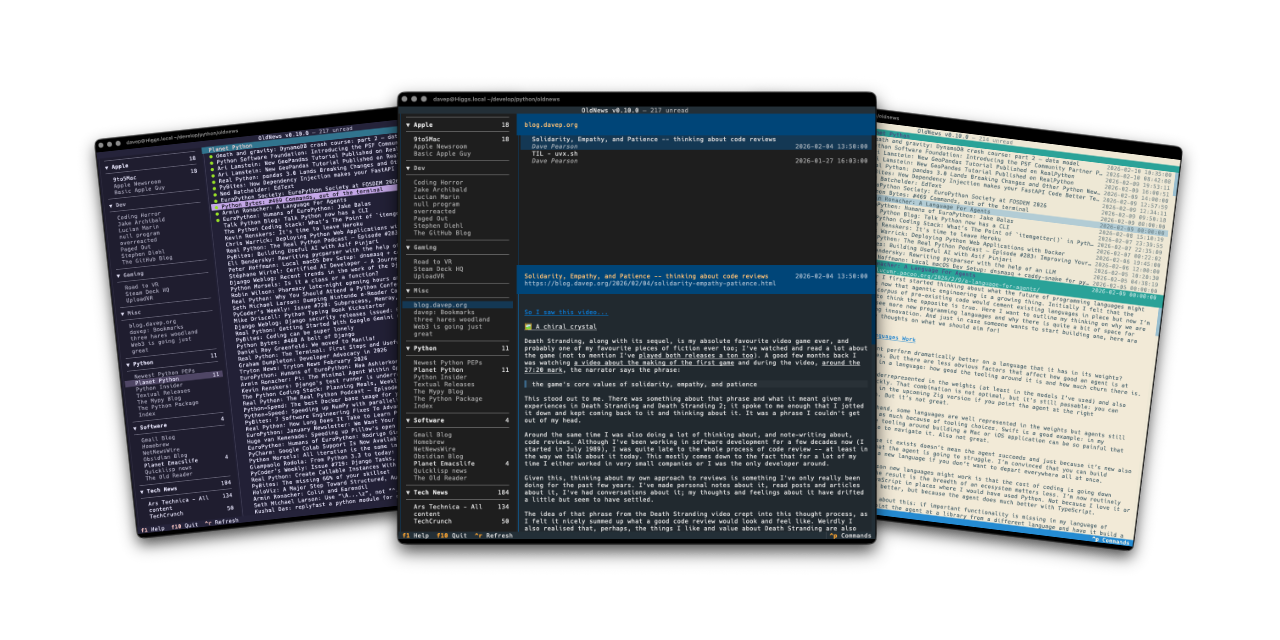


OldNews is a terminal-based client for TheOldReader. It provides the ability to read news feeds while using TheOldReader as the server for your RSS/atom subscriptions.
OldNews is and generally always will be fairly opinionated about the "best" way to make use of TheOldReader (AKA how I like to use it); but where possible I want to keep it quite general so it will be useful to anyone.
The application can be installed using pipx:
$ pipx install oldnewsThe application can be installed using uv:
uv tool install oldnewsIf you don't have uv installed you can use uvx.sh to
perform the installation. For GNU/Linux or macOS or similar:
curl -LsSf uvx.sh/oldnews/install.sh | shor on Windows:
powershell -ExecutionPolicy ByPass -c "irm https://uvx.sh/oldnews/install.ps1 | iex"Once installed run the oldnews command.
OldNews only works if you have an account on TheOldReader. When you first run up OldNews you will get a login screen:
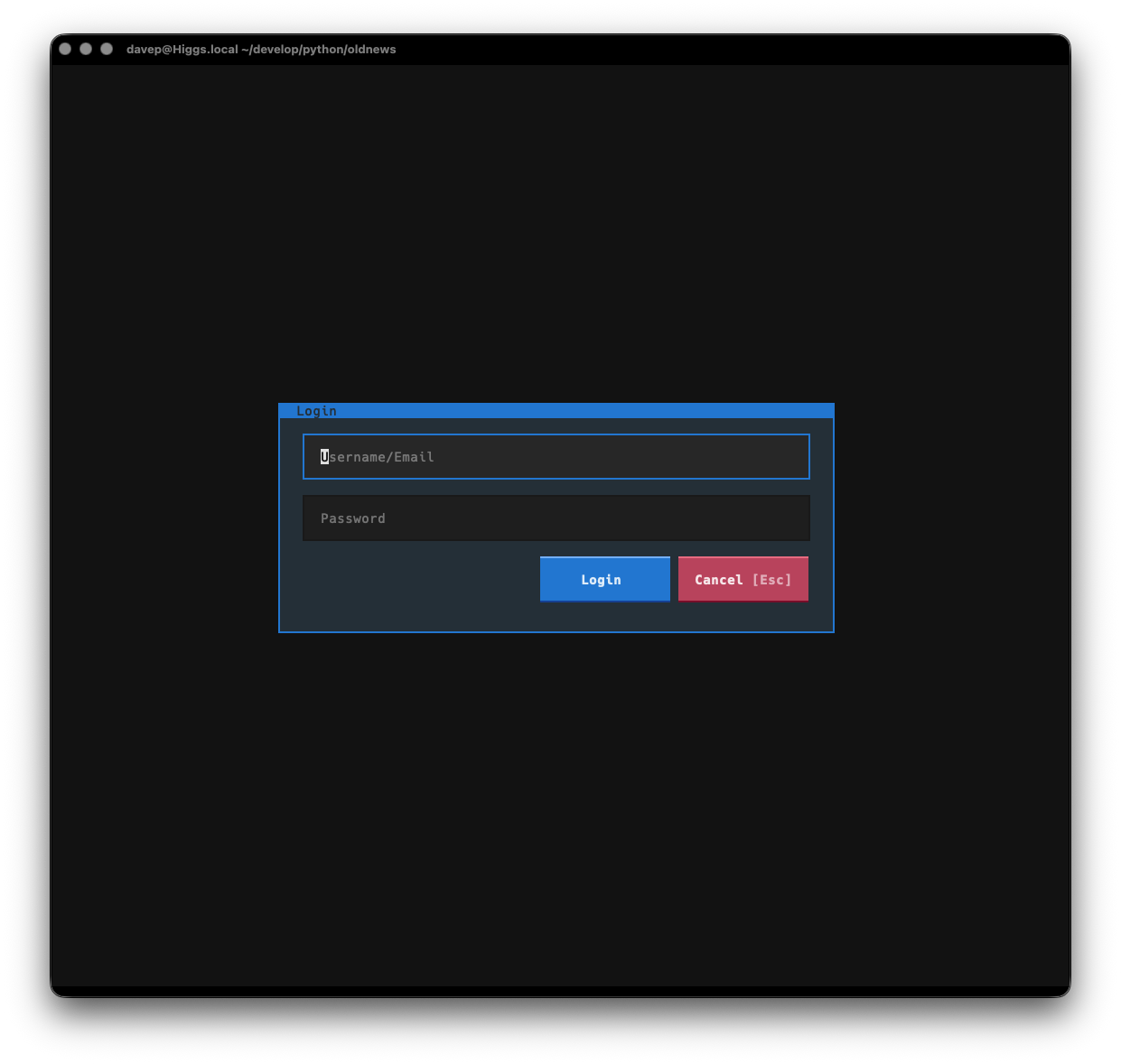
Enter your TheOldReader login details to log in.
Important
OldNews doesn't store your user name or password locally. It passes the details to the API of TheOldReader and then gets and locally stores a token for working with the API.
Once logged in TheOldReader will start to download a history of articles form your subscriptions. From then on it will synchronise the read/unread status as you read articles, and will refresh with the server if you request a refresh, or when you next start the application (within a set time limit).
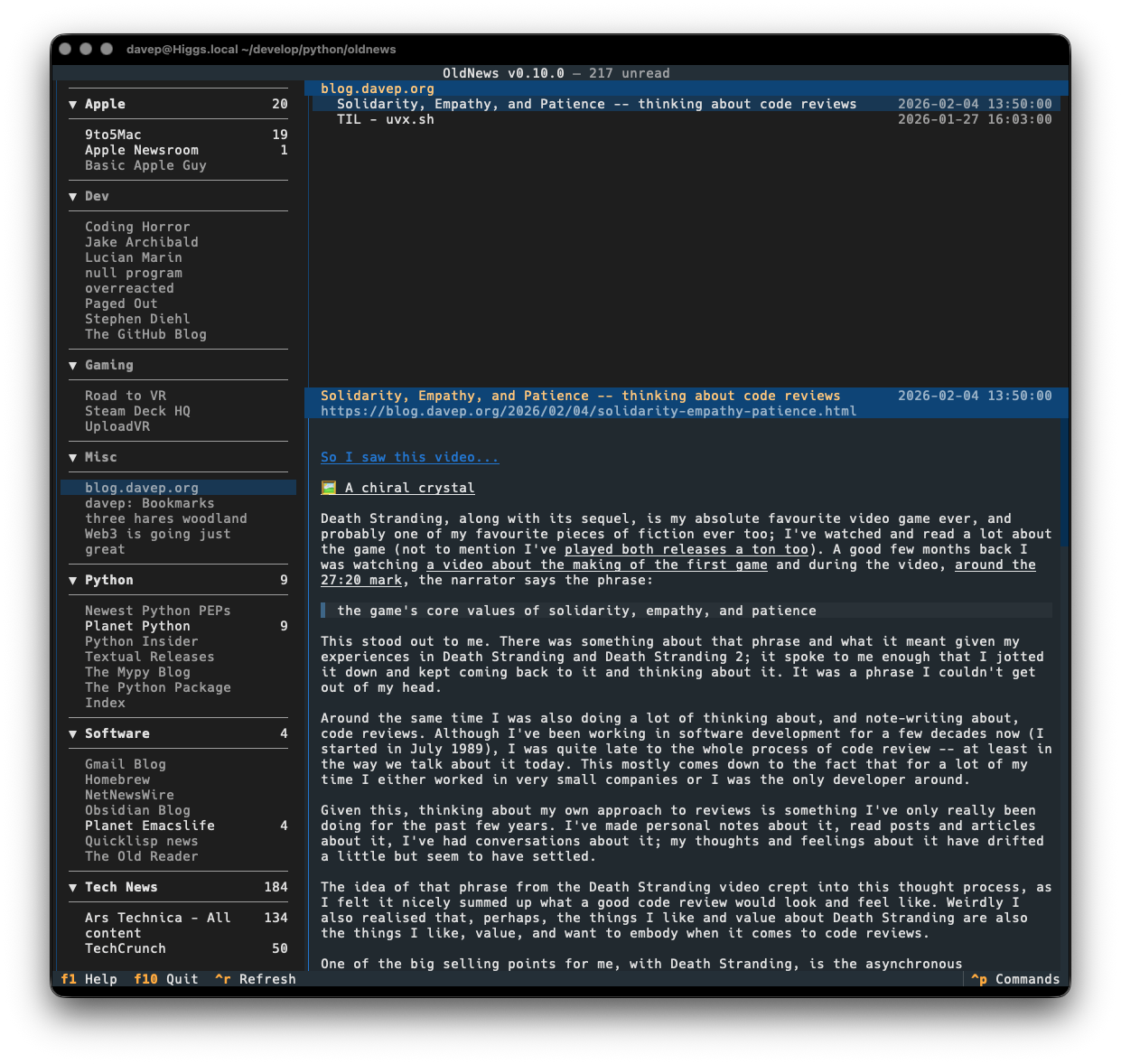
At the moment the best way to get to know OldNews is to read the helps screen; once in the main application you can see this by pressing F1.
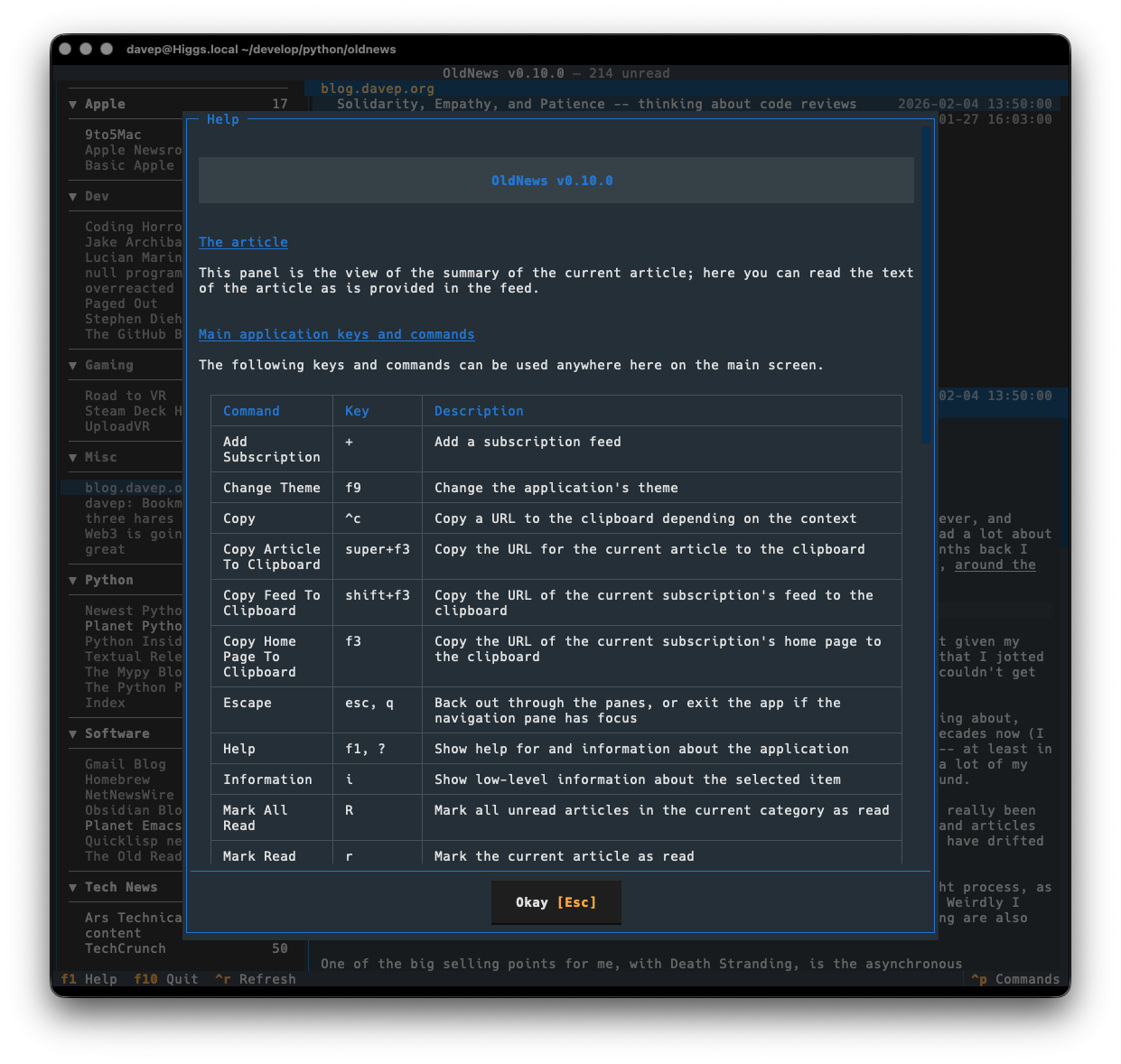
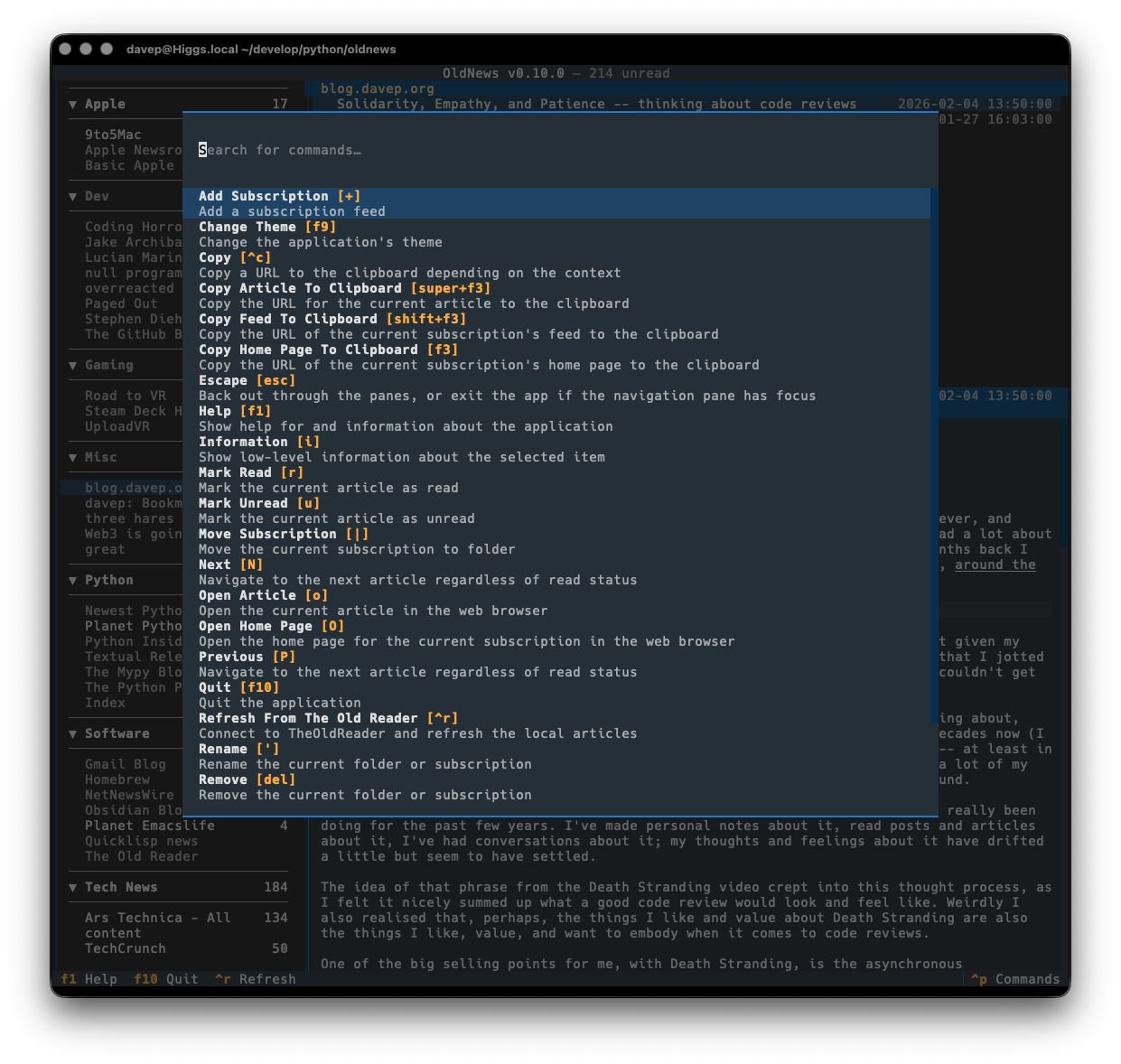
You can also discover commands and their keyboard shortcuts using the command palette:
OldNews stores files in an oldnews directory within both $XDG_DATA_HOME
and
$XDG_CONFIG_HOME.
If you wish to fully remove anything to do with OldNews you will need to
remove those directories too.
Expanding for the common locations, the files normally created are:
~/.config/oldnews/configuration.json-- The configuration file.~/.local/share/oldnews/*-- The locally-held data.
If you need help, or have any ideas, please feel free to raise an issue or start a discussion.
See the TODO tag in issues to see what I'm planning.

