

Plan your perfect timetable with this free open-source utility for QUT students.

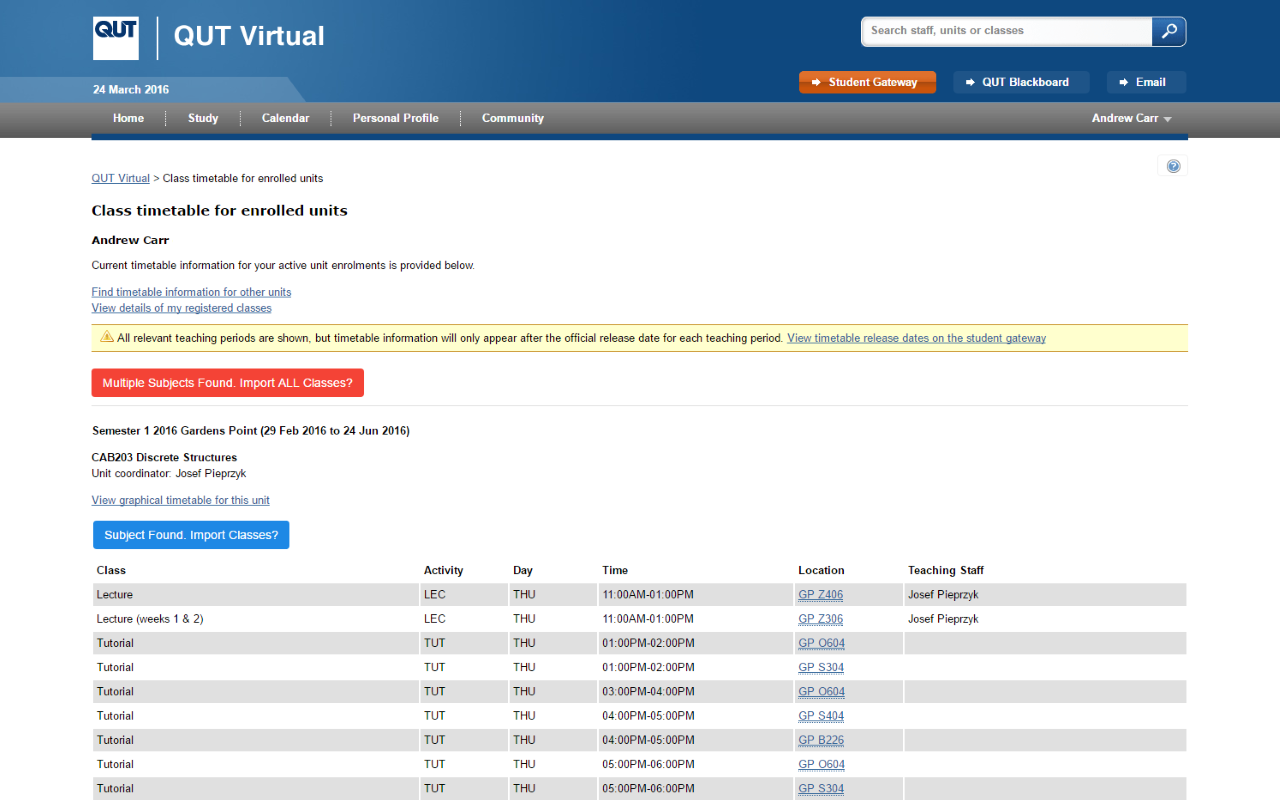
View the extension on the Chrome Web Store and click 'ADD TO CHROME'.
- Easy unit navigation
- Colour-coded class types
- Browser integration for assisted unit imports
- Unit summary
If you're interested in contributing, download the project and install it's dependencies you need to be able to run the Chrome Extension locally with the following commands:
git clone https://github.com/benmag/Timetable.git
cd Timetable
npm install
npm run dev
To install your development extension in Chrome, go to chrome://extensions/ and make sure Developer mode is enabled. Then click the Load unpacked button and select the app/ folder.
The simple PHP scripts to extract external data are stored in the scripts/ folder and deployed via now. If you wish to change those scripts, make sure you modify the REMOTE_URL in app/js/search.js.
- Install and prepare dependencies (
npm install,npm run prod) - Update the version accordingly in
app/manifest.json - Make sure the latest script changes are deployed (in the
scripts/directory runnow) - Zip the
app/folder and upload then publish it in the developer dashboard Developer Dashboard
- Ben M
- Dave A
- Andrew C
- Mitch H
- Nathan H
This project uses the ISC License.