


Save a web page/selection as an eBook (.epub format) - a Chrome/Firefox/Opera Web Extension

From Chrome Web Store
or manually (tested on v. 52.0.2743.116)
1. Navigate to chrome://extensions/
2. Load unpacked extension ...
3. Select the extension's directory
From Firefox Add-ons
or manually (tested on v. 50.0a2)
1. Navigate to about:debugging
2. Load temporary add-on ...
3. Select the extension's directory
1. Navigate to opera:extensions
2. Load unpacked extension ...
3. Select the extension's directory
sudo apt-get install calibre
ebook-convert "book.epub" "book.mobi"
- support for hr/br html tags
- BETA: Support for CSS
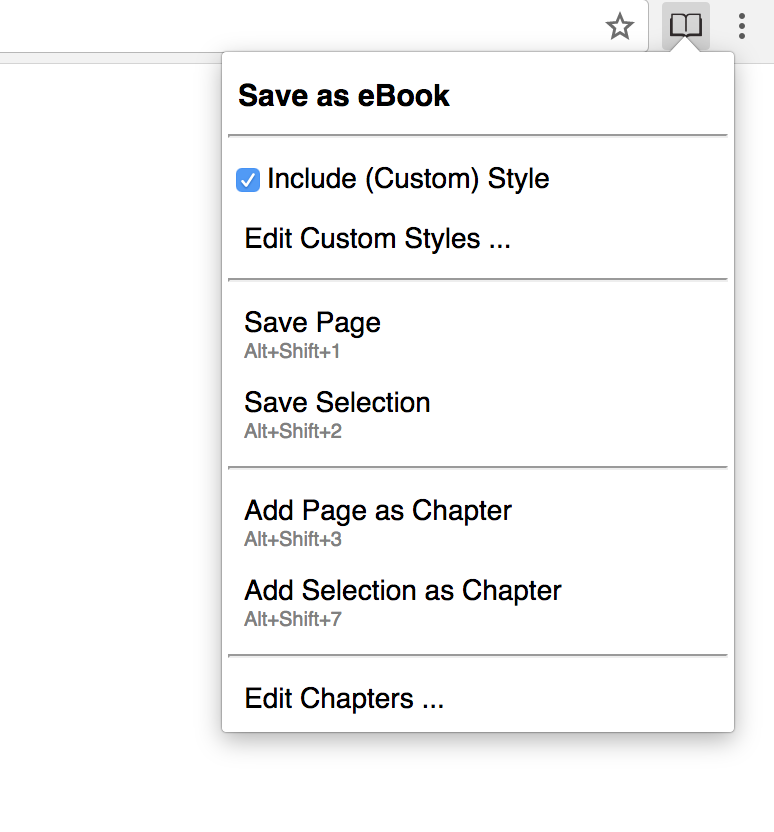
- BETA: Create / edit custom Styles
- No errors from EPUB Validator (http://validator.idpf.org/) + this should fix the Google Play upload issue
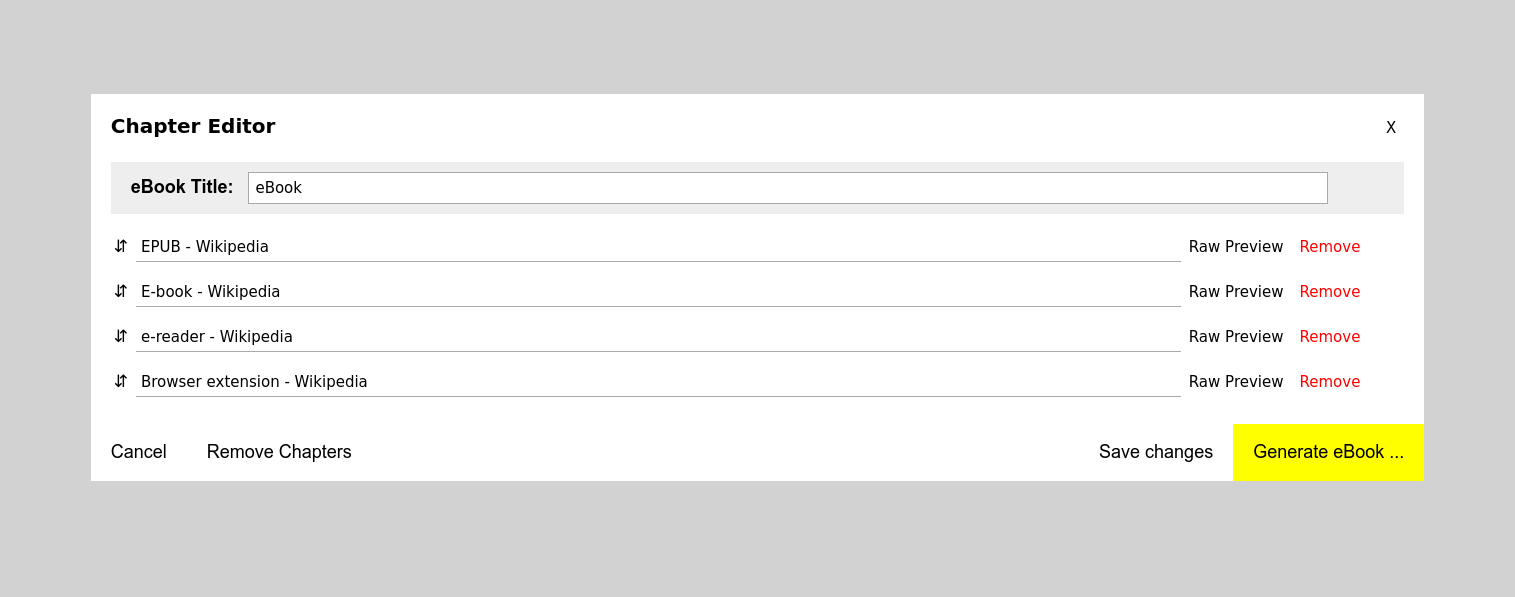
- Chapter Editor: option to save changes
- Chapter Editor: option to remove all chapters
- persist Chapter Editor changes & chapters after generating an eBook or after a browser restart
- make the Custom Style Editor more user friendly
- support backup / restore for Custom Styles
- DONE fix all 'epubcheck' errors (https://github.com/IDPF/epubcheck)
- clean & optimize code
- create tests
- support other formats (mobi, pdf etc.)
- show confirmations (ui/ux)
- display errors (ui/ux)
- DONE support custom style
- add 'remove from ebook' right click menu action
- http://ebooks.stackexchange.com/questions/1183/what-is-the-minimum-required-content-for-a-valid-epub
- https://github.com/blowsie/Pure-JavaScript-HTML5-Parser
- https://stuk.github.io/jszip/
- http://johnny.github.io/jquery-sortable/
- https://github.com/eligrey/FileSaver.js/
- https://www.iconfinder.com/icons/753890/book_books_education_library_study_icon#size=128