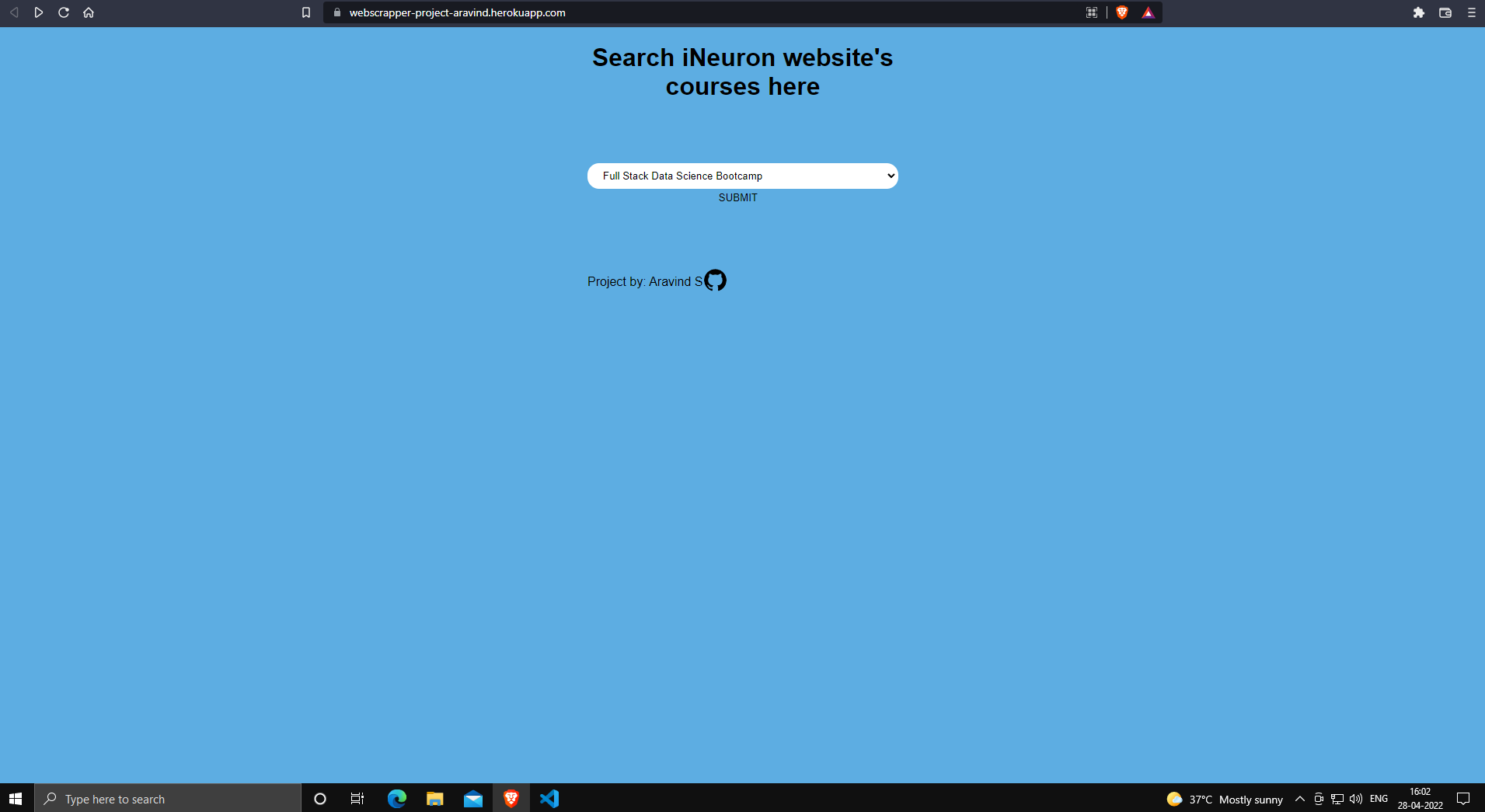
- Building a Web scraper for iNeuron website to get all courses information.
- Storing the scrapped data to MongoDB.
- Building a Flask App to view scrapped data.
- Deploying the app in Heroku or AWS.
- Web scraping is a term for various methods used to collect data from across the Internet.
- This web scraper extracts all the data on
iNeuron website'sall course information. - The scrapped data is then stored to user specified Mongodb database.
- Installing Python, PyCharm, Monogodb, Git to Computer.
- Creating Flask app by importing
Flaskmodule. - Getting information about iNeuron website.
- Gathering data from most static websites is a relatively straightforward process. However, dynamic website like iNeuron, JavaScript is used to load their content. These web pages require a different approach to collecting the desired public data.
- Scraping dynamic website using one of the most popular Python libraries,
BeautifulSoupwhich can load the data into Json format by using"script"insoup.findmethod.
- With the Json data all the required data is stored into Dictionary format.
- Extracted all the course data using loops and stored as list.
- Mongodb Altas is used as DB here, with
pymongo librarymongodb is connected to python. - Database and collections created via python and the list of dictionaries is uploaded using
collection.insert_manymethod. - Created an
app.pyto initialize
- Importing the Flask module and creating a Flask web server from the Flask module.
- Create an object app in flask class with
__name__which represents current app.py file. - Create
/route to render default page html. - Create a route
/courseto get user input and if keyword is present in the Mongo DB it is shown inresults.htmlpage. - Run the flask app with
app.run()code.
- Create new repo in Github and push all the data using
Git. - Install Heroku CLI and login using
heroku loginand setup the app in Heroku Web. - Connect with app
heroku git:remote -a appname - Push to Heroku using
git push heroku main - Heroku Deployment Link
Recording.1.mp4