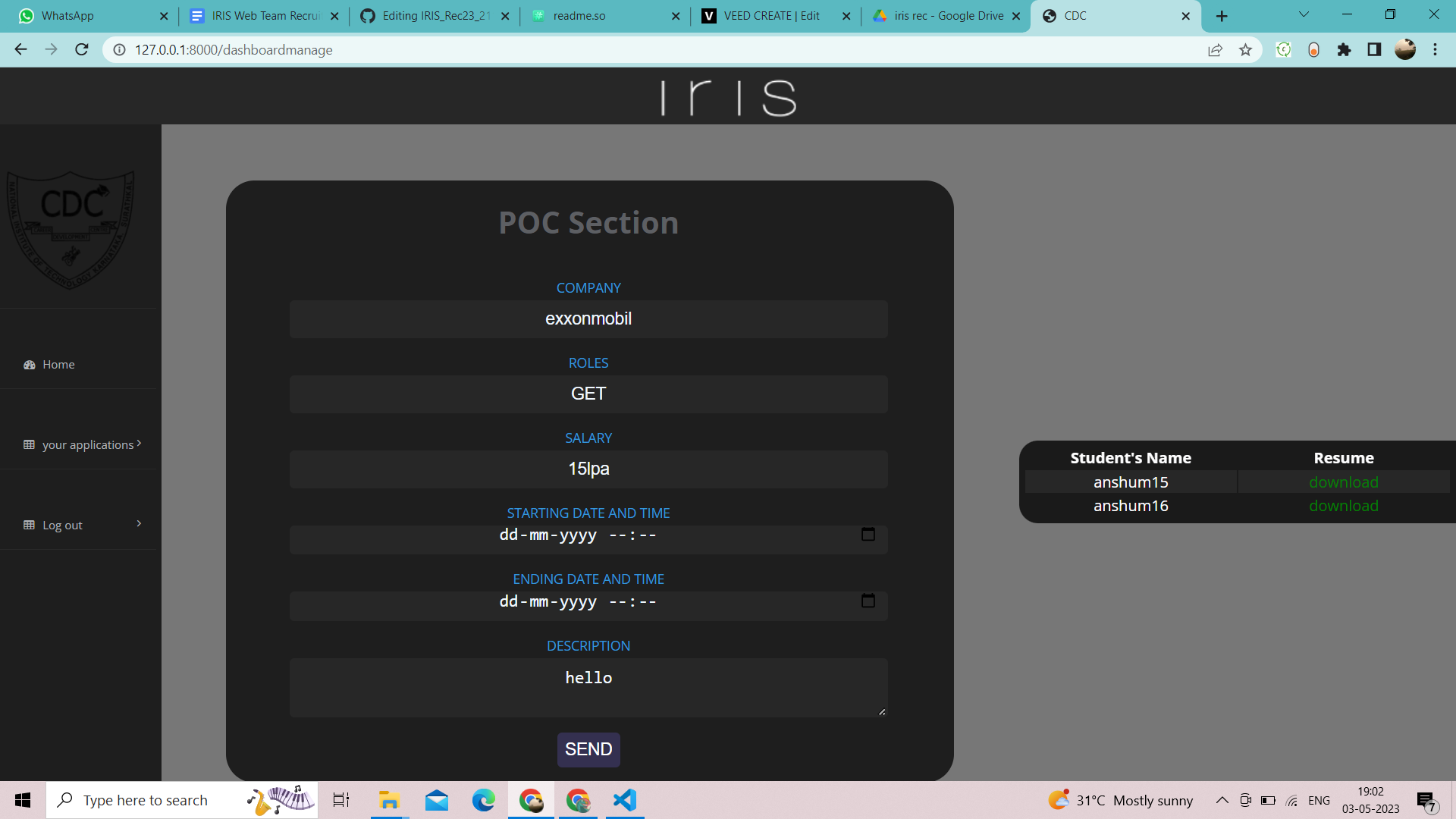
This is my completed task, CDC Placement Portal. All major features are included in this project.
I will give all the details of the project in this file in the following order.
-
About the portal -
Documenttation -
Installation guide -
Features available (Sample Users and companies list here) -
Feature that are not covered yet -
Bugs -
Video demo -
Relevant screenshots
A placement portal created using Django is a web-based platform that facilitates job seekers to search and apply for jobs and enables employers to post job openings and manage their recruitment process. The portal is designed to simplify the entire hiring process, making it more efficient and effective.
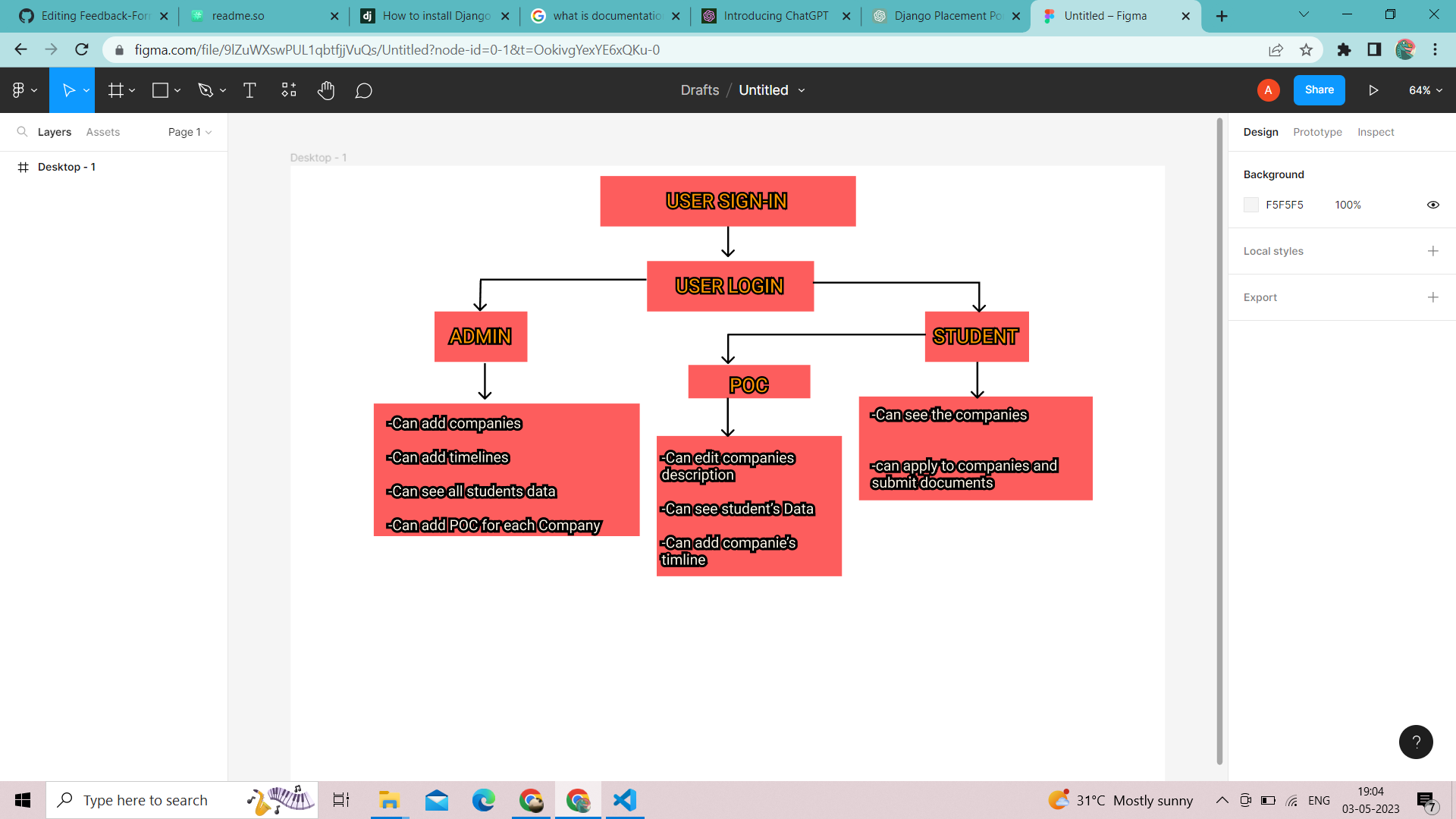
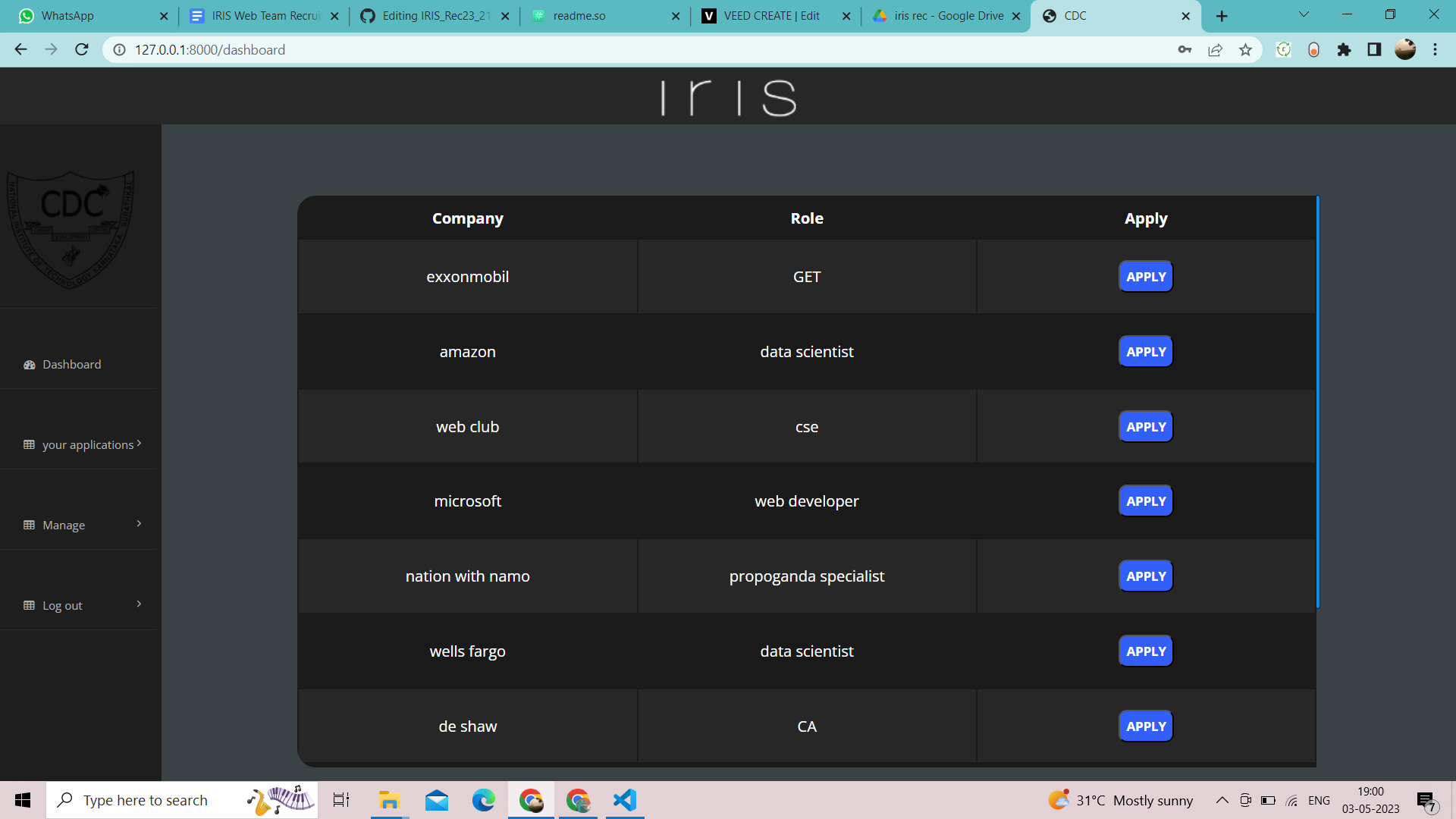
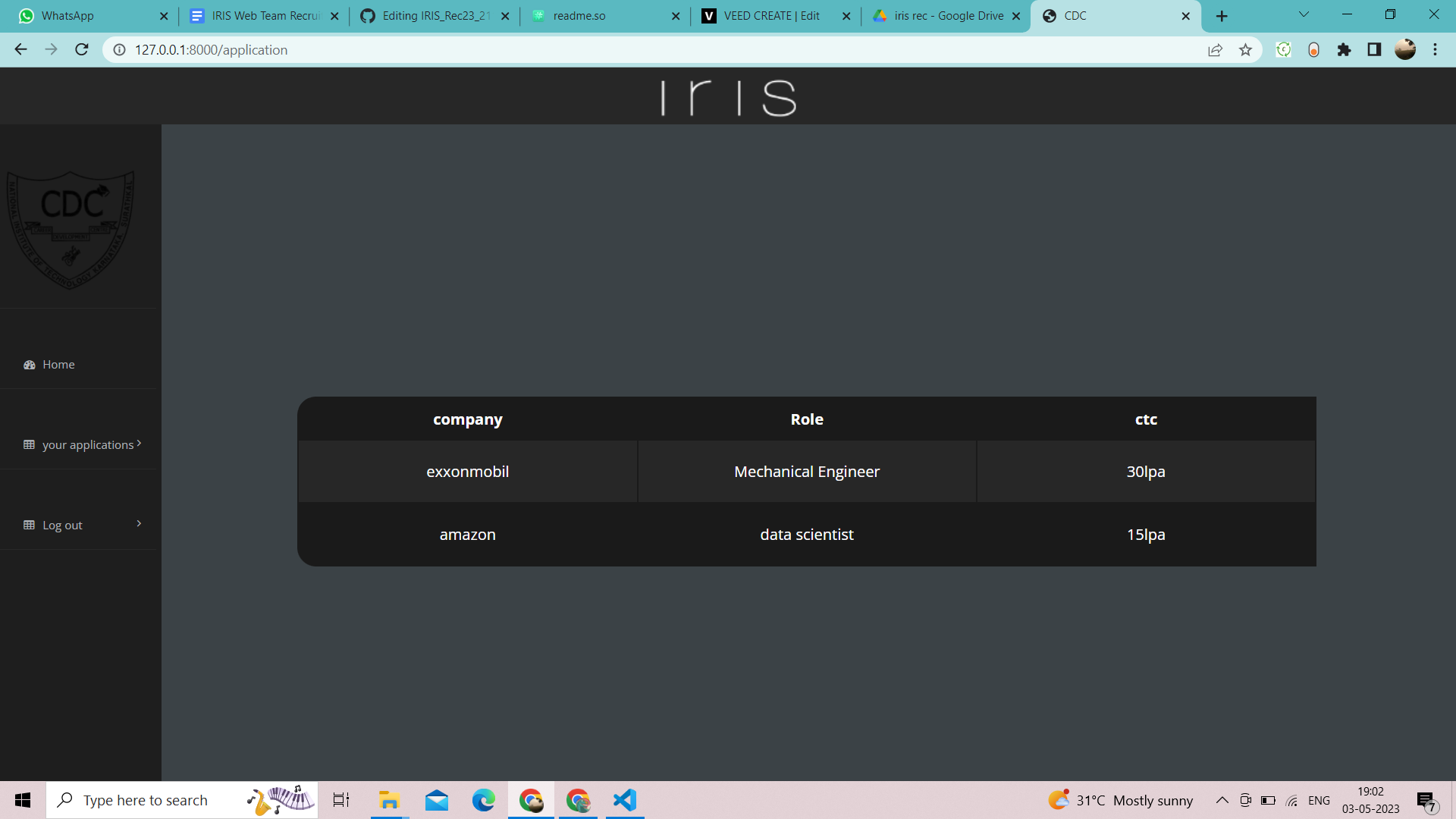
User can create an Account and login, also User can register for jobs, can upload his resume and see in how many companies he has applied.
A POC can be created by the admin for a company which will manage that particulate from the start of the process till the end
Django framework is used to create this platform. everything that is used to create this application is given in the folllowing Documentation
, in this Documentation everything is covered including Installation, however i will still discuss about the Installation part.
-
Since Django is python based framework make sure you have python installed. Click here to Install Python
-
in you virtual environment, write the following command
python -m pip install Django
-
before setup make sure python folder and python script folder is added in environment variable and install the latest version of django
-
clone this repo in an empty folder and open in an IDE,open the terminal doing
git clone https://github.com/anshumanNitk/IRIS_Rec23_211ME109_Django.git
Then write the command
python manage.py runserver
- Now click the the link and use the application
This Application have covered Features like
- Sign-up and Log In
- applying to company
- uploading your resume and other details
- able to see where you have applied
- Can Manage Company details like roles,Salary,Start date,End date and description
- Can see who have applied and download their resume.
- Can also do all other the things a student can do
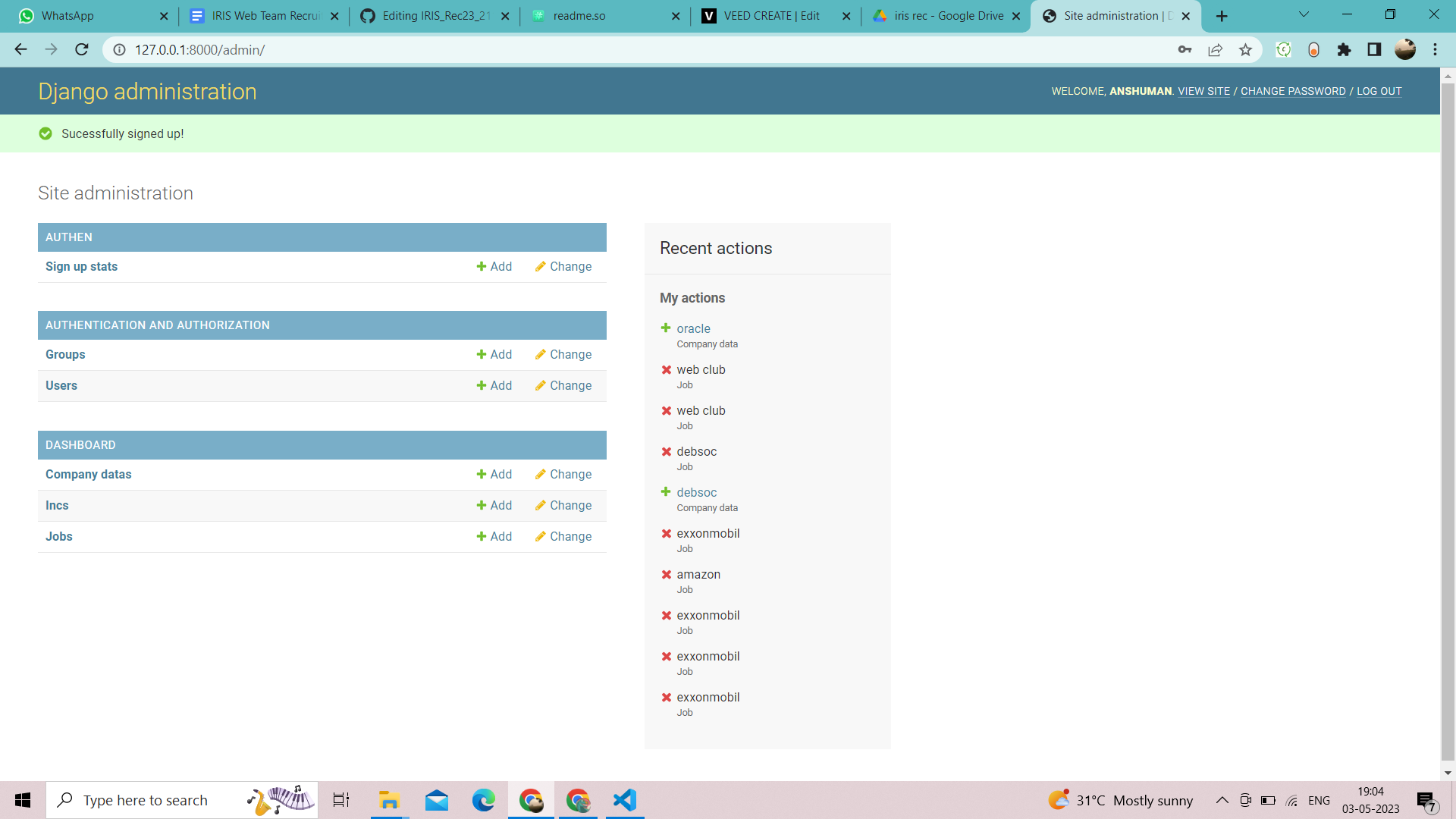
- can Create Company, delete Company
- Can select POC for each company
- Can create and delete User
- can see user personal Data and resume.
name- mac, anshum, anshum1, anshum2, anshum3, anshum4, .......anshum14 password-ansh (for all of them)
(rest you can see by logging with other id or by admin)
- A feature For POC to set qualification and cut-offs is Planned.
- A more user-Friendly UI is Planned.
-
In POC page, after the POC updates the company details and send the data, the updated value on the form don't immediately show but after refreshing the page it is displayed.
-
While creating an account, please create account with different usernames, i have the unique username constraint set but i was not able to do the error handling when an account is created with same username (it is also a Planned feature).