



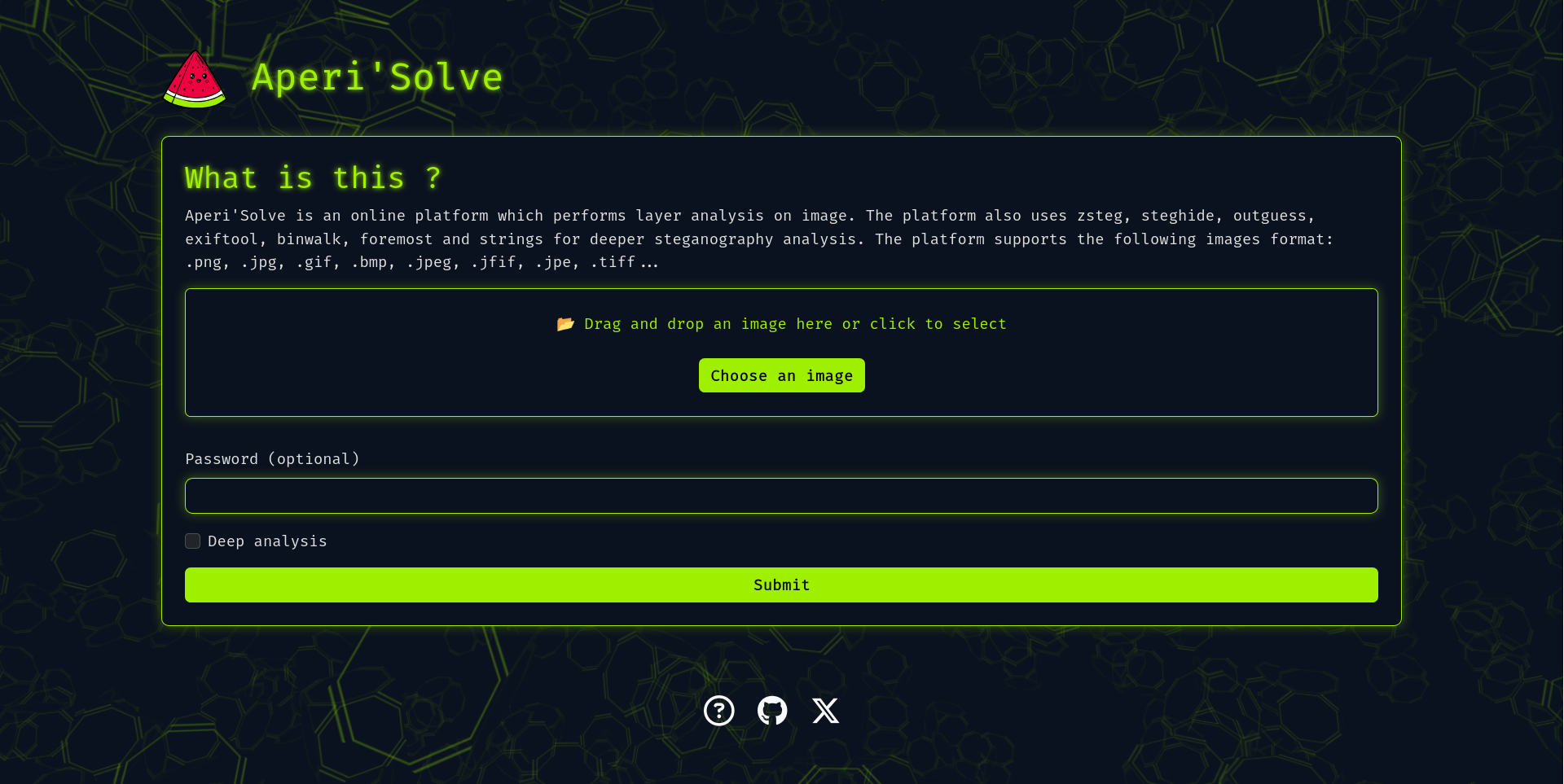
Try it now: https://www.aperisolve.com
Support Aperi'Solve:

Aperi'Solve is an open-source steganalysis web platform that performs automated analysis on images to detect and extract hidden data using common steganography tools and techniques.
Table of contents
- Key features
- Quick start (Docker)
- Development
- Adding a new analyzer
- Configuration & environment variables
- Architecture
- Troubleshooting & tips
- Roadmap
- Contributing
- Visualize each bit layer (LSB and other layers) per image channel (R/G/B/Alpha).
- Browse and download each bit-layer image.
- Integrates and displays outputs from:
- zsteg (LSB text/data extraction)
- steghide (extraction with password)
- outguess (extraction with password)
- exiftool (metadata and geolocation)
- binwalk (embedded archives)
- foremost (carved files)
- pngcheck
- strings
- Worker queue architecture for offloading heavy/slow analyzers (Redis + background workers).
- Results stored for later browsing and download.
In case you want to host your own version of https://www.aperisolve.com/.
Recommended: Docker + Docker Compose.
Clone and start the full stack (production-like):
git clone https://github.com/Zeecka/AperiSolve.git
cd AperiSolve
docker compose up -d
Default: http://localhost:5000/
Development compose:
# development environment (hot reload and local volumes)
docker compose -f compose.dev.yml up --build
Useful commands:
# Stop and remove containers, networks and volumes (results are stored in a volume)
docker compose down -v

# Enter web container shell
docker exec -it aperisolve-web bash

# Enter Postgres shell (from host)
docker exec -it postgres psql -U aperiuser -d aperisolve
Note: If switching between dev and production compose files, remove the results directory or mounted volume to avoid conflicts:
rm -rf aperisolve/resultsAdding a custom analyzer is straightforward:
-
Create your analyzer file:
- Copy
aperisolve/analyzers/template_analyzer.py->aperisolve/analyzers/myanalyzer.py - Implement function signature similar to:
# aperisolve/analyzers/myanalyzer.py
def analyze_myanalyzer(image_path: str, results_dir: str) -> dict:
    """
    Perform analysis on image located at image_path.
    Produce outputs in results_dir and return a result dict (json-serializable).
    """
    # your analysis logic here
    return {"name": "myanalyzer", "status": "ok", "outputs": [...]}
- Copy
-
Register the analyzer in the worker pipeline:
- Edit
aperisolve/workers.py:
# import
from .analyzers.myanalyzer import analyze_myanalyzer

# add to analyzers list (preserve the order)
analyzers = [
    analyze_zsteg,
    analyze_steghide,
    # ...
    analyze_myanalyzer,
]
- Edit
-
Add your analyzer to the UI order:
- Edit
aperisolve/static/js/aperisolve.jsand appendmyanalyzertoTOOL_ORDERso it appears in the frontend.
- Edit
-
Test locally: run the worker and submit jobs to ensure outputs are produced and displayed.
Tips:
- Keep analyzers idempotent and write outputs to the provided
results_dir. - Return structured JSON so the frontend can render links/downloads automatically.
Typical services:
- Web app (Flask)
- Workers (Python)
- Redis (RQ)
- PostgreSQL
Main environment variables (examples):
- DATABASE_URL=postgresql://aperiuser:password@postgres:5432/aperisolve
- REDIS_URL=redis://redis:6379/0
- SECRET_KEY=change_me
- FLASK_ENV=production/development
If using Docker Compose, defaults are set in the compose files. For production deployments, set secure secrets via your orchestrator or environment.
- Flask web framework
- Background workers that run analyzers (queue via Redis)
- PostgreSQL stores image metadata and job statuses
- Docker-based deployment for isolation of analyzers and services
This separation keeps heavy tools (binwalk, foremost, zsteg, etc.) isolated and avoids blocking the web worker.
- If analyzers don't produce output, check worker logs:
docker compose logs -f aperisolve-worker
- To force re-analysis, remove results for the image (both file and in database) and re-submit the job.
- Ensure system packages needed by native tools (binwalk, foremost) are available in the analyzer containers or host image.
- zsteg: full extraction (--all) and download of discovered files (mp3, etc.)
- Mobile-friendly UI / test on mobile
- i18n (internationalization)
- Rootless / unprivileged analyzers
- Improve analyzer sandboxing (e.g., per-analyzer containers)
Contributions are welcome! Please:
- Fork the repository
- Create a feature branch
- Open a pull request describing your change
Please follow the code style and run linters before submitting. The project adheres to:
- Black
- Flake8 (ignoring E203, E501, W503)
- Pylint (ignoring W0718, R0903, R0801)
- Mypy (ignoring unused-awaitable)
CI will run these checks on each PR.
- If you discover a security issue, please report it privately to the repository owner instead of opening a public issue.
Acknowledgements:
- Thanks to contributors and the open-source community for the tools integrated (zsteg, steghide, binwalk, foremost, exiftool).


