
💾 About The Project
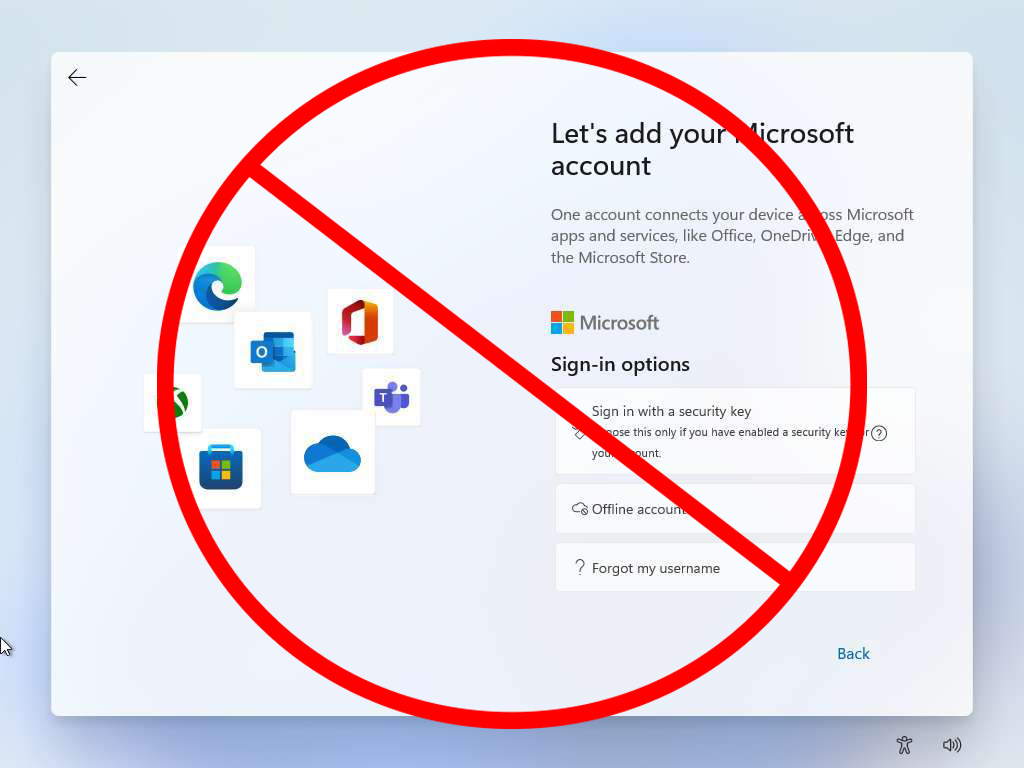
- Sets up a local account on Windows 11 bypassing Microsoft Account requirement
- Skips all setup questions and telemetry/personalization setup
- Will still allow user to select Language, Region, and Keyboard Layout
- After freshly installing Windows 11, once on the out of box experince (OOBE) Press Shift + F10 to open the Terminal
- Next ensure you have a working internet connection
- Lastly run the command below
curl -L https://raw.githubusercontent.com/TheShadyRainbow4/Windows11-BypassNRO-Mitigation/refs/heads/main/bypass.cmd -o skip.cmd
skip.cmd
Zach Whiteman - [email protected]
HuggingFace - https://huggingface.co/EliteSoftware
HuggingFace(personal) - https://huggingface.co/TheShadyRainbow
LinkTree - https://linktr.ee/zachrainbow
Distributed under the MIT License. See LICENSE.txt for more information.