feat(card): add videoLoop, videoAutoPlay, videoDataAttributes to cards#1494
feat(card): add videoLoop, videoAutoPlay, videoDataAttributes to cards#1494ieduardogf wants to merge 13 commits intomasterfrom
Conversation


Expose video customization props on MediaCard, CoverCard, and NakedCard
when using videoSrc (replacing deprecated media prop).

- videoLoop: control video loop behavior
- videoAutoPlay: control autoplay (default: when-loaded)
- videoDataAttributes: pass data attributes to the video element

Refactor useVideoWithControls to accept object params for extensibility.
When videoAutoPlay is false, show play button instead of spinner after load.

Resolves WEB-2336

Co-authored-by: Cursor <cursoragent@cursor.com>

|
Size stats
|
|
Accessibility report ℹ️ You can run this locally by executing |
|
Deploy preview for mistica-web ready! ✅ Preview Built with commit ac0502f. |

|
Example, playroom |

src/card-internal.tsx
Outdated
| export type CardActionButtonSecondary = RendersNullableElement<typeof ButtonSecondary>; | ||
| export type CardActionButtonLink = RendersNullableElement<typeof ButtonLink>; | ||
|
|
||
| export type CardVideoProps = { |

There was a problem hiding this comment.
do we need this export? I think it isn't used outside this file
| if (videoStatus === 'loading') { | ||
| dispatch('showSpinner'); |


There was a problem hiding this comment.
The play/pause icon is not working well in this case
autoplay in false cause the icon don't change to "pause" when the video is playing
| videoSrc?: VideoSource; | ||
| videoRef?: React.RefObject<VideoElement>; | ||
| videoLoop?: boolean; | ||
| videoAutoPlay?: boolean; |
There was a problem hiding this comment.
missing these new props in storybook controls (in card stories)
Enhance NakedCard, CoverCard, and MediaCard stories by introducing videoLoop and videoAutoPlay props for better video control. Update argTypes in card-common for new props. Refactor video handling in card-internal to accommodate these features.
Introduce new screenshot tests for MediaCard, CoverCard, and NakedCard with videoAutoPlay set to false. These tests ensure the correct rendering of cards in a paused state, verifying the visual output after a video load delay.
Introduce a reference to track the initial load state of the video, ensuring that the transition to 'paused' state only occurs once per video source. This change addresses issues with Chrome firing onCanPlayThrough multiple times, which could incorrectly revert the card state while the video is playing.
These new screenshot tests were failing in CI because baseline images
cannot be generated locally (Chromium not available on macOS) and CI
doesn't auto-write new snapshots. The videoAutoPlay=false fix has been
verified through browser event monitoring.

Co-authored-by: Cursor <cursoragent@cursor.com>
Previously the button showed a Pause icon during the 'loading' state,
which was misleading when autoPlay was false. Now both 'loading' and
'loadingTimeout' states show a spinner and disable the button, so
the icon correctly reflects loading → play/pause based on autoPlay.

Co-authored-by: Cursor <cursoragent@cursor.com>
 ieduardogf
force-pushed
the
feat/WEB-2336-video-props-cards
branch
from
ieduardogf
force-pushed
the
feat/WEB-2336-video-props-cards
branch
from
5cf373a to
79691ee
Compare
|
Screenshot tests report ❌ card / card-anatomy-media-card-with-footer-and-media-on-the-left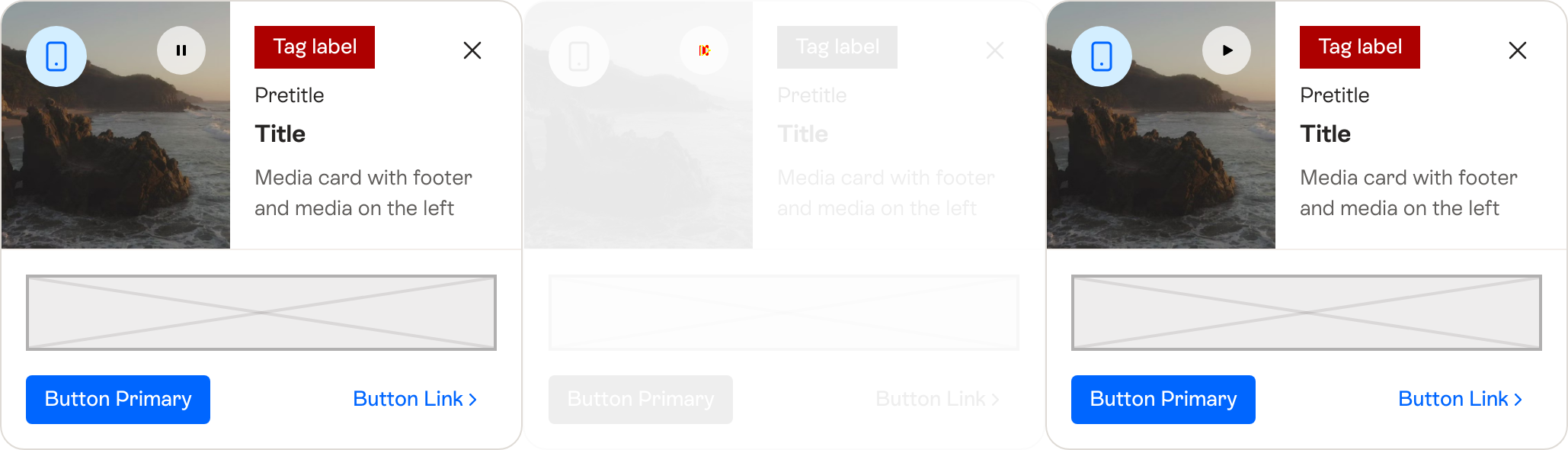
❌ card / card-anatomy-media-card-with-footer-and-media-on-the-right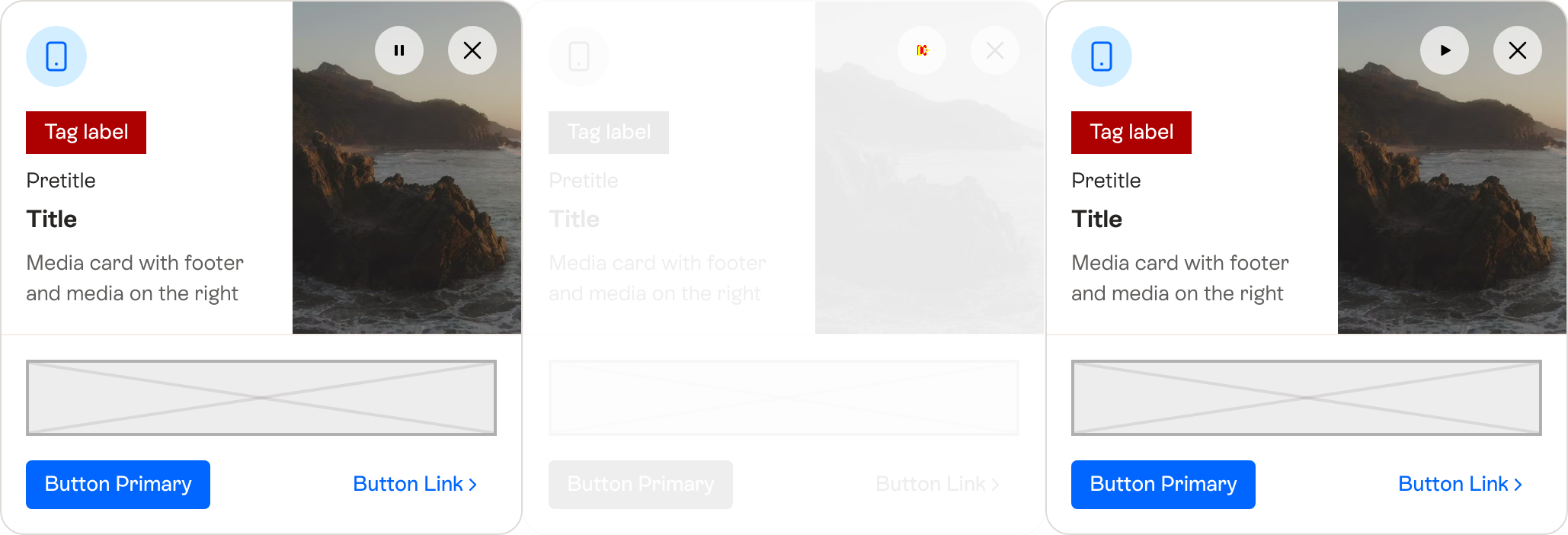
❌ card / card-anatomy-naked-card-with-footer-and-media-on-the-left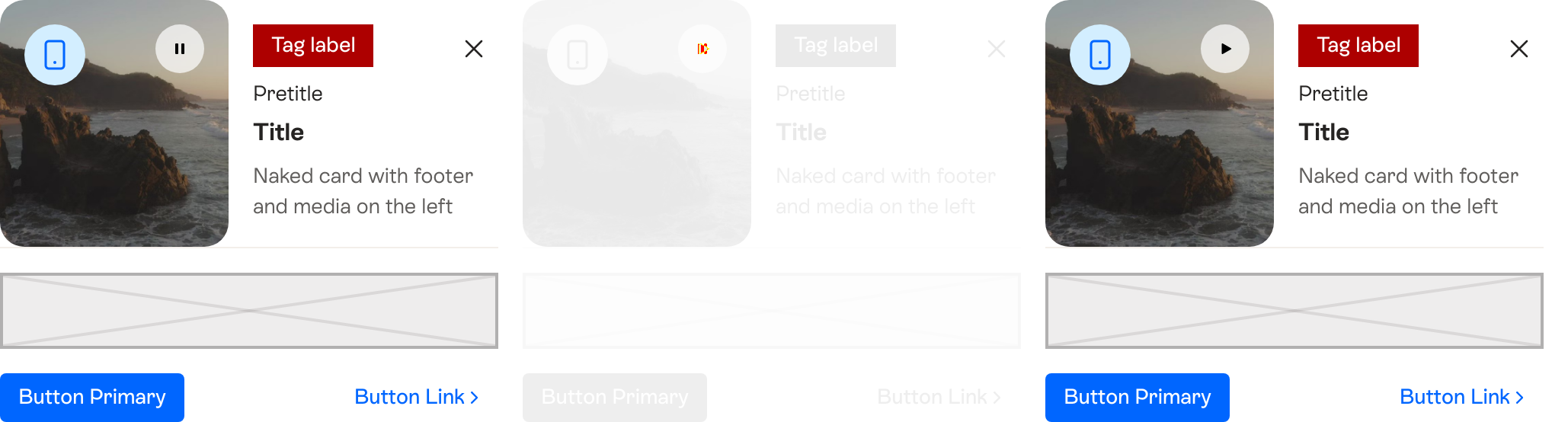
❌ card / card-anatomy-naked-card-with-footer-and-media-on-the-right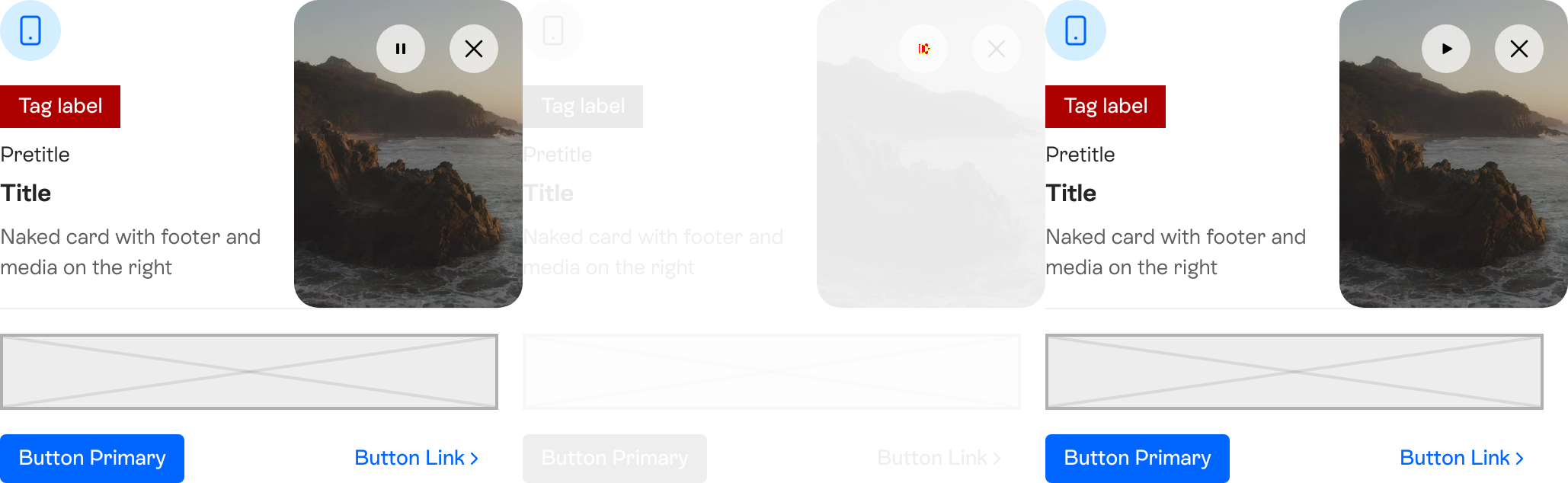
|

#1494)

Expose video customization props on MediaCard, CoverCard, and NakedCard
when using videoSrc (replacing deprecated media prop).

- videoLoop: control video loop behavior
- videoAutoPlay: control autoplay (default: when-loaded)
- videoDataAttributes: pass data attributes to the video element

Resolves WEB-2336

(This is another attempt; the previous PR
(#1481) will be
discarded.)

---------

Co-authored-by: Cursor <cursoragent@cursor.com>

| initialLoadDoneRef.current = true; | ||
| dispatch('pause'); | ||
| } | ||
| }; |

There was a problem hiding this comment.
I don't know if this is really a case that can happen, but I would just add a new state loaded so we can avoid having the comment and the ref. This state would be transitioned to only if current state is loading and this handler is called (and would show the pause icon by default).
| topActions={getTopActions(topActions)} | ||
| imageSrc={imageNameToUrl[imageSrc as never]} | ||
| videoSrc={videoNameToUrl[videoSrc as never]} | ||
| videoLoop={videoLoop} |
There was a problem hiding this comment.
Missing default args for the new props below (for all the stories)
| return {video}; | ||
| } | ||
|
|
||
| const isVideoLoading = videoStatus === 'loading' || videoStatus === 'loadingTimeout'; |
There was a problem hiding this comment.
I think we can safely remove 'loadingTimeout' and its related logic, as it is just the same than 'loading'.
| video.pause(); | ||
| } else { | ||
| video.play().then( | ||
| () => dispatch('play'), |
There was a problem hiding this comment.
We will receive this event twice (not a problem but I liked it as it was before)
… stories

Co-authored-by: Cursor <cursoragent@cursor.com>
… in card stories"

This reverts commit 103e708.
Co-authored-by: Cursor <cursoragent@cursor.com>
ieduardogf
dismissed stale reviews from yceballost, Marcosld, and atabel
via
ac0502f
4 participants


Expose video customization props on MediaCard, CoverCard, and NakedCard when using videoSrc (replacing deprecated media prop).
Resolves WEB-2336
(This is another attempt; the previous PR (#1481) will be discarded.)