


A simple, responsive web-based checklist for tracking daily and weekly tasks in Blue Protocol: Star Resonance, built with HTML, CSS, and JavaScript, using only confetti.js for celebrations and marked.js for markdown rendering. The progress is saved locally in your browser (localStorage) and supports import/export functionality for easy backup and transfer.
| Feature | Description |
|---|---|
| 🎯 Dynamic Title | Displays the current server day (“Day #XX”) next to the page title. |
| 🕰️ Automatic Daily/Weekly Reset | Tasks reset exactly at 5 AM -03:00 (Noronha) daily or weekly. |
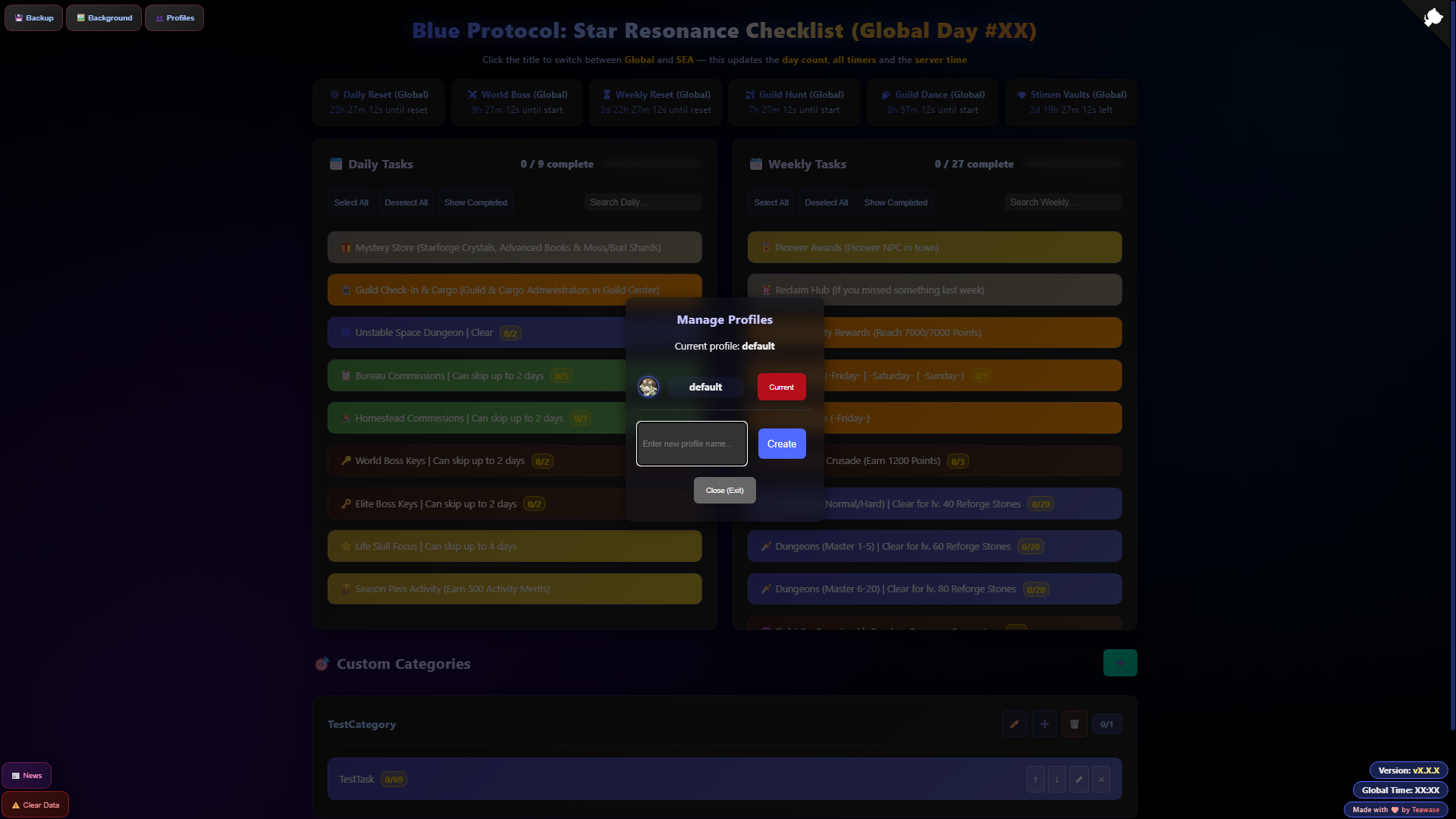
| 👤 Multiple Profiles | Independent tracking for each alt or account — switch between profiles instantly. |
| ⏰ Event Timers | Accurate timers for World Bosses, Guild Hunts, Stimen Vaults, and more. |
| 🎨 Custom Categories & Tasks | Create your own sections, choose any color, and set custom reset rules (daily, weekly, never). |
| ⚡ Rapid Increment/Decrement Counters | Left-click (or hold) to add increments · Right-click (or hold) to undo — fast and forgiving. |
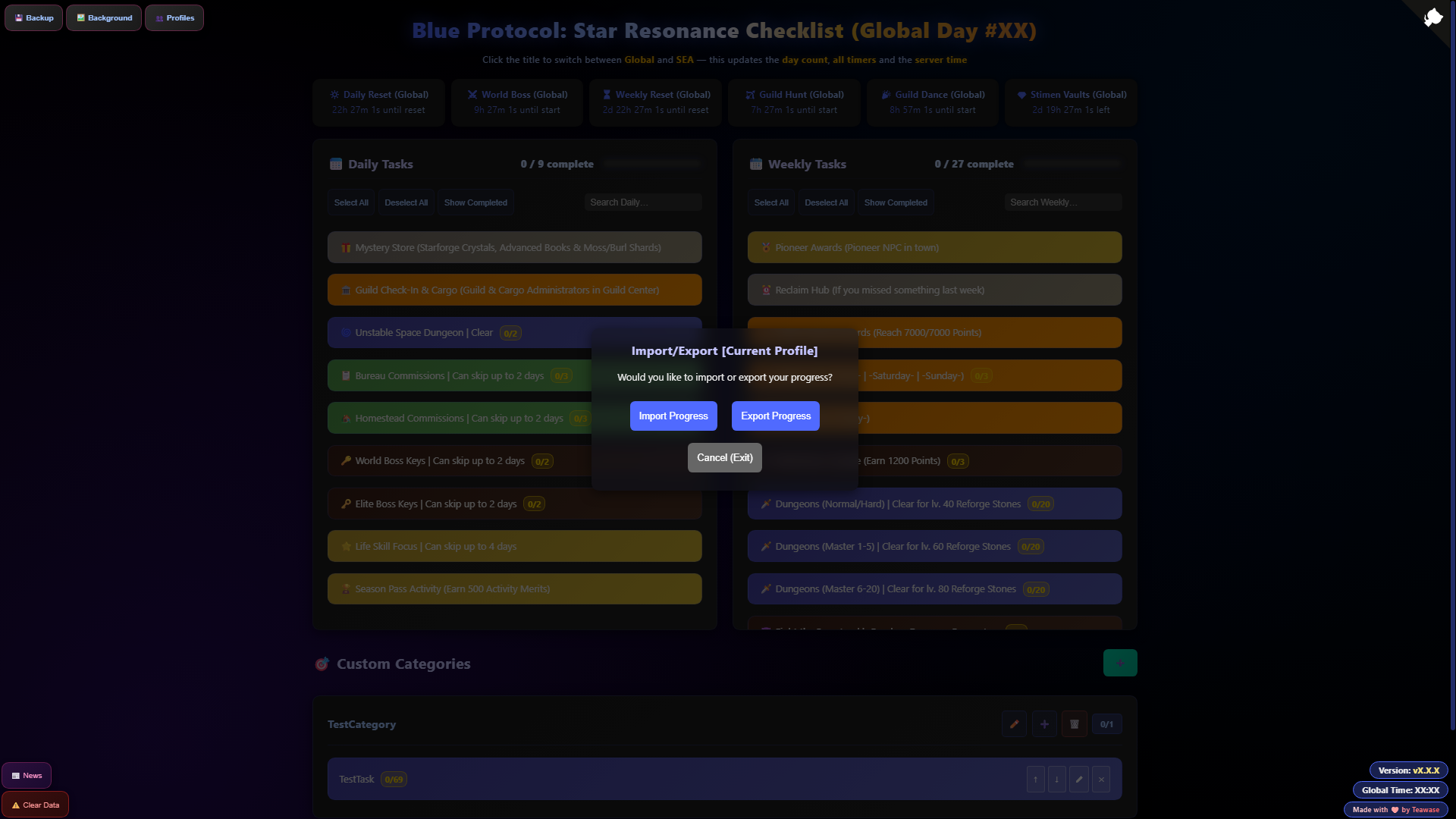
| 💾 Fully Offline & Data Portability | Works offline and in incognito mode · One-click export/import and backup/restore. |
| 📱 Mobile UI Support | Responsive design with perfectly functioning timers and counters on every device. |
| ⚡ Lightweight & Future-Proof | Built with vanilla JavaScript and only two tiny dependencies — blazing fast and built to last. |
 |
 |
 |
 |
 |
 |
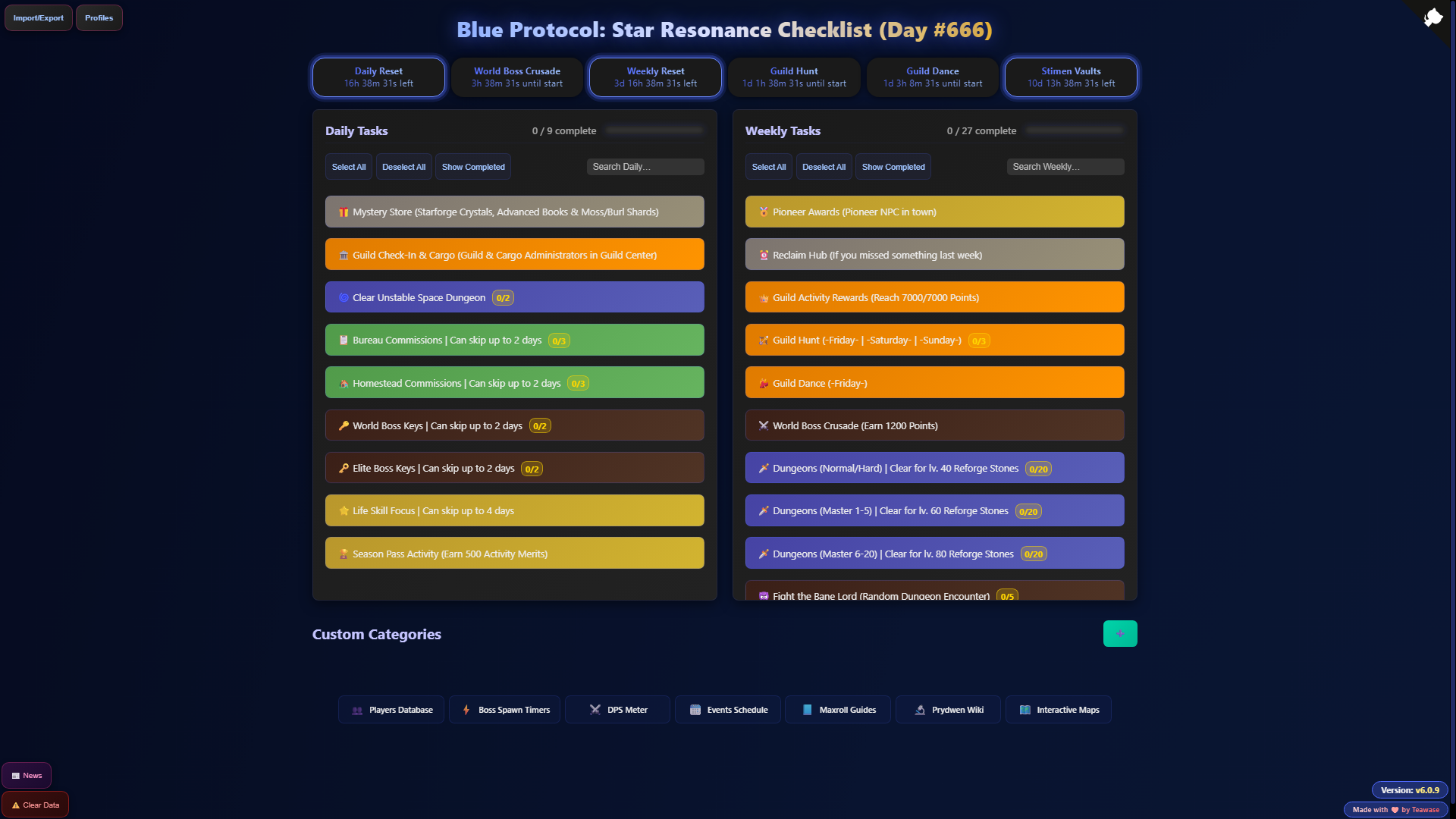
- Daily Tasks: Track your daily activities with color-coded categories.
- Weekly Tasks: Track your weekly activities with similar color-coding and organization.
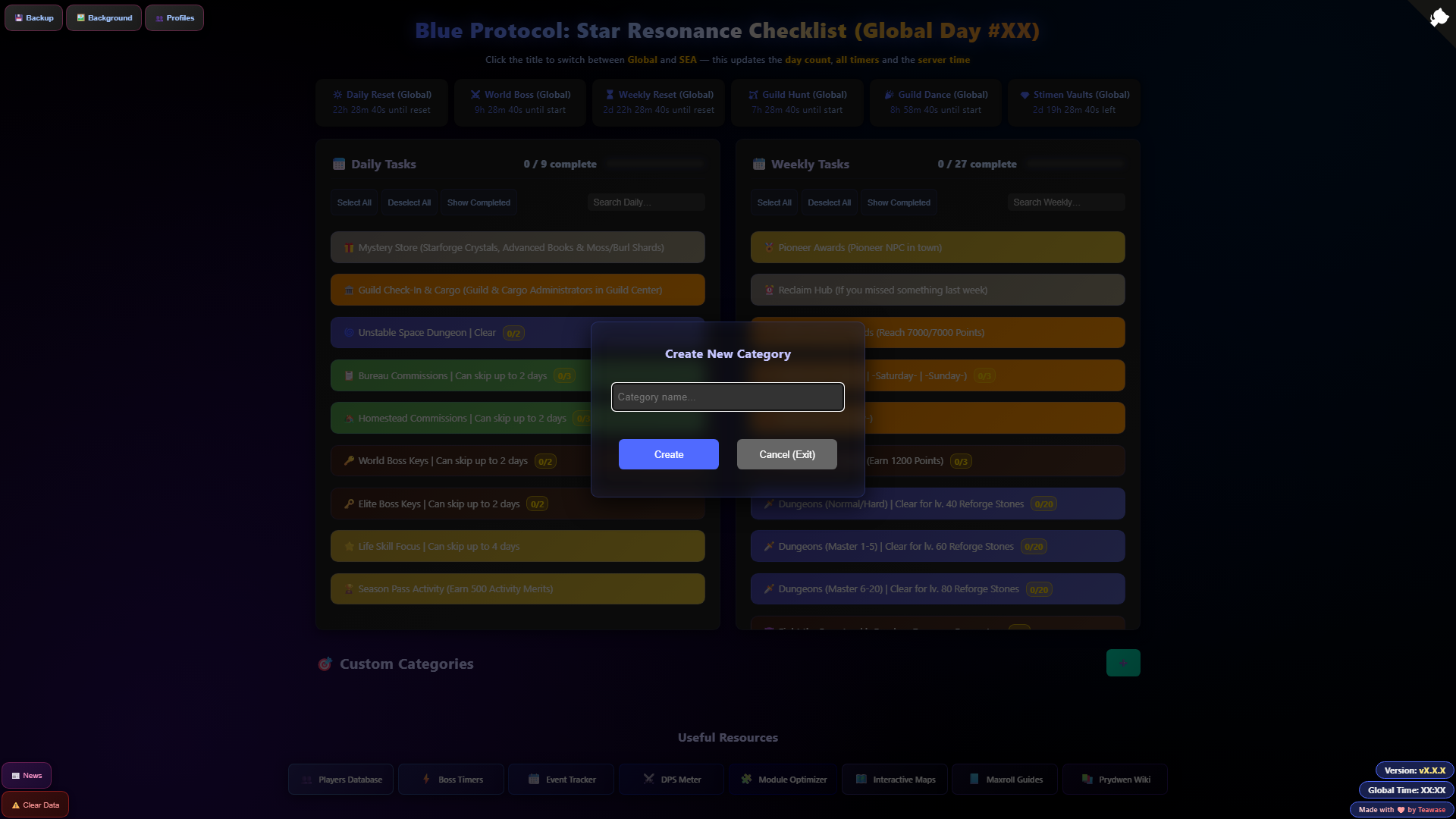
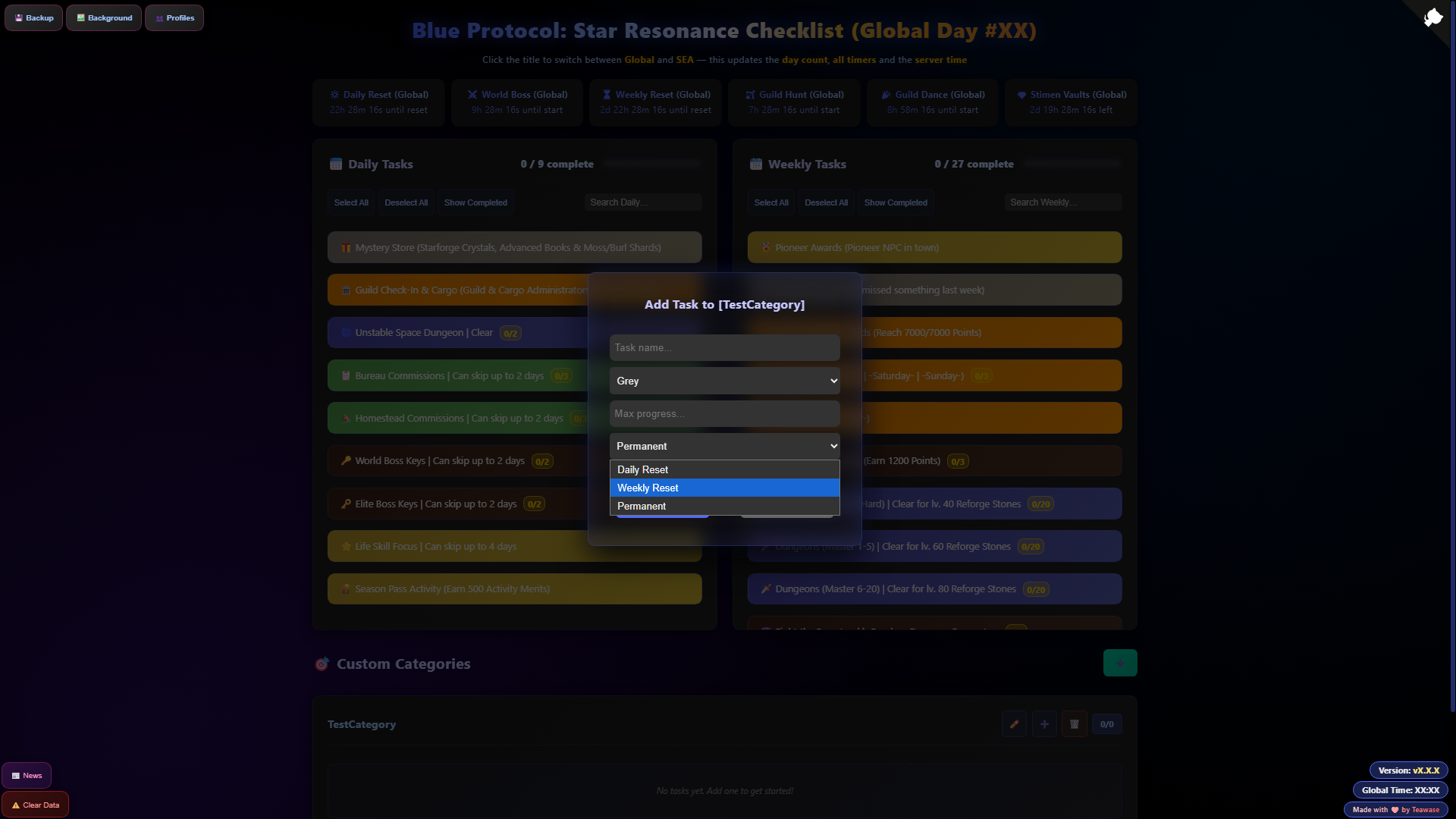
- Custom Categories + Tasks: Create your own categories and tasks with customizable colors, tracking, and reset options (daily, weekly, or permanent). You can also reorder them however you like.
- Completion Toggling: Click or Keyboard (Enter/Space) functionality to mark tasks as complete/incomplete; with line-through styling and opacity fade for completed items.
- Multiple Profiles: Save your progress between multiple profiles/characters with independent progress tracking. You can also add an avatar to each and rename them whenever you want.
- Incremental Progress: Keep track of how many dungeon runs you've completed, how many times you've fought the bane lord or others.
Left Click (MB1): Increase by 1
Hold Left Click (MB1): Increase quickly (continuous increment) | Mobile: Hold Tap
Right Click (MB2): Decrease by 1
Hold Right Click (MB2): Decrease quickly (continuous decrement) | Mobile: Double Tap + Hold
- Real-time counters (e.g., "6 / 9 complete").
- Progress bars with percentage display and gradient fills.
- Batch Actions: "Select All" and "Deselect All" buttons for quick completion resets or bulk marking.
- Show/Hide Completed: Toggle button to filter out finished tasks, improving focus on remaining work.
- Import/export: Backup and restore daily/weekly checklist progress via a JSON file with instant UI updates.
- Live Search: Text input filters tasks by label in daily and weekly sections, switching to a vertical list for easier reading.
- Keyboard Navigation: Use Tab then Arrow keys (Up/Down) to move focus between tasks; Enter/Space for toggling.
- Persistent Storage: Uses localStorage to save task states across sessions. Daily progress resets at (5:00 AM Noronha timezone); Weekly progress resets every Monday at (5:00 AM Noronha timezone).
- Real-Time Countdowns: Dynamic timers for key game events, all timezone-aware (America/Noronha):
- Daily Reset (5:00 AM).
- World Boss Crusade (4:00 PM - 10:00 PM daily).
- Weekly Reset (Monday 5:00 AM).
- Guild Hunt (Fri-Sun 2:00 PM - 4:00 AM next day).
- Guild Dance (Fri 3:30 PM - 3:30 AM next day).
- Stimen Vaults (Bi-weekly reset).
- Smart Updates: Refreshes every second when visible, every 5 seconds when tabbed away.
- Timer pulse: Active timers have a glowing effect.
- Clickable Refresh: Click any timer name to force-update all of them.
- Responsive Design: Flexbox layout stacks sections vertically on mobile (<900px); tasks reflow from 2-column grid to full-width.
- Color-Coded UI: Tasks use distinct backgrounds for quick visual grouping.
- Animations & Feedback: Smooth transitions for task hovers, counter updates (fade/slide), and progress fills.
- Accessibility Features:
- ARIA labels/roles for screen readers.
- Keyboard-focusable tasks with outline rings.
- Dynamic Page Title: Updates to "Blue Protocol: Star Resonance Checklist (Day #X)" based on days since Oct 9, 2025 launch.
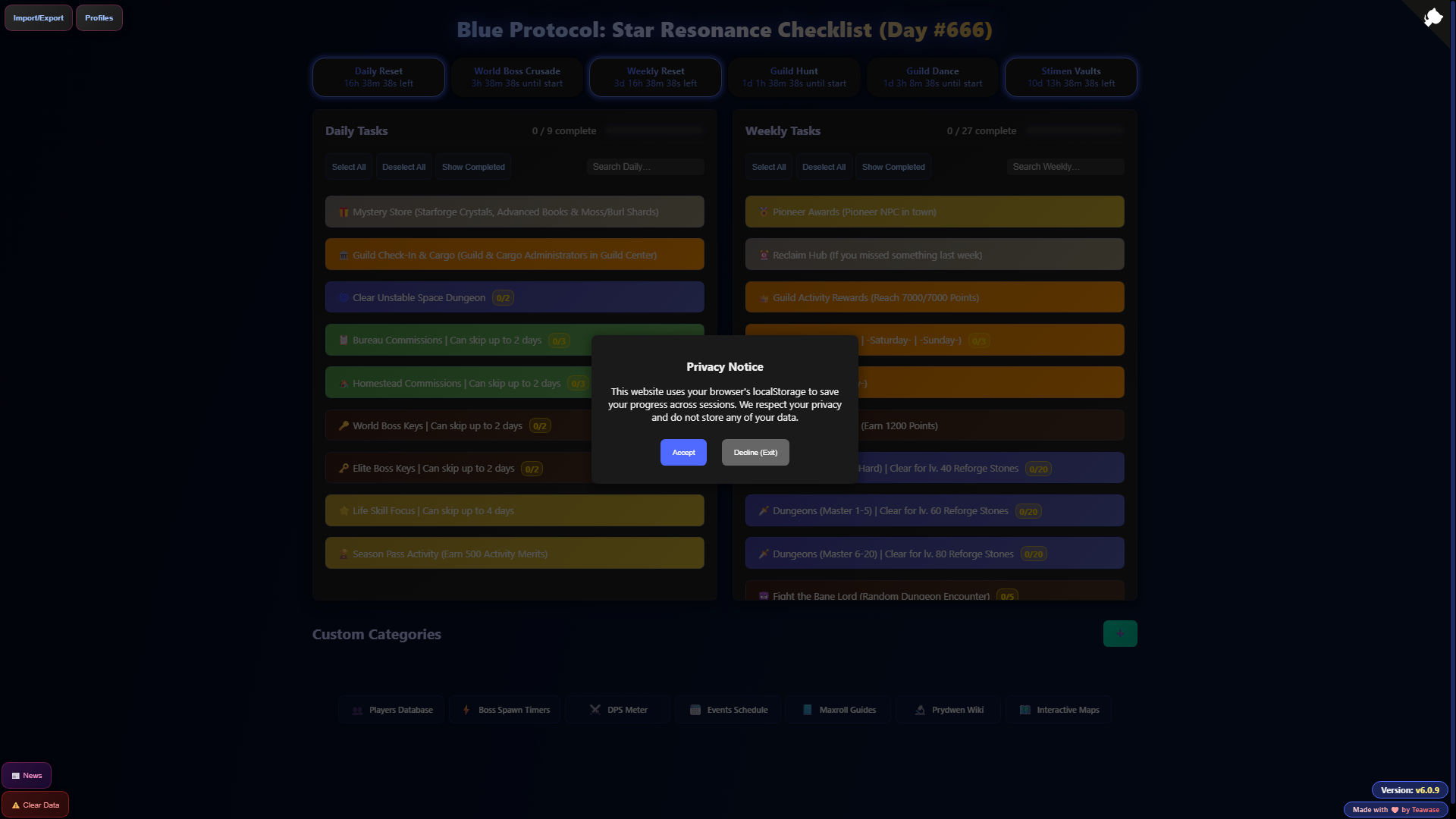
- Data Privacy: Auto-detects EU visitors via IP API; shows a modal for consent. Opting out deletes all data and closes the tab.
- Incognito Mode Support: Detects private browsing and prompts to clear unsaved progress on unload; auto-clears if confirmed.
- Error Handling: Fallback for storage failures, timezone parsing, or API errors.
- Footer Links: Quick access to community resources.
- No Internet Required: Fully offline after initial load; timers use browser Date API.
- HTML5: Semantic structure with modals and live regions.
- CSS3: Flexbox, gradients, animations, dark theme.
- JavaScript (ES6+): Vanilla JS with async/await, debouncing, and timezone handling. No frameworks.
- External: Only canvas-confetti for celebrations and marked for markdown rendering.
Note: Some code in this project was generated with AI assistance and subsequently reviewed and refined by the developer.
- Discord: Teawase
- In-game UID (Global): #225964

Made with ❤️ by Teawase
This project is licensed under the MIT License - see the LICENSE file for details.