I'm a full stack developer... 👨💻 I am passionate about Web Dev & I enjoy learning new things.
The Hospital Management Application is built with Angular and Springboot. The primary objective of the project is to design and develop a hospital management website which can be accessed by the doctor and admin.
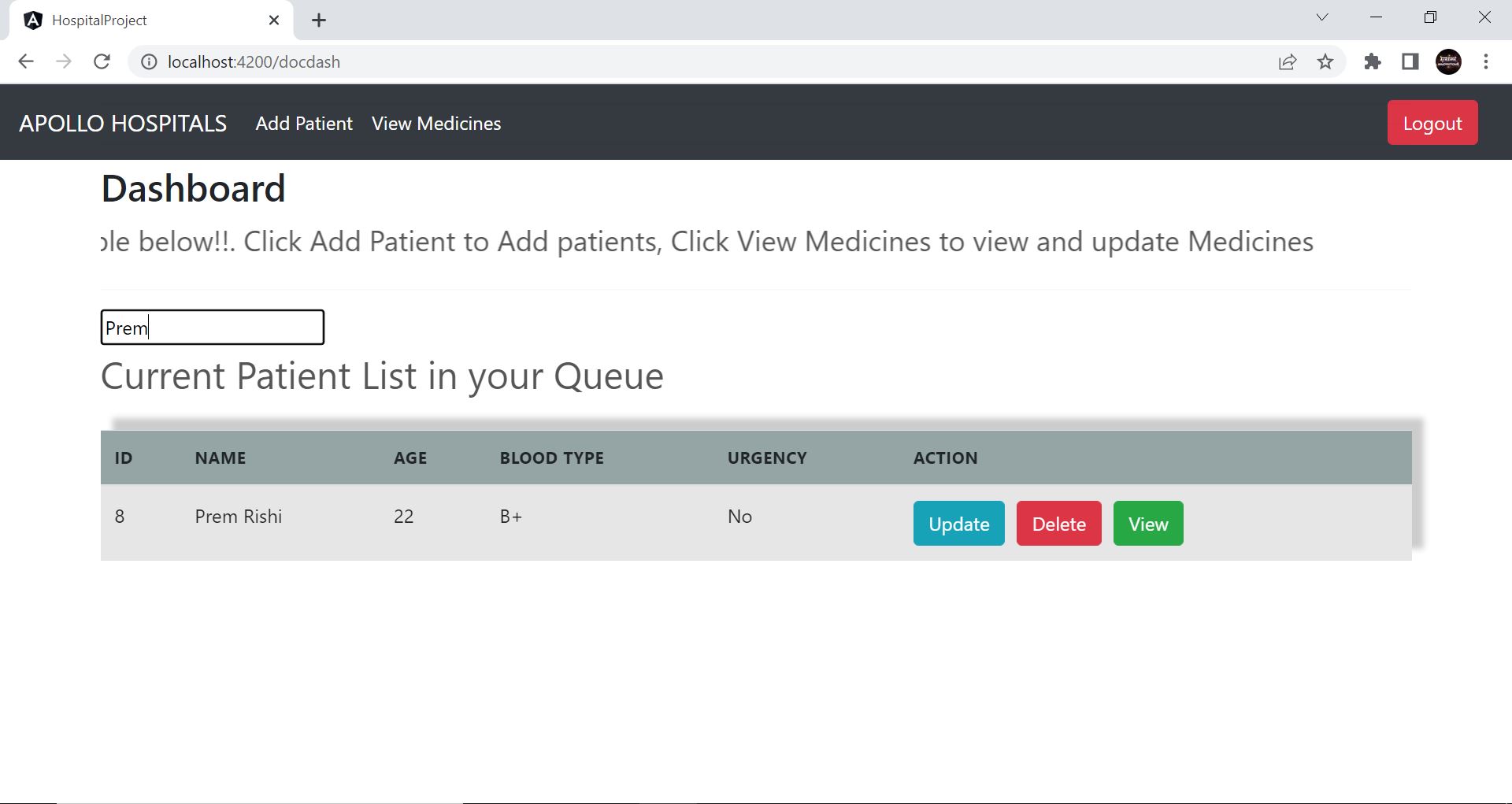
The doctor has the authority to view the current list of patients who are under treatment, including their diagnostic details. The doctor can perform CRUD operations with the patients in his dashboard. Doctor has the access to add and maintain the medicine list in his dashboard.
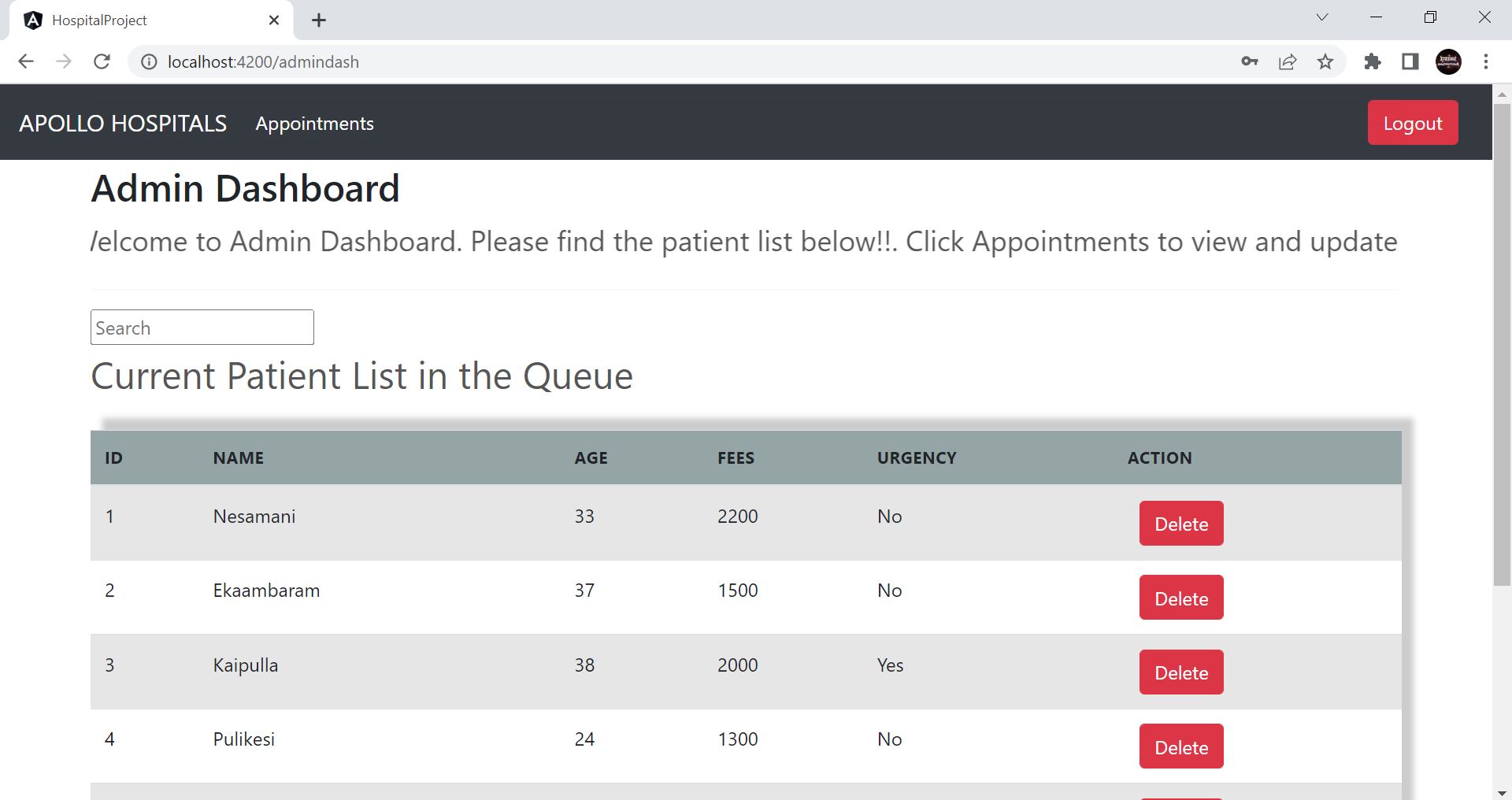
Admin dashboard displays the current patient list excluding few sensitve diagnostic details. Admin has the access to maintain the appointment list in his dashboard. Admin can also perform CRUD operations in the appointment list.
Sprinboot is used as a middleware for database connection and api generation. MySQL8 workbench is used as the database. Angular 14 is used as the frontend framwork for component generation, routing, statemanagement, api calling for all the components. This project was generated with Angular CLI version 14.0.4.
Client: Angular, HTML, Typescript, CSS, Javascript
Server: Spring boot, Java
Database: MySQL8, Work bench CE-8
1. Home Page of the Application:

2. News Feeds:

3. Doctor Login Component with Authentication:

4. Doctor Dashboard Component:

5. Search by name feature:
6. Viewing Patient Diagnostics:

7. Add Patient component:

8. Updating Patient Details:

9. Medicine List component:

10. Add Medicine component:

11. Admin Login component:

12. Admin Dashboard component:
13. Appointments:

Run ng serve for a dev server. Navigate to http://localhost:4200/. The application will automatically reload if you change any of the source files.
Run ng generate component component-name to generate a new component. You can also use ng generate directive|pipe|service|class|guard|interface|enum|module.
Run ng build to build the project. The build artifacts will be stored in the dist/ directory.
Run ng test to execute the unit tests via Karma.
Run ng e2e to execute the end-to-end tests via a platform of your choice. To use this command, you need to first add a package that implements end-to-end testing capabilities.
To get more help on the Angular CLI use ng help or go check out the Angular CLI Overview and Command Reference page.