AniMovie is a modern, web-based media streaming platform that allows users to discover, search, and watch a vast library of Anime, Manga, Movies, and TV Shows. Built with Next.js and Tailwind CSS, it offers a clean, intuitive, and responsive user experience similar to top-tier streaming services.
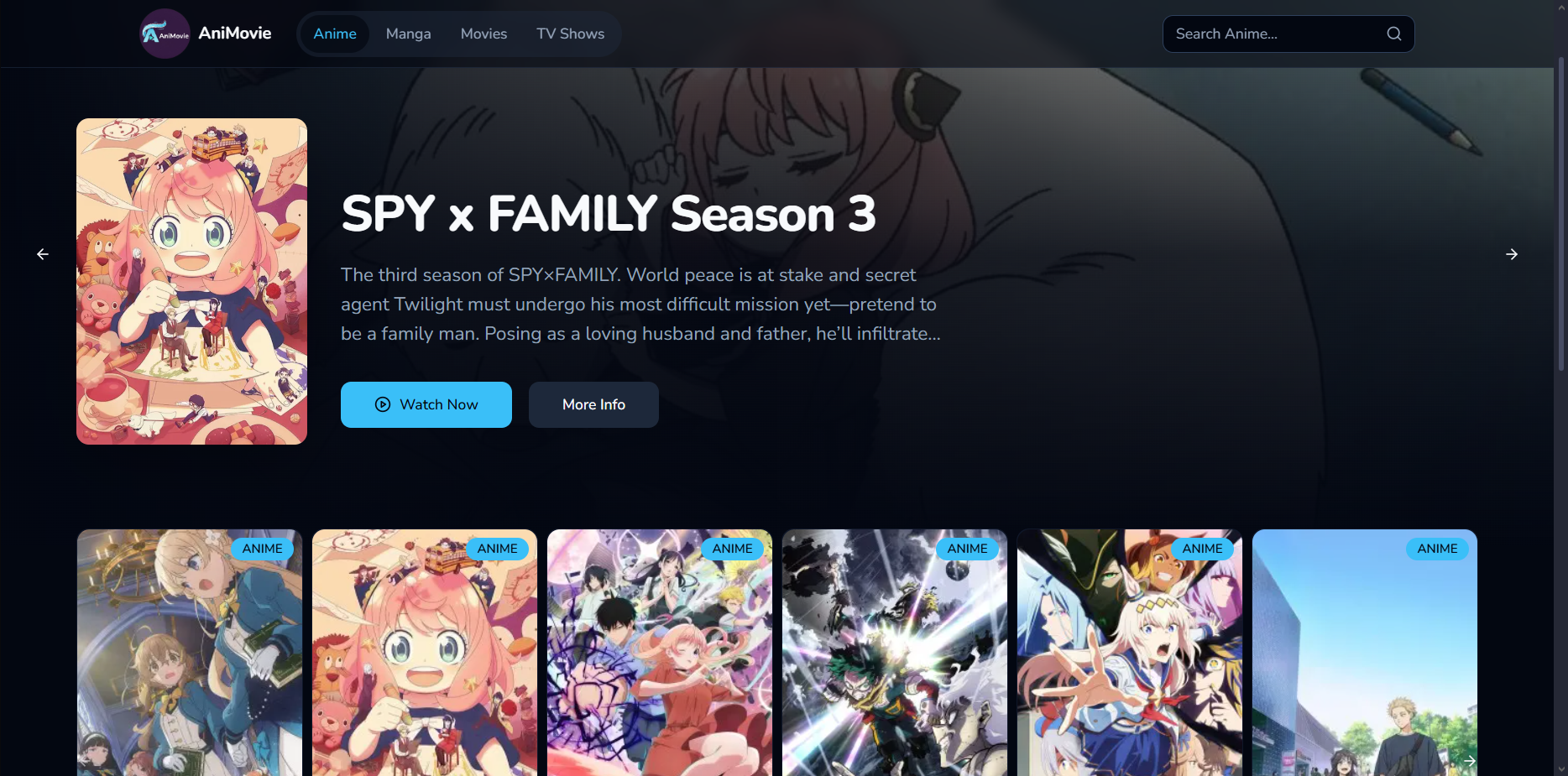
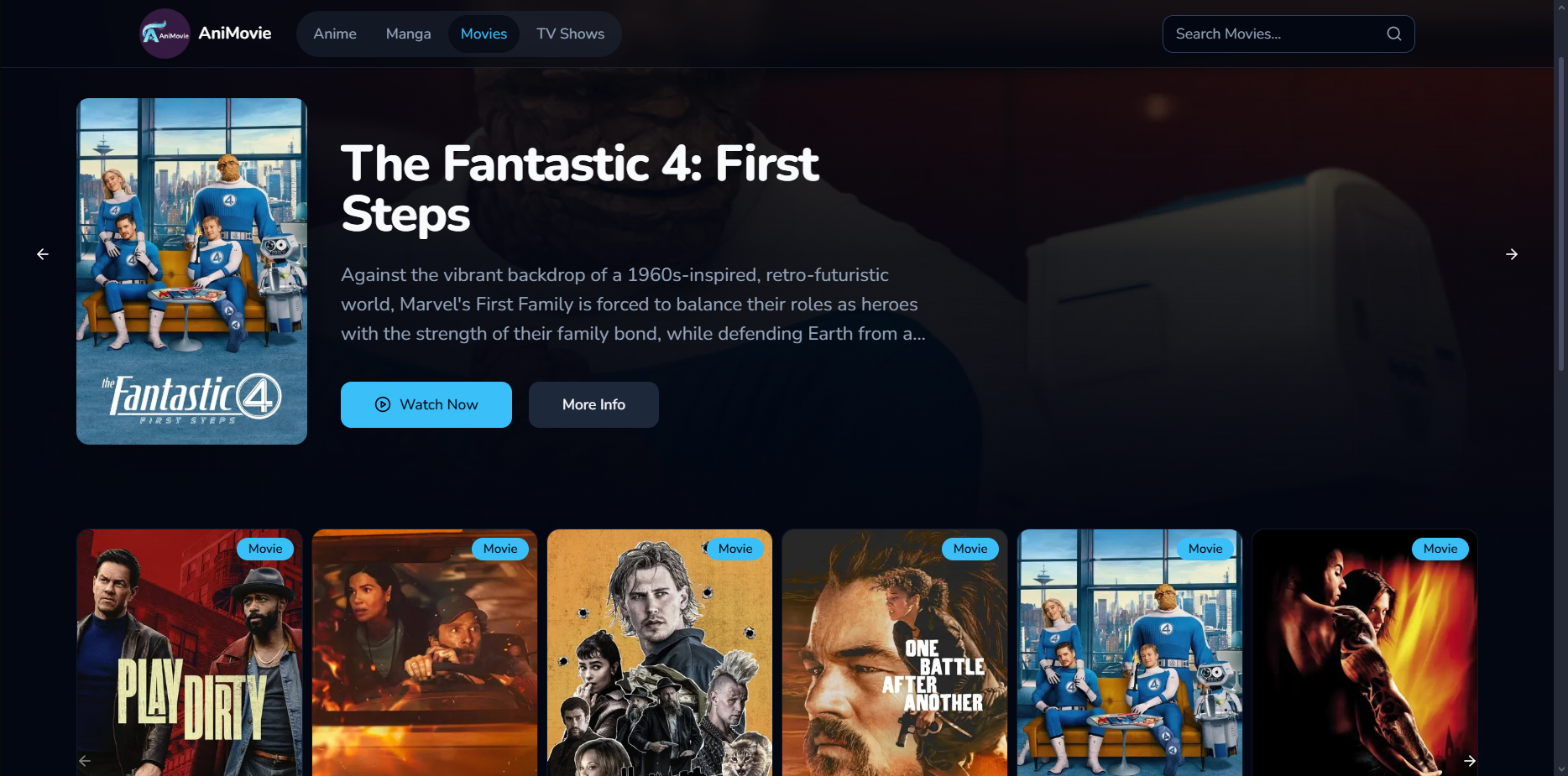
This application acts as a sophisticated search engine and user interface for media content. It dynamically fetches data from public, third-party APIs:
- AniList: Used for all Anime and Manga data, including titles, descriptions, genres, and relationships (prequels, sequels, etc.).
- The Movie Database (TMDB): Used for all Movie and TV Show data.
- vidsrc: Used as the embedded player for streaming video content.
The platform itself does not host or store any video, image, or manga files on its servers. It simply presents the data from these services in a user-friendly way.
- Unified Media Library: Browse Anime, Manga, Movies, and TV Shows all in one place.
- Dynamic Search: Instantly search across all media types.
- Rich Detail Pages: View detailed information, including synopsis, genres, ratings, and banner images.
- Content Discovery: Discover new content through "Trending," "Popular," and genre-based "More Like This" sections.
- Related Media: Easily navigate between prequels, sequels, and side stories for anime and manga series.
- Seamless Viewing: Integrated player for watching anime, movies, and TV shows directly.
- Fully Responsive: A great experience on desktop, tablet, and mobile devices.
- Framework: Next.js (App Router)
- Styling: Tailwind CSS with shadcn/ui components
- Language: TypeScript
- Data Fetching: AniList (GraphQL) & TMDB (REST)
- Deployment: Ready for Vercel or any Node.js hosting environment.
To get a local copy up and running, follow these simple steps.
- Node.js (v18 or later)
- npm, yarn, or pnpm
- Clone the repository:
git clone https://github.com/Parthakashyap/AniMovie.git
- Navigate to the project directory:
cd animovie - Install NPM packages:
npm install
To run the application, you need to provide an API key from The Movie Database (TMDB).
-
Sign up for a free TMDB account and request an API key here.
-
In the root of your project, create a file named
.env. -
Add your TMDB API key to the
.envfile like this:NEXT_PUBLIC_TMDB_API_KEY="your_tmdb_api_key_here"
Once the dependencies and environment variables are set up, you can start the development server:
npm run devOpen http://localhost:9002 (or your configured port) with your browser to see the result.
This website, AniMovie, is a search engine for publicly available media content and does not host, store, or own any video, image, or manga files on its servers. All media content is sourced from and embedded from third-party services like VidSrc and others.
We are not responsible for the legality, accuracy, or content of any external sources. This project is for educational and demonstrational purposes only. If you believe any content linked on this site infringes on your copyright, please contact the respective third-party content providers to have it removed.