

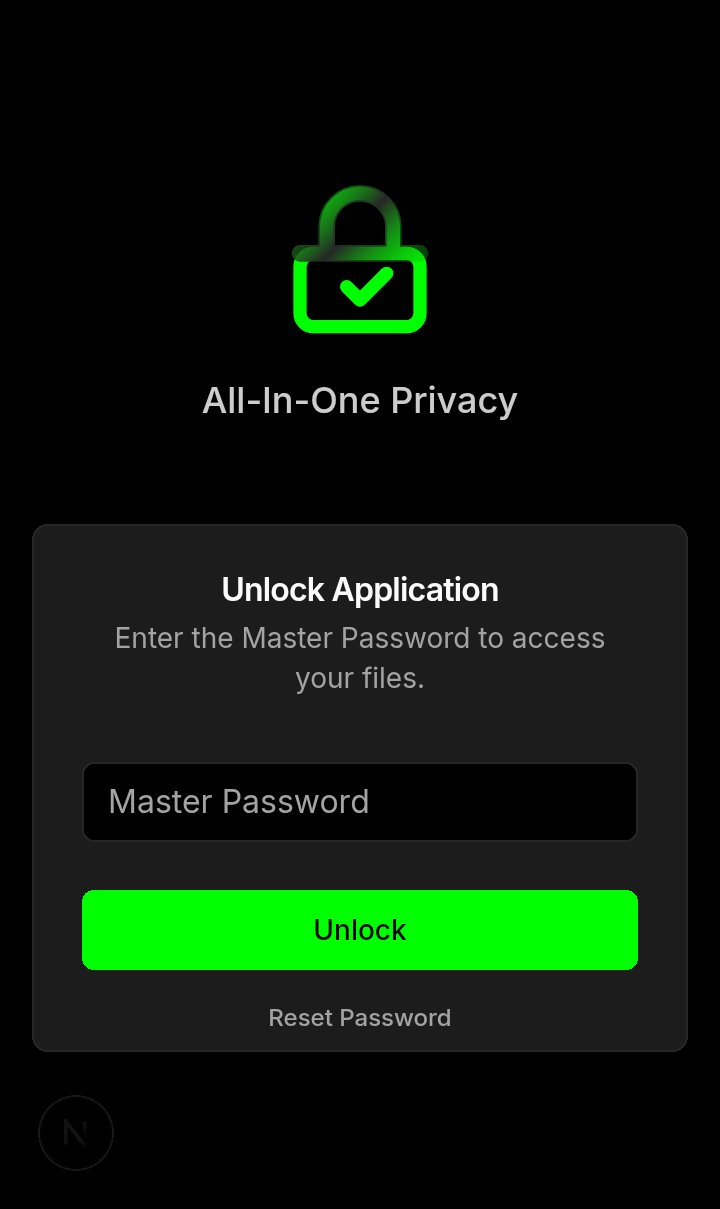
Login — Master Password |
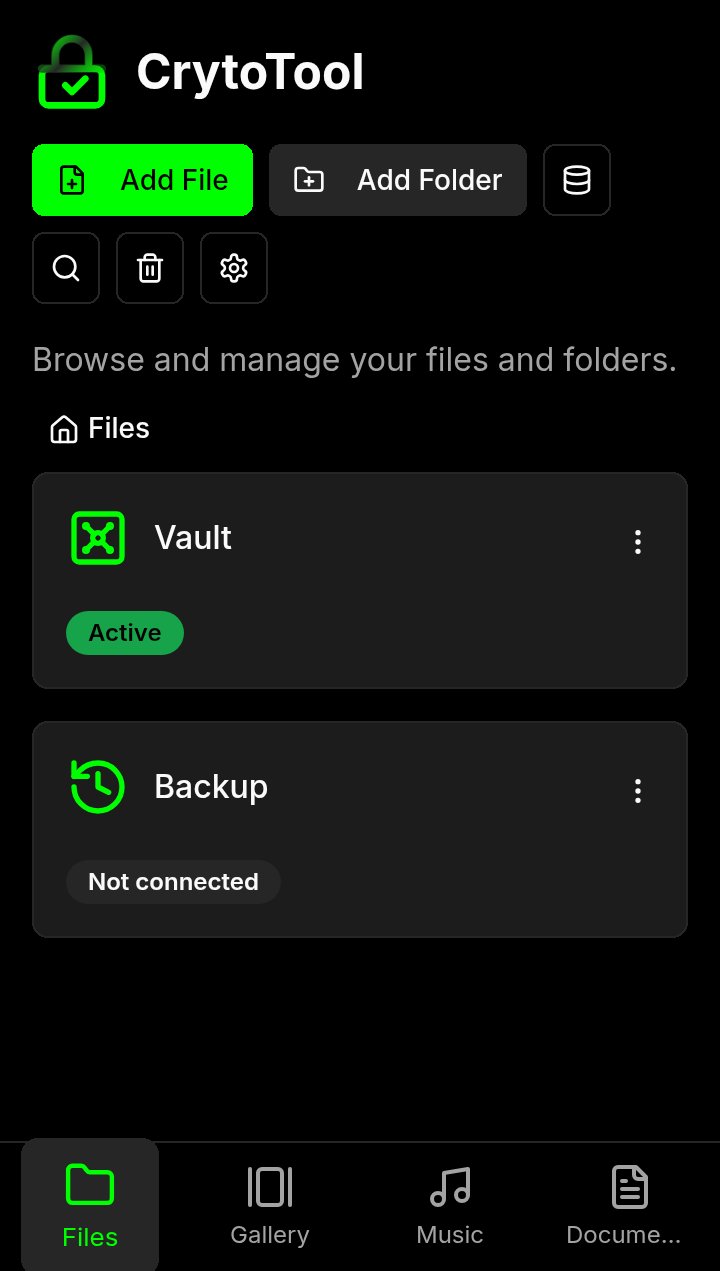
files — backup and Vault |
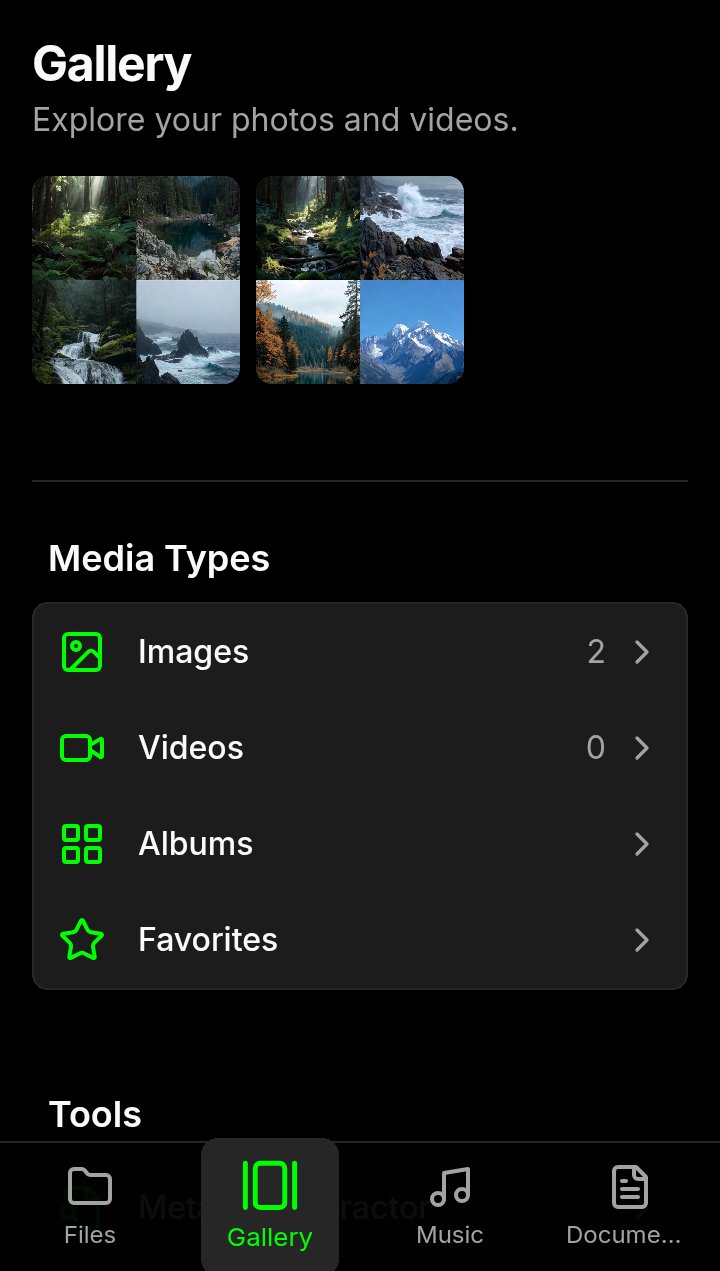
Gallery -and tools |
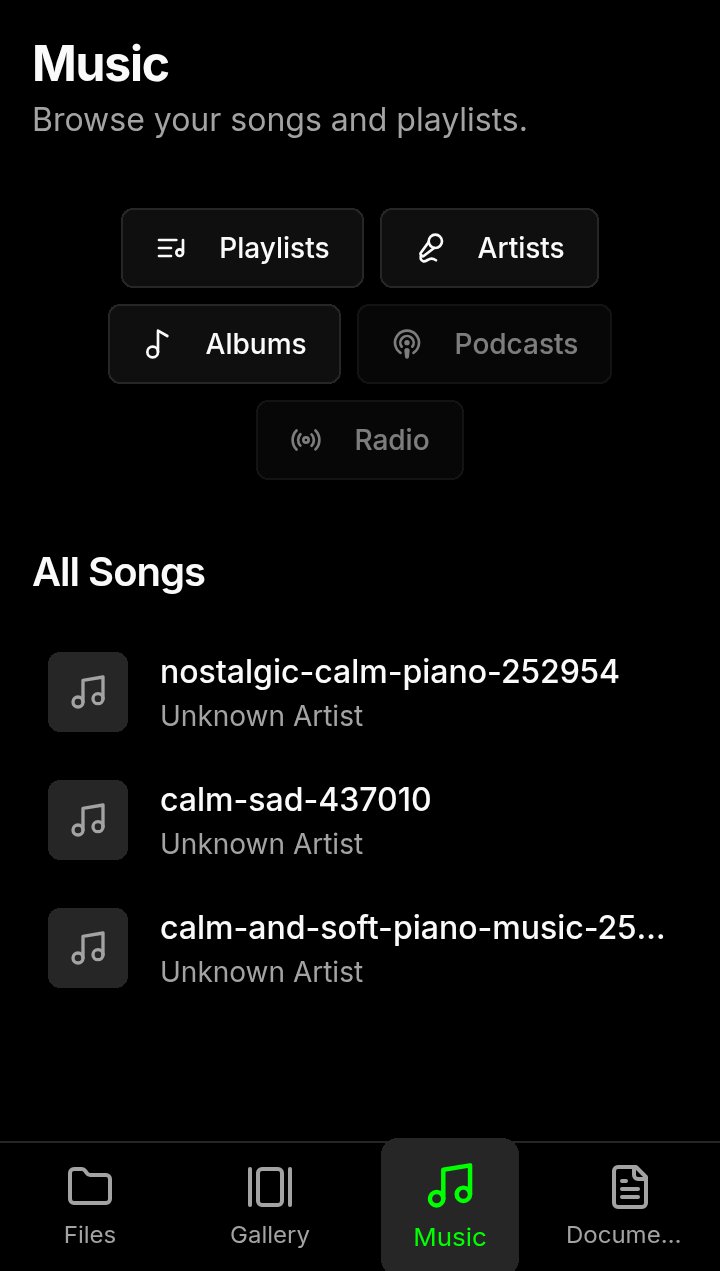
Miusic - and player media |
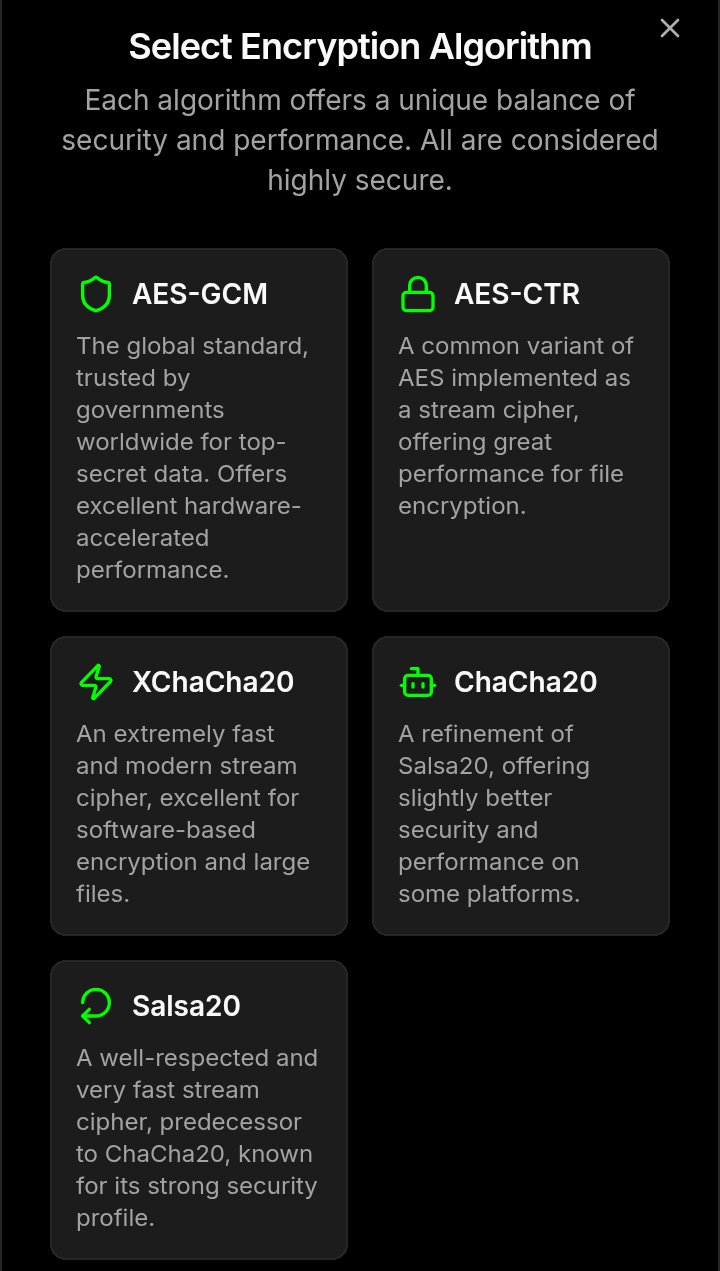
select - algorithms and encryption |
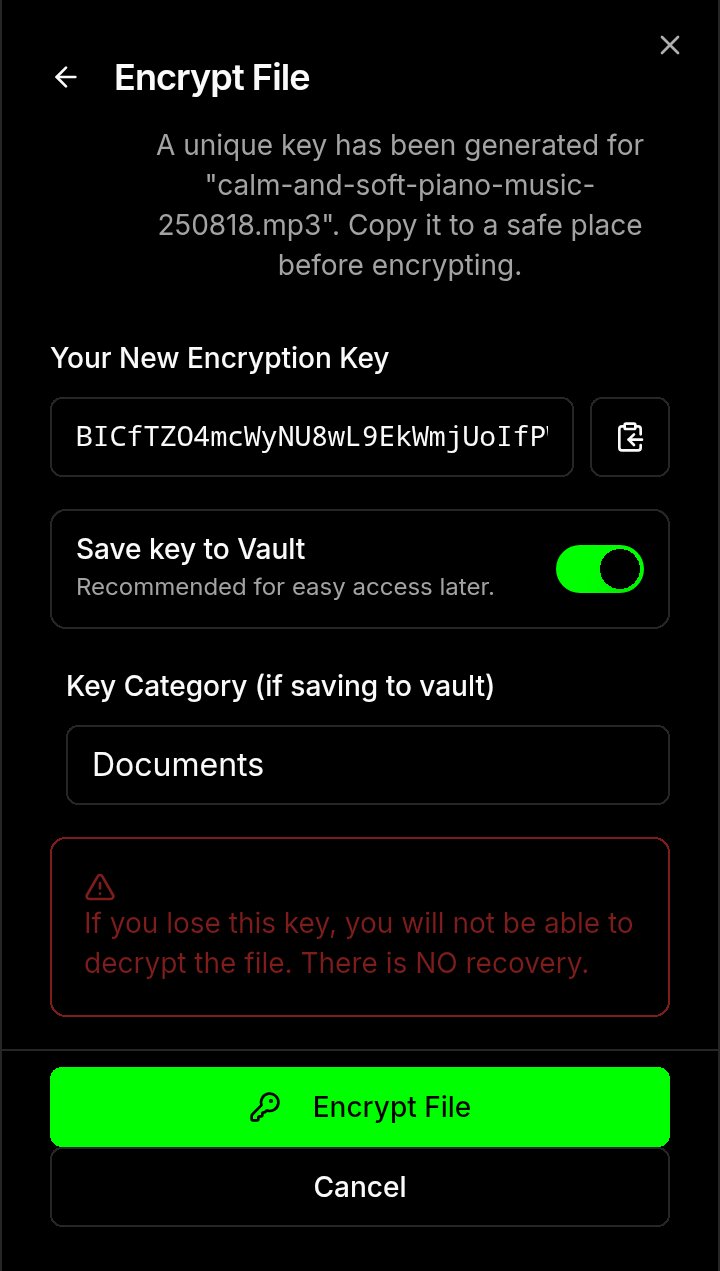
key - Unique and saves in Vault |
CrytoTool respects the people behind the screen. It's a four-in-one file manager, gallery, music player, and document viewer built on a simple, radical idea: no tracking, no ads, no data collection. Using a 100% client-side architecture and strong, modern end-to-end encryption, your data is always protected.
The application and backups are secured with AES-GCM, derived from your master password. For individual file encryption, you have the flexibility to choose from a suite of elite algorithms:
- AES-GCM & AES-CTR
- XChaCha20-Poly1305
- ChaCha20-Poly1305
- Salsa20-Poly1305
Your files are protected and never leave your device.
CrytoTool is compliant with the protocol and respects all the principles included in it: protocol-3305
Advanced Security & Privacy
- Robust Master Password: Enforces a strong, 30-character minimum master password to secure the entire application.
- Two-Factor Authentication (2FA): Add an extra layer of security to your login using any standard TOTP authenticator app.
- Brute-Force Protection: The login screen features progressive lockout, while the optional Self-Destruct mechanism can be configured to wipe all app data after a set number of incorrect password attempts.
- Critical Settings Password: An optional, secondary password to protect the Settings page from unauthorized changes.
- Secure Data Shredder: When enabled, permanently overwrites data on deletion to make it unrecoverable.
- Encryption Key Vault: Securely save and manage your file encryption keys in a separate, PIN-protected vault, featuring progressive lockout and a blacklist of common, weak PINs.
- Elite Encryption Suite: Encrypt individual files with your choice of modern algorithms: AES-GCM, AES-CTR, XChaCha20-Poly1305, ChaCha20-Poly1305, and Salsa20-Poly1305.
- Timed One-Time Keys: Generate temporary, time-limited keys to grant secure, short-term decryption access to a specific file.
Advanced Access Recovery
- Offline-First Recovery: Regain access without needing an internet connection.
- Recovery Codes: Generate a set of 10 single-use codes to reset your Master Password in an emergency.
- Reset Token: Create a unique, persistent token for password recovery, which can be regenerated at any time.
File Management & Organization
- Complete File Operations: Securely browse, select, copy, move, rename, download, and delete your files and folders.
- Dedicated Views: Instantly access your media with dedicated sections for your Gallery, Music library, and Documents.
- Smart Special Folders: Quick access to the Vault, Backup & Restore,
- Advanced Search: Instantly find files and folders by name or by custom-colored tags.
- Storage Management: Visualize your on-device storage usage with a clear breakdown by file category.
- Smart Trash: Deleted files are moved to a trash bin for 30 days before permanent deletion, giving you a safety net to recover them.
- AI Assistant simulate: Ask questions and get help about the app's features and security principles.
Deep Customization
- Global Accent Color: Personalize the entire application's look and feel with a custom accent color, selectable from a full-spectrum color picker.
- Multilingual Support: Choose from over 20 interface languages.
- Advanced Folder & File Customization:
- Set a unique background color for any folder.
- Choose from over 1,300 built-in icons or upload your own custom image to represent a file or folder.
- Organize with custom-colored tags.
- View Options: Choose to hide file and folder names globally for a cleaner, icon-only interface.
Explore these guides to understand our project's principles, technical design, and how you can get involved.
- Code of Conduct Our pledge to maintain a harassment-free and inclusive community.
- Contributing Guide Instructions on how to contribute to the project.
- License The Apache 2.0 license under which this software is provided.
- Security Analysis A detailed overview of the security measures and threat model.
- Technical Architecture A deep dive into the technical design and encryption model.
We do not need your money. We need your voice.
Our mission is to build software that respects people, and that mission can only succeed if people know there is a better way. If you believe in this project, the most valuable contribution you can make is to share it.
Talk about it. Write about it. Show it to your friends. Help us prove that a private, secure, and respectful internet is not only possible—it's necessary.