| grub2-brunch | grub2-fyde | grub2-androidx86 |
|---|


| English | 简体中文 | 繁體中文 | ... |
|---|
It is used to dual-boot chromeOS, or even multi-boot, which is installed on no chromebook by using Brunch Framework.
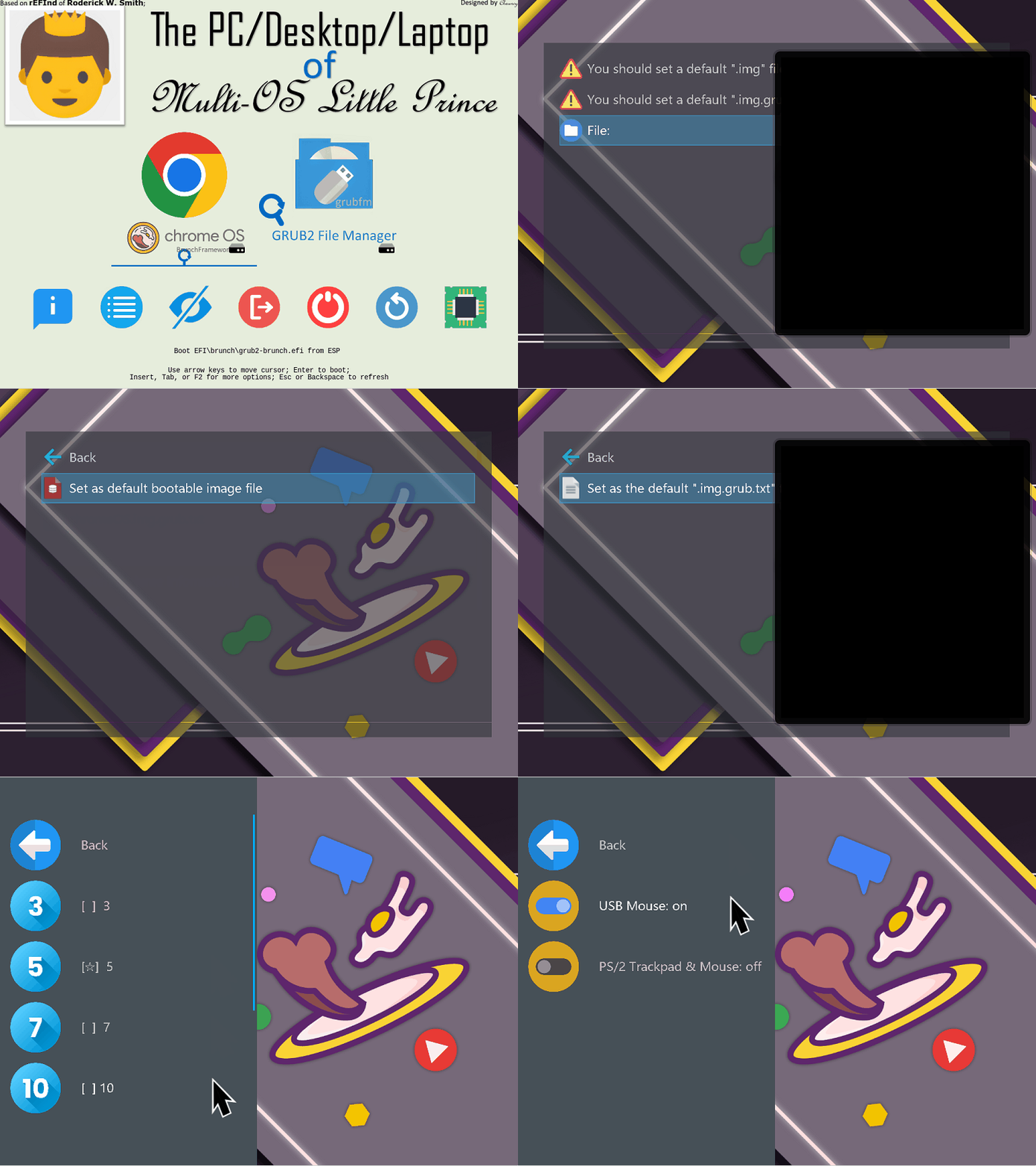
- Set default
.imgand.img.grub.txtfiles through graphical interface; - Using patched grub of a1ive, it totally supports secure boot,
- It can load any unsigned kernel;
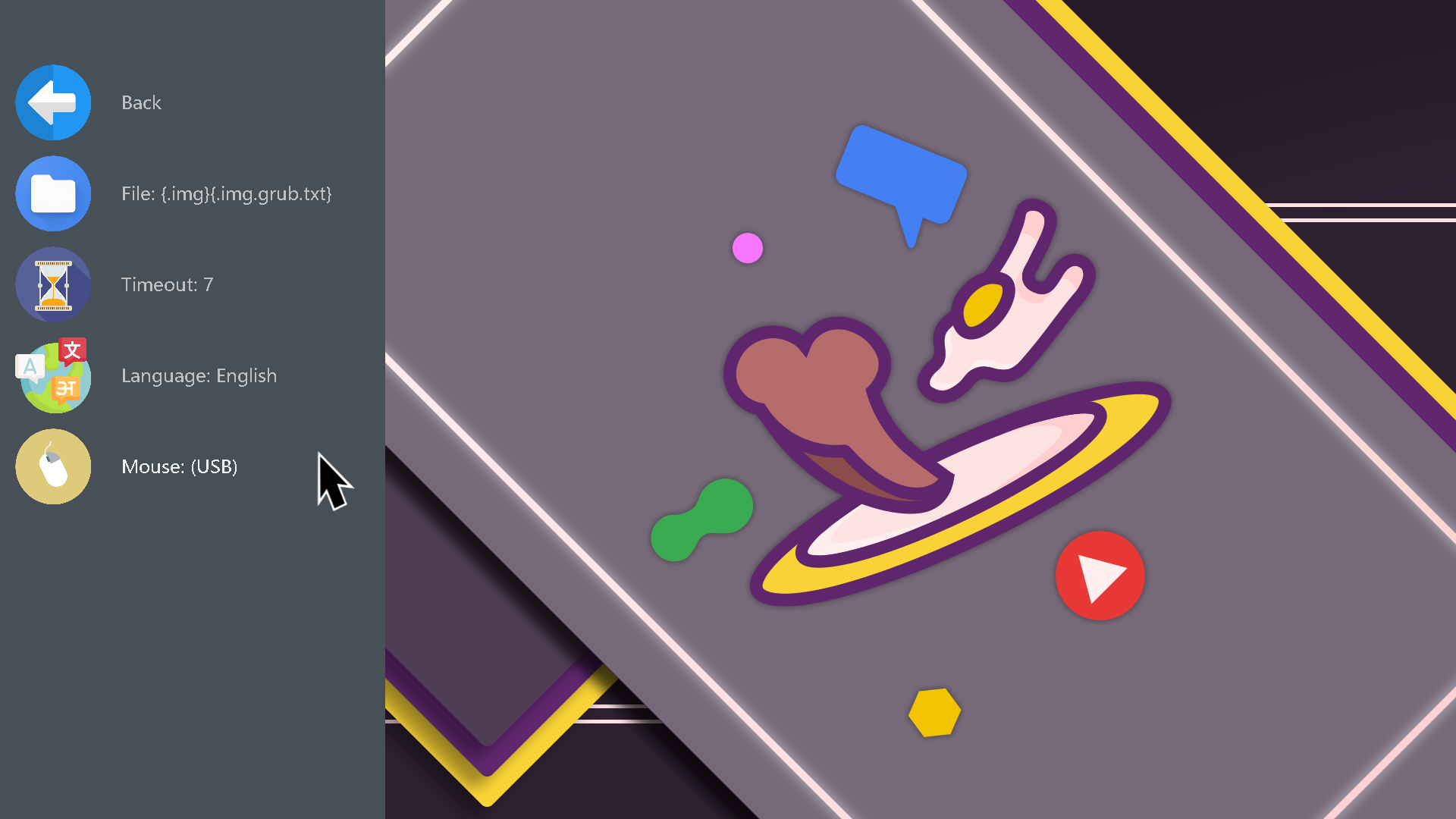
- Mouse and PS/2 trackpad;
- Multiple languages;
- Set the timeout on the graphical interface;
| Key | Function |
|---|---|
| [↑] [↓] | Navigation; |
| [Enter] | Enter the selected entry; |
| [ESC] | Returns to the previous menu list; (Exit from the main menu) |
| [Delete] | Show hidden menu; |
| [F5] | Refresh and re-enter grub2; |
| [F10] | Screenshot; |
| Operation | Function |
|---|---|
| Slide up | [↑] |
| Down | [↓] |
| Left click | [Enter] |
| Right click | [ESC] |
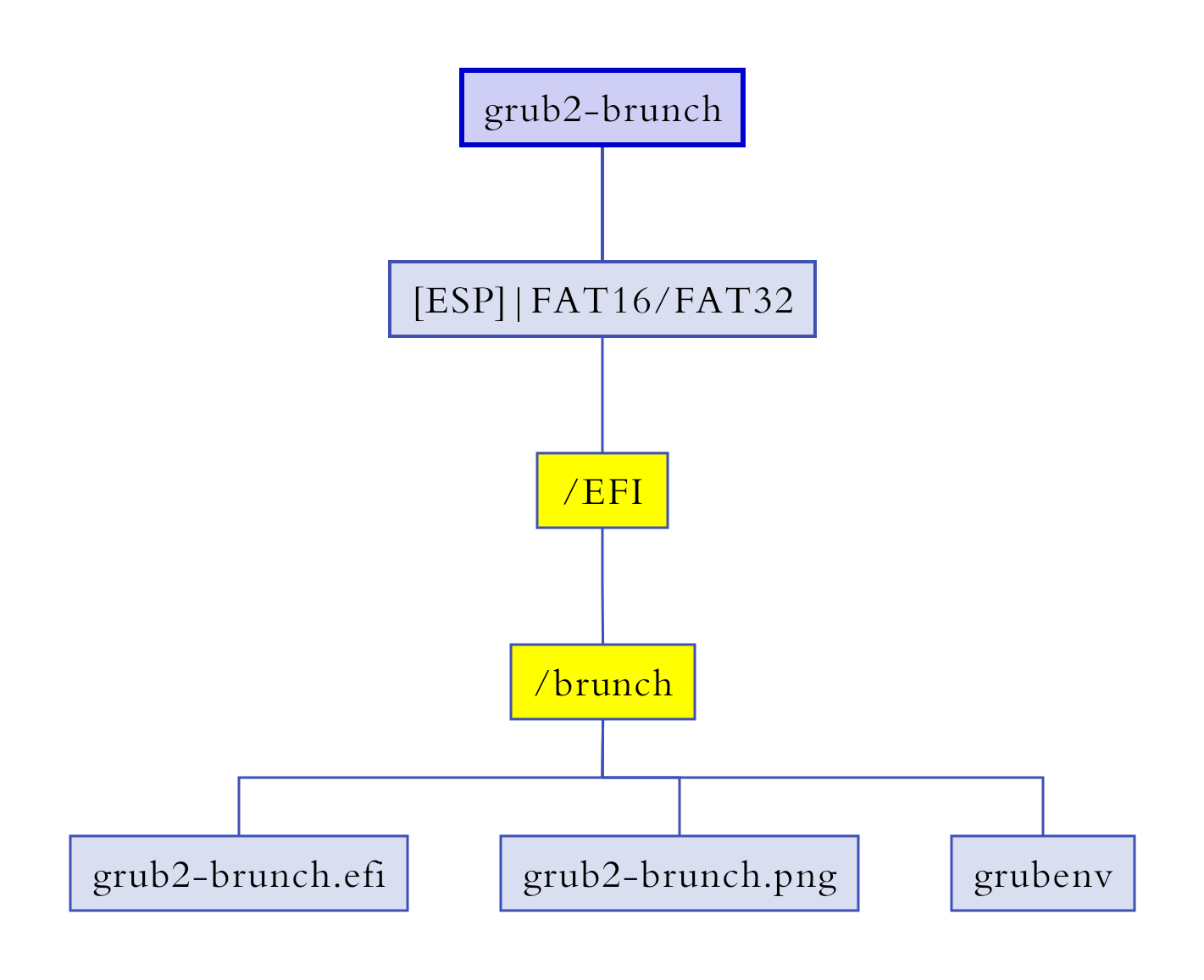
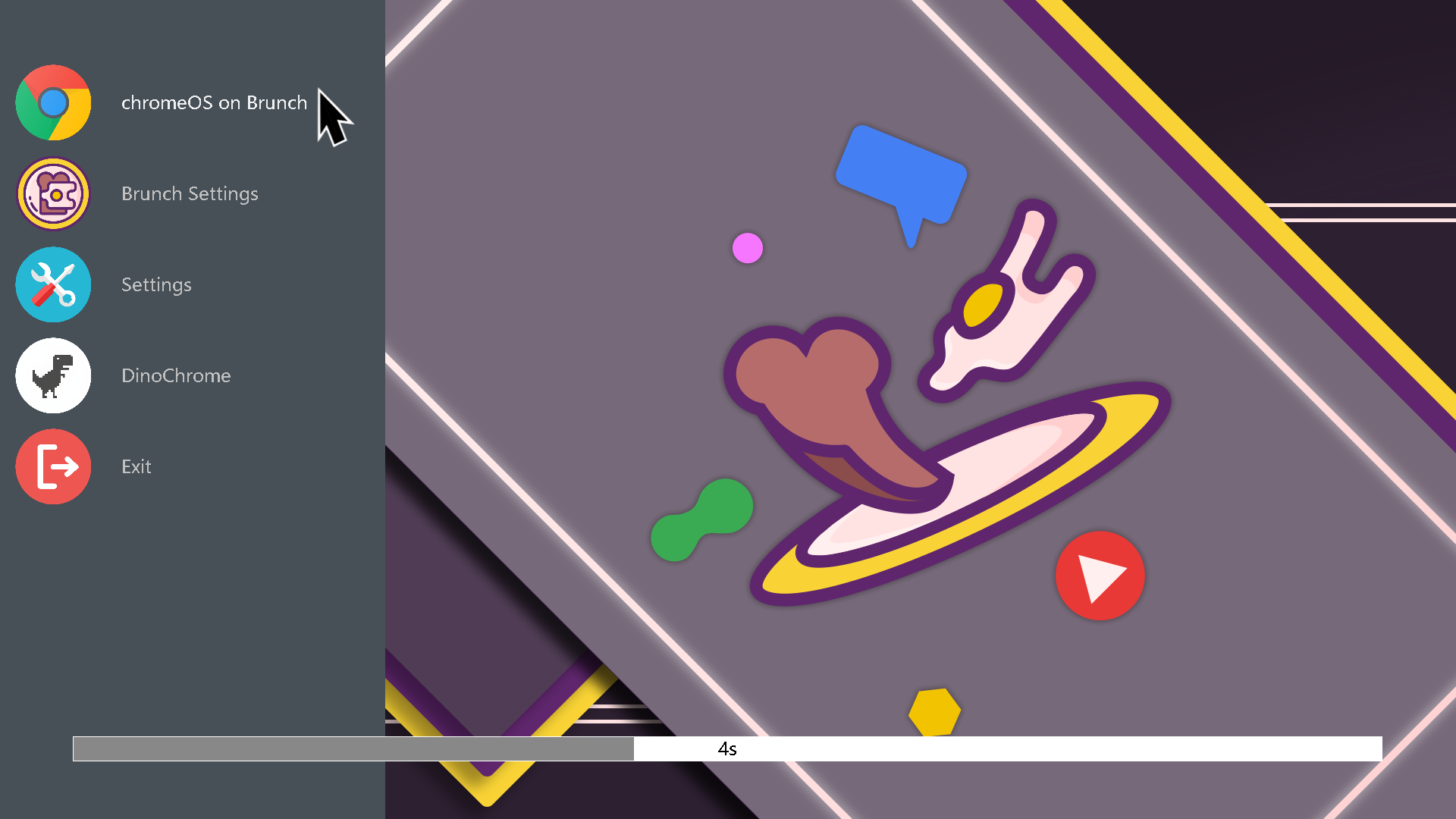
- Copy the folder
zip: EFI/brunchintoESP: \EFI;
- According to the prompt, select the item - [File]; (refer to gif animation)
- Enter the file manager of Grub2, and search for the
.imgand.img.grub.txtfiles, and set them as default; (refer to gif animation)
- You should use Yours-UEFI (with patch) to load
grub2-brunch.efi(unsigned).
dino from franeklubi
-
- need CSM mode enabled, it cannot run on only UEFI;
If you like it and are looking forward to the coming update, you can star it.💫
Tell your friends that you have got a good stuff.
- Many files are adapted from Brunch Framework;
- grub from a1ive;
- The codes of grub2 file manager are adapted from grub2-filemanager of a1ive;
- Terminal box is adapted from the official theme of Ventoy;
- Many icons from flaticon;
- Some icons from iconfinder;
- dino from franeklubi;
- The .gif cartoon is taken by using Hyper-V and Screen2Gif;
- ......