The ultimate power-up for MyAnimeList — cleaner, smarter, and way more stylish!
If you’ve ever thought:
- “MAL feels a bit… old.”
- “I wish my profile actually looked cool.”
- “Why don’t anime pages show more useful stuff?” Then congratulations — you just unlocked the solution. 🎉
MAL-Clean-JS transforms MyAnimeList into a modern, customizable, feature-packed platform. Fancy panels, auto-updating info, modern profile layouts, banners, custom covers, Anilist integration… you name it — it’s here.
For the best visual experience, use this script together with:
👉 MyAnimeList - Clean
(Short answer: A LOT — and we’ve got screenshots to prove it.)
📌 Panel Upgrades
- Adds extra info to seasonal anime 👉 Screenshot
- Shows recently added anime & manga 👉 Screenshot
- Displays your currently watching anime & manga 👉 Screenshot
- Auto add start/finish dates when you begin watching/reading
- Next episode countdown for currently watching anime
- Modern anime/manga links 👉 Screenshot
- Live preview in the editor
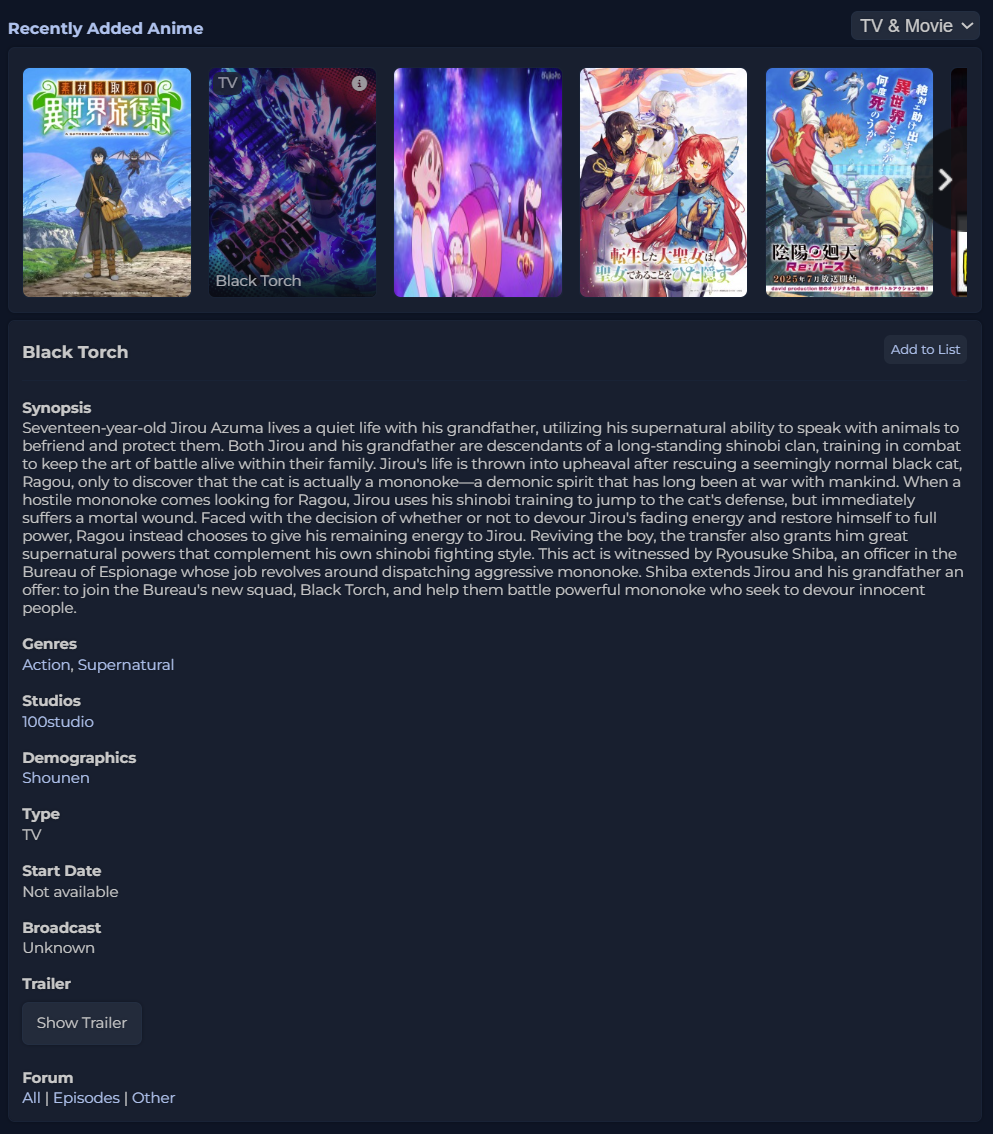
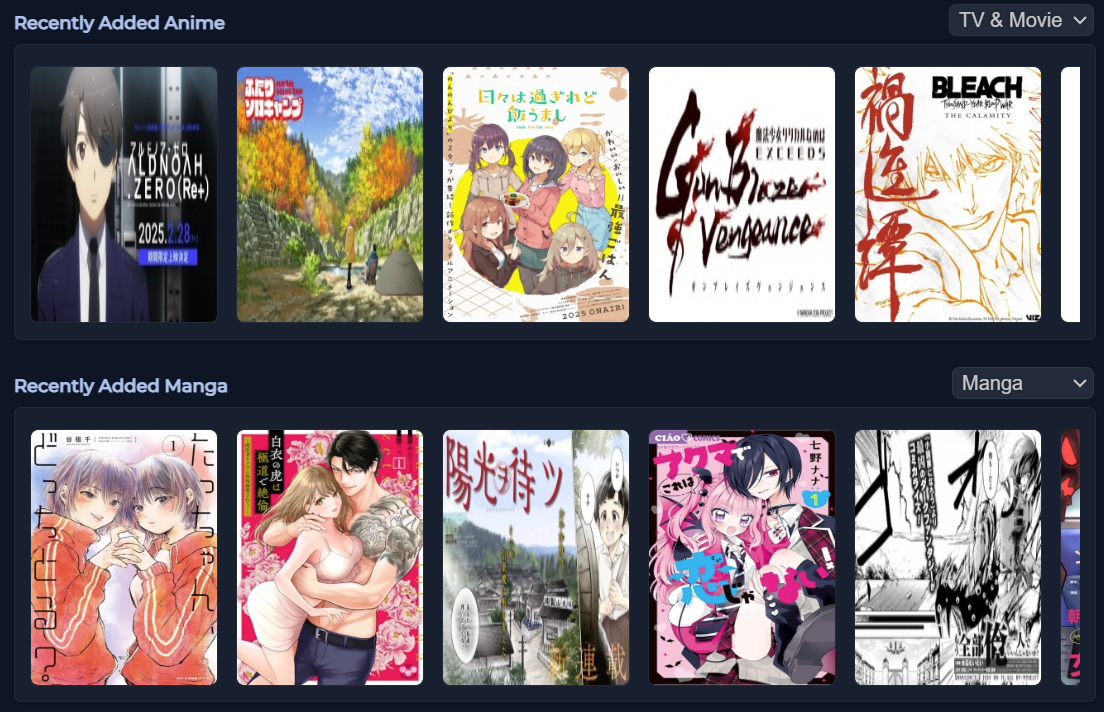
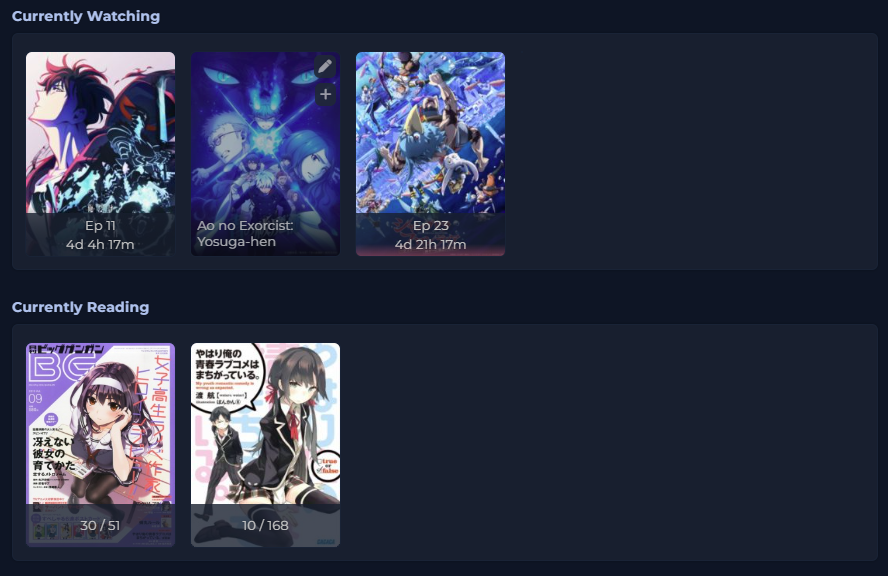
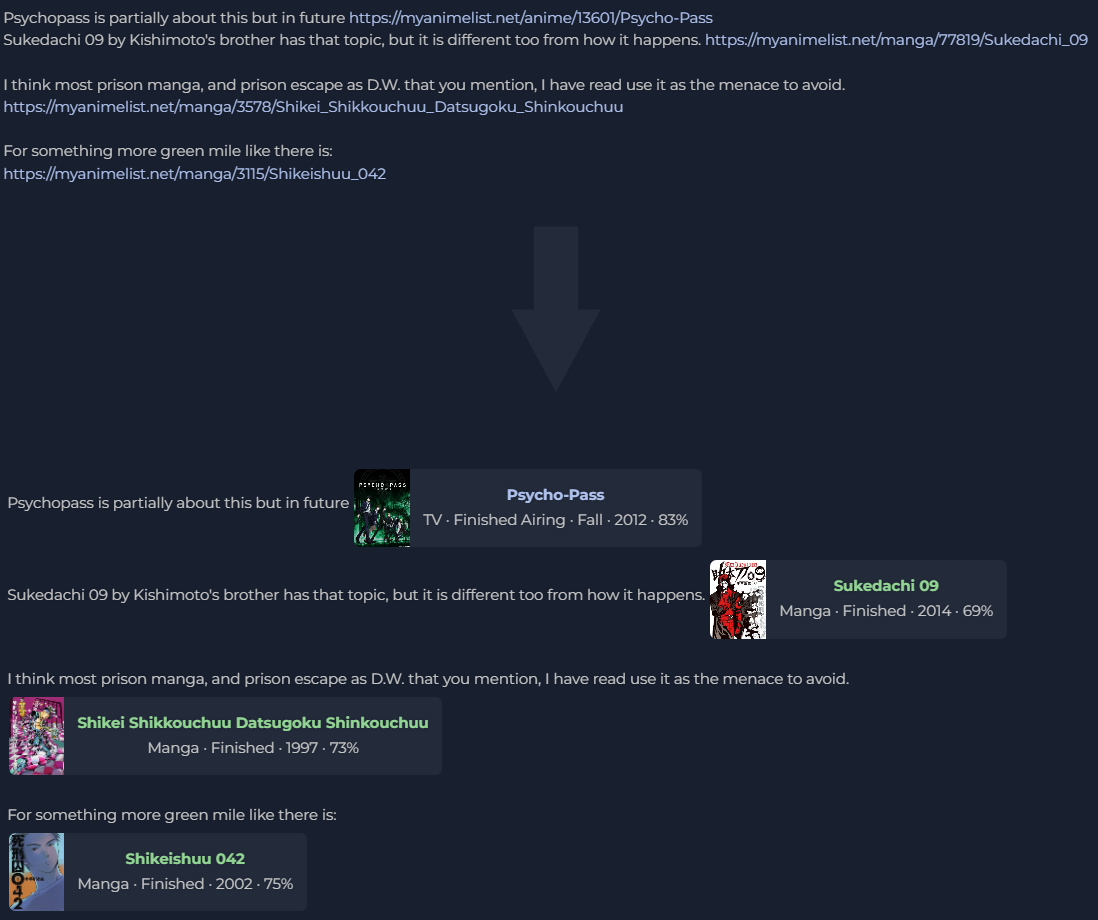
🎬 Anime Improvements
- Hide non-Japanese anime
- Replace OP/ED lists with AnimeThemes.moe
📚 Anime & Manga Enhancements
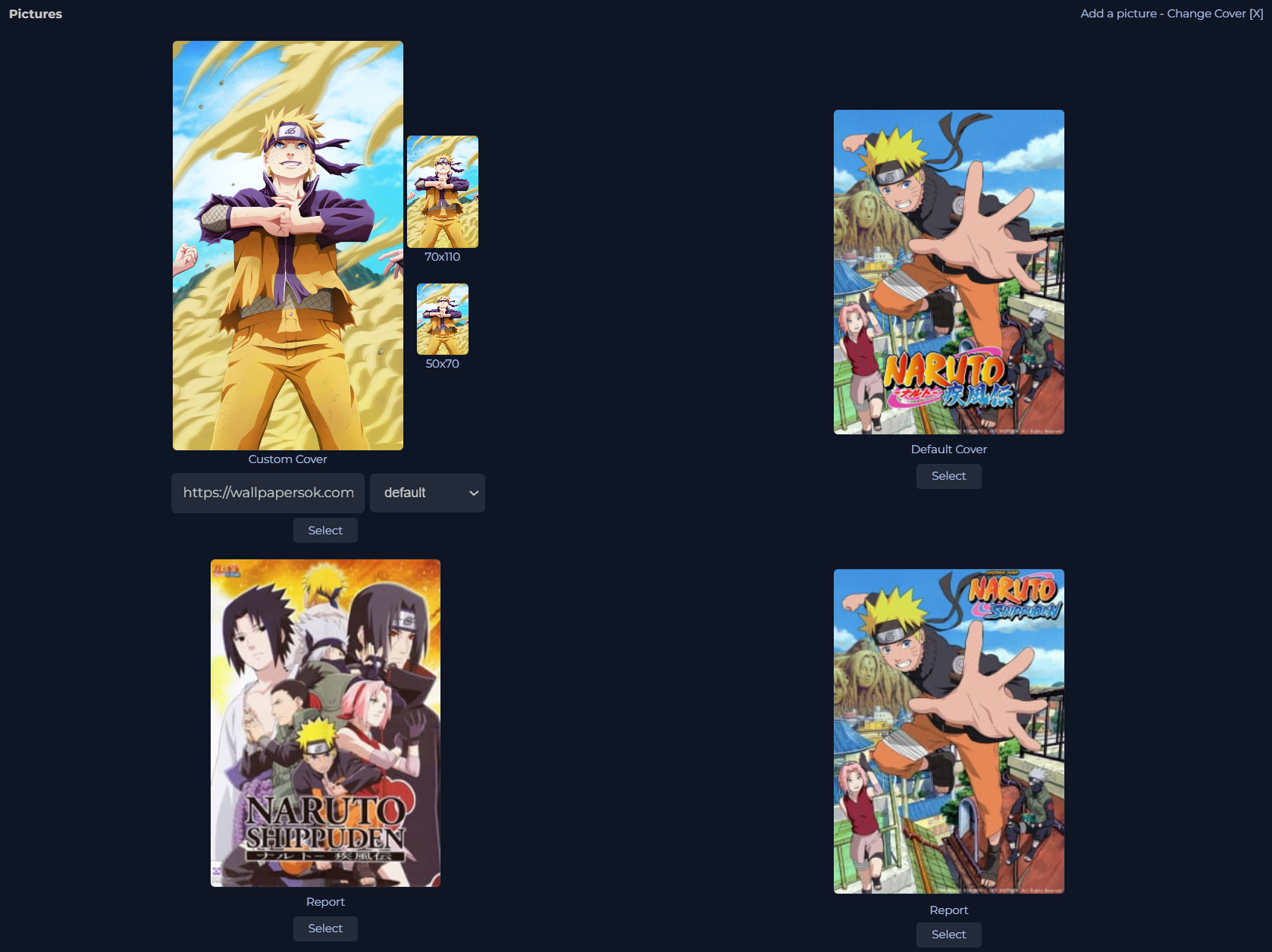
- Custom cover images 👉 Screenshot
- Dynamic background colors from cover palette
- Use cover art as the page background
- Add Anilist banner images
- Add Anilist tags
- Replace relations with a cleaner layout
- Change title position
🧑🎤 Characters & People
- Dynamic background colors
- Custom character images
- Show alternative names
- Change name position
💬 Forum Upgrades
- Custom date format
👤 Profile Superpowers
- Modern profile layout (custom avatar, banner, badge visible to users with the script)
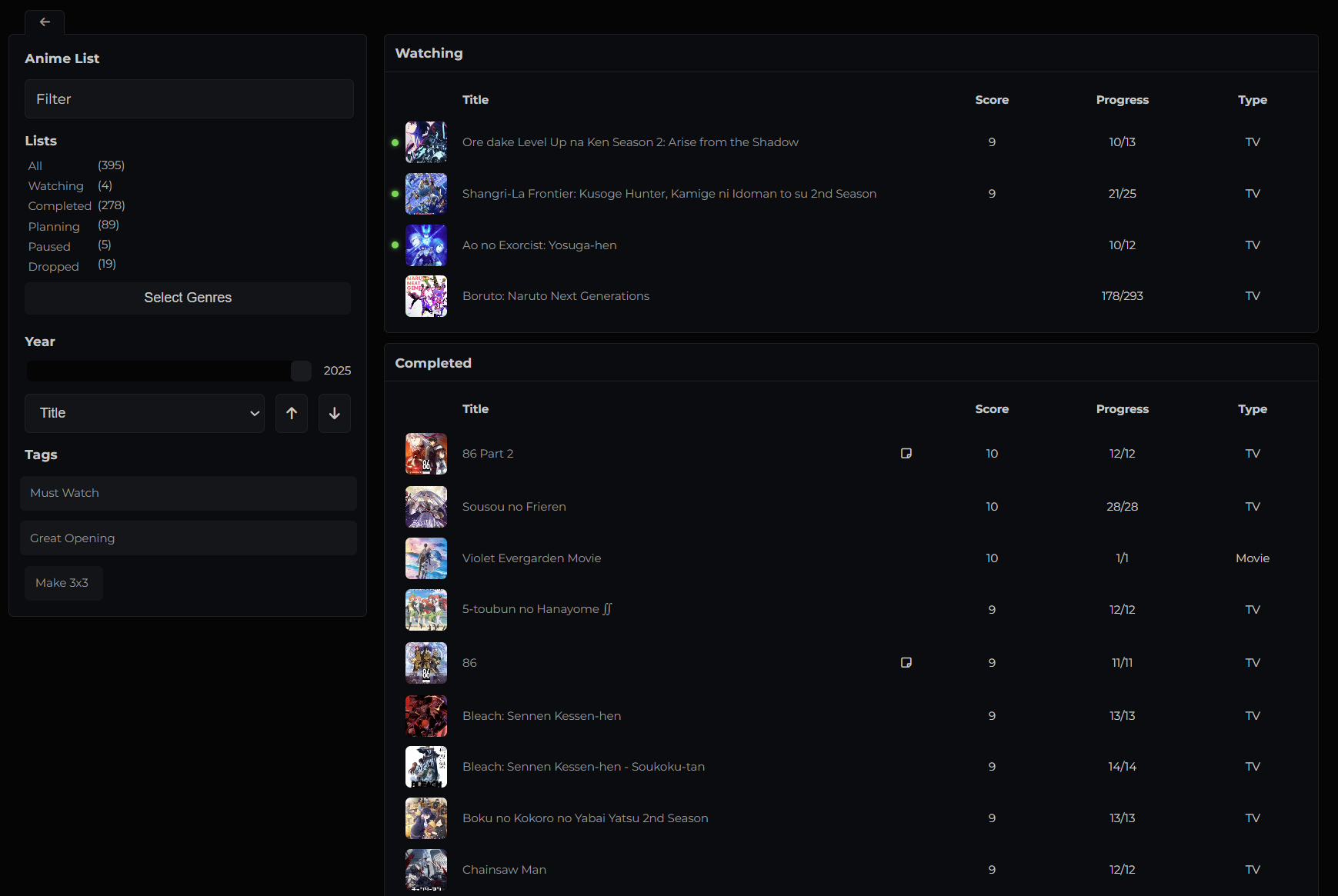
- Modern anime/manga list 👉 Screenshot
- Make profile private
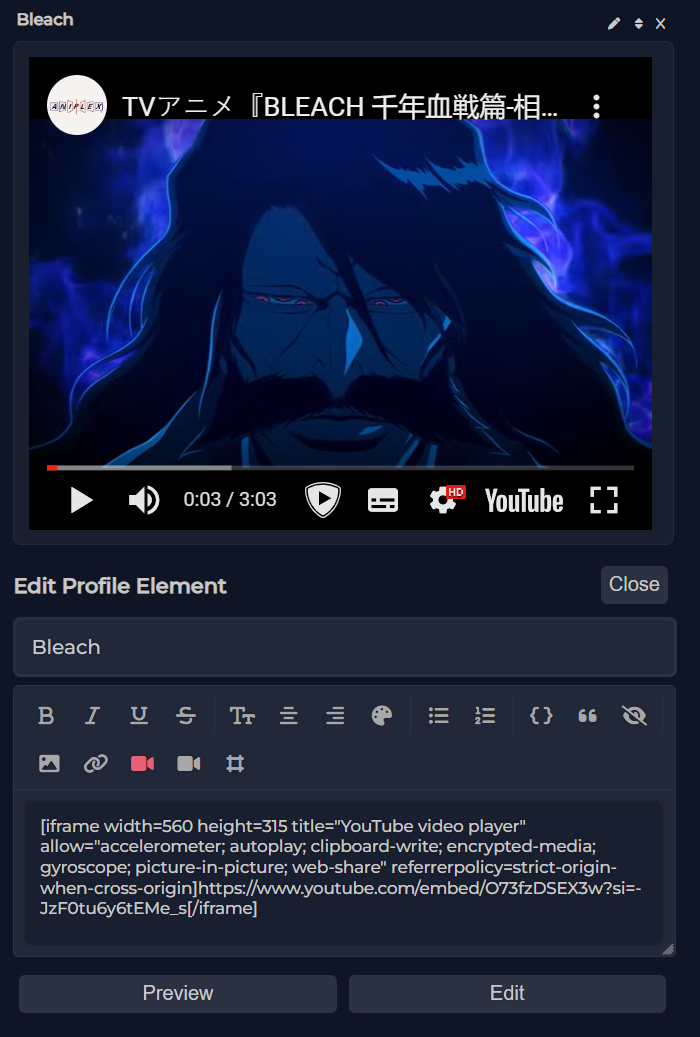
- Add custom profile elements 👉 Screenshot
- Hide profile elements
- Show mutual friends
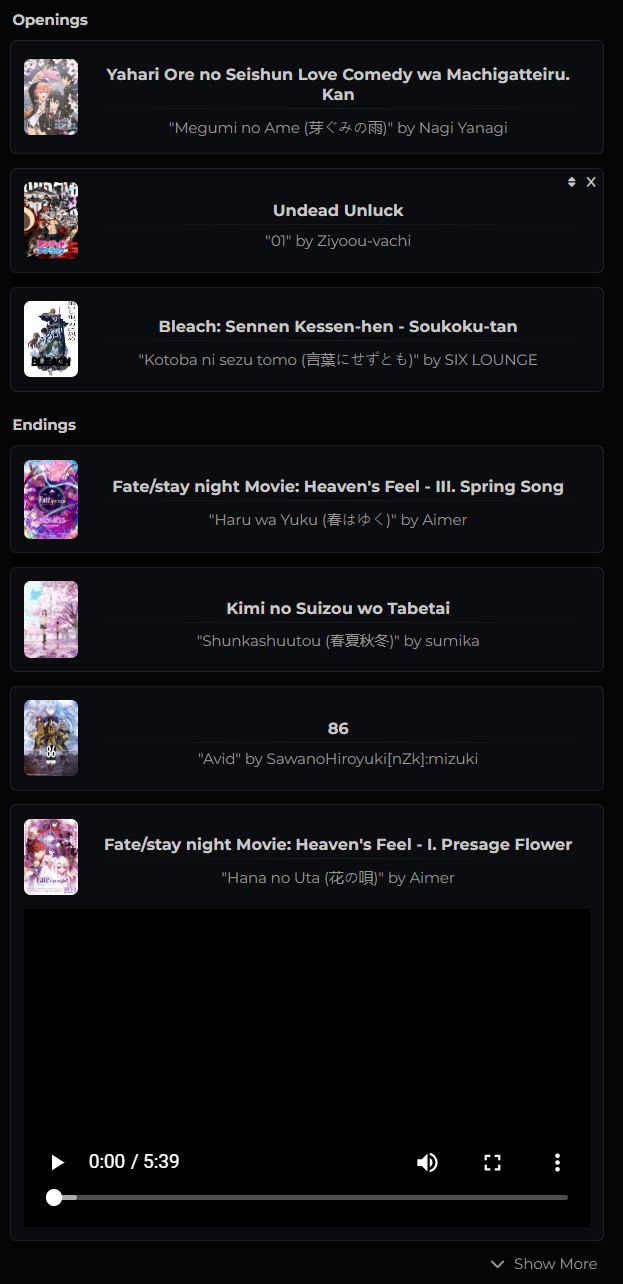
- Add anime themes (OP/ED) to your profile 👉 Screenshot
- Custom profile colors
- Custom CSS
- Add more than 10 favorites
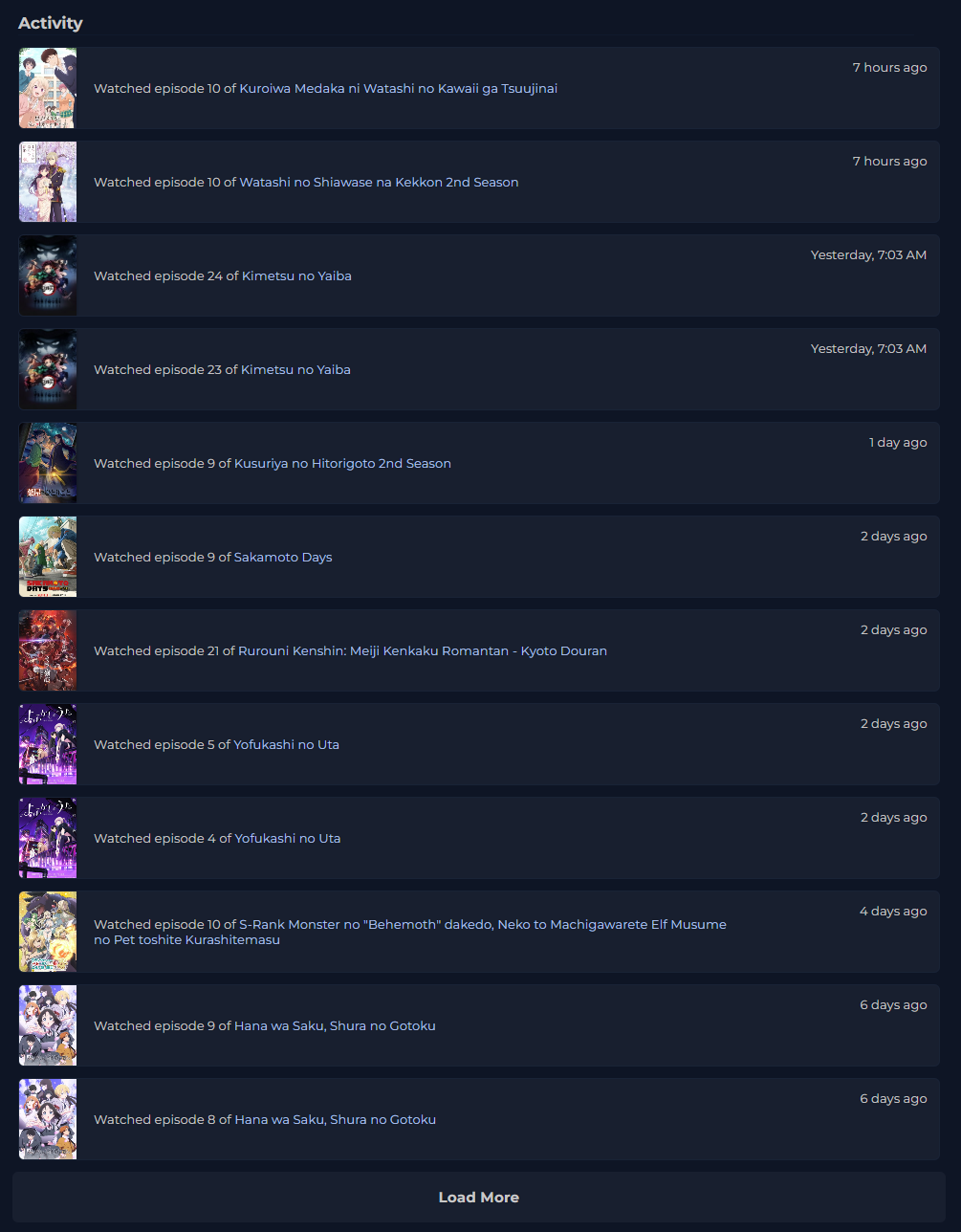
- Activity History 👉 Screenshot
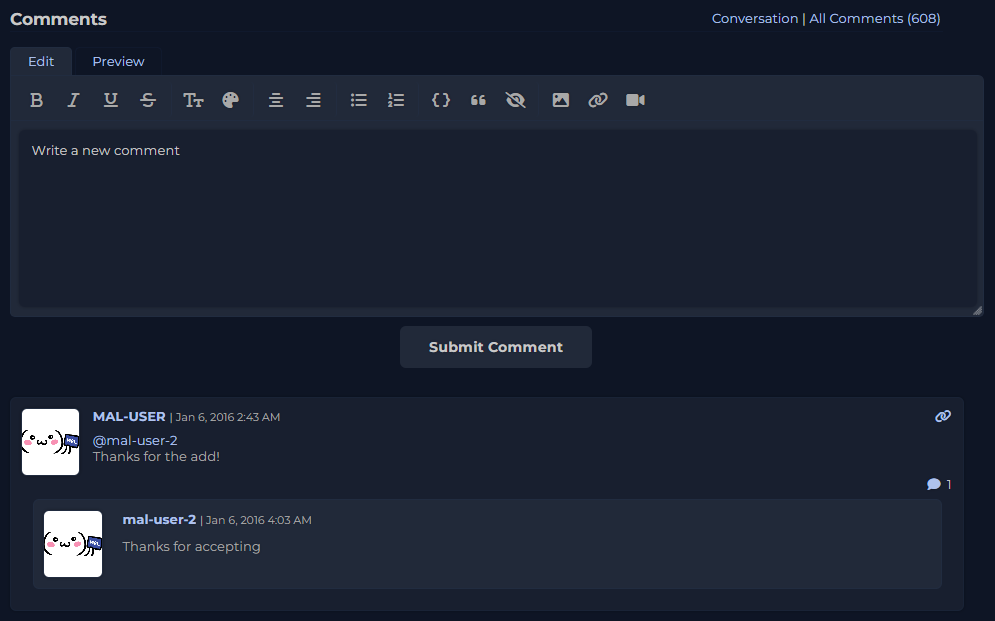
- Redesigned profile comments 👉 Screenshot
- Install dependencies:
npm install - Build the script:
npm run build - Find the output in:
src/build/
- Create a new JSON file in
src/data/languages/(copy fromEnglish.json) - Run
npm run build - Test it locally
- Submit a PR if you'd like to contribute!
You can extend MAL-Clean-JS with your own modules!
- Read the guide: “How to Add User Module”
- Create your module
- Test it
- Build (
npm run build) - Submit a PR if you want to share it
Copyright © 2023–2025 Released under the GNU GPL v3 — free, open source and customizable!