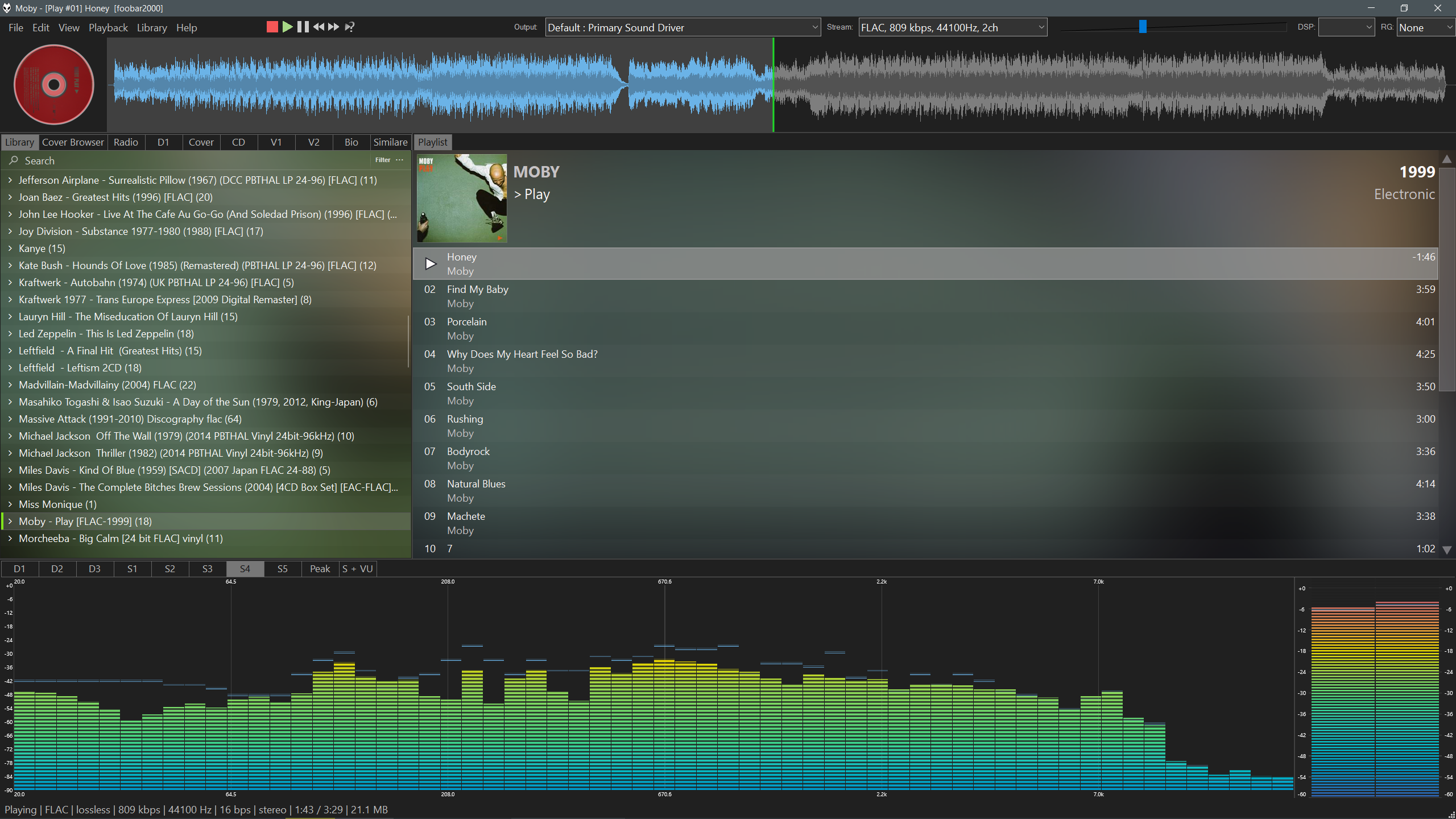
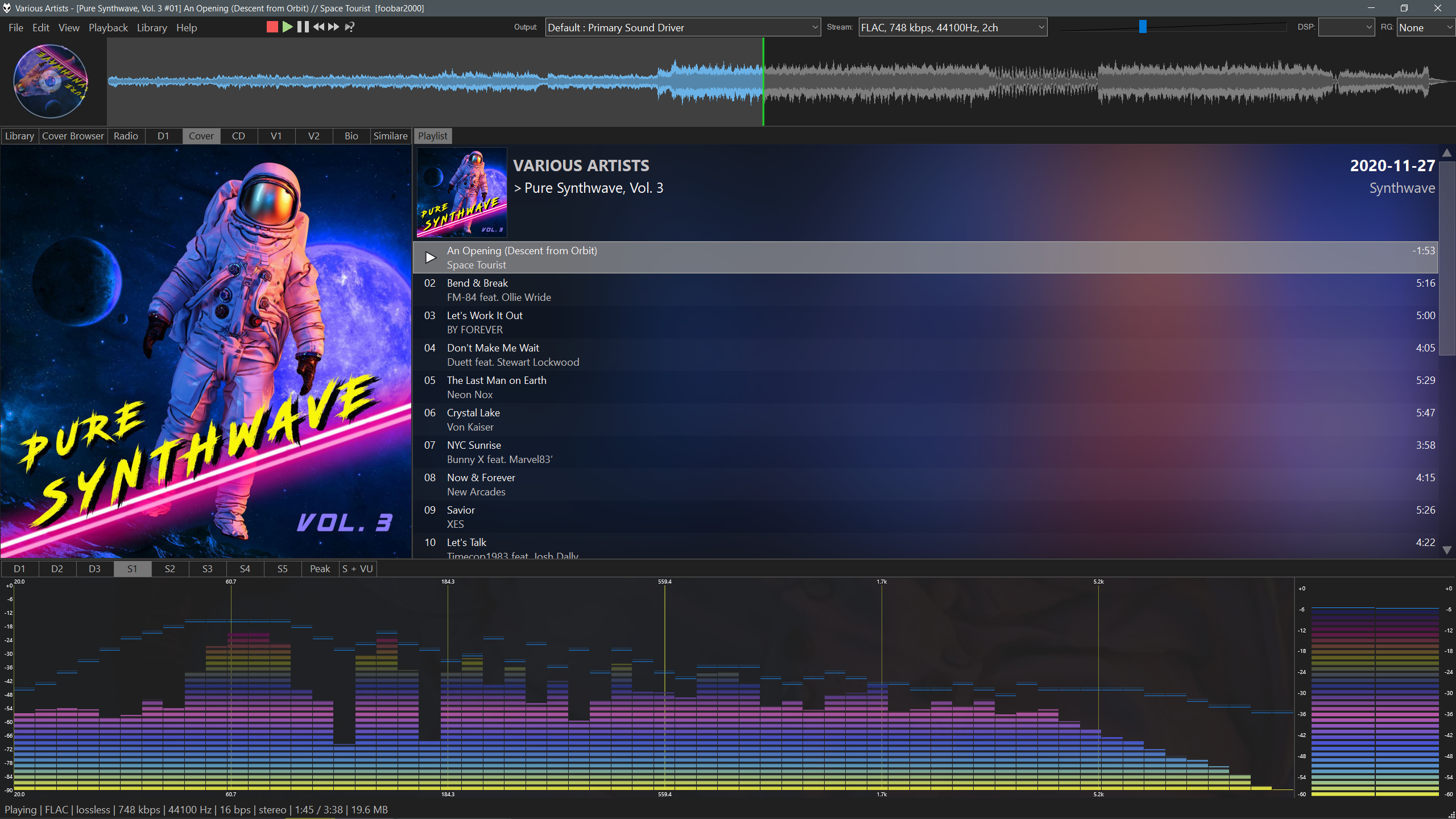
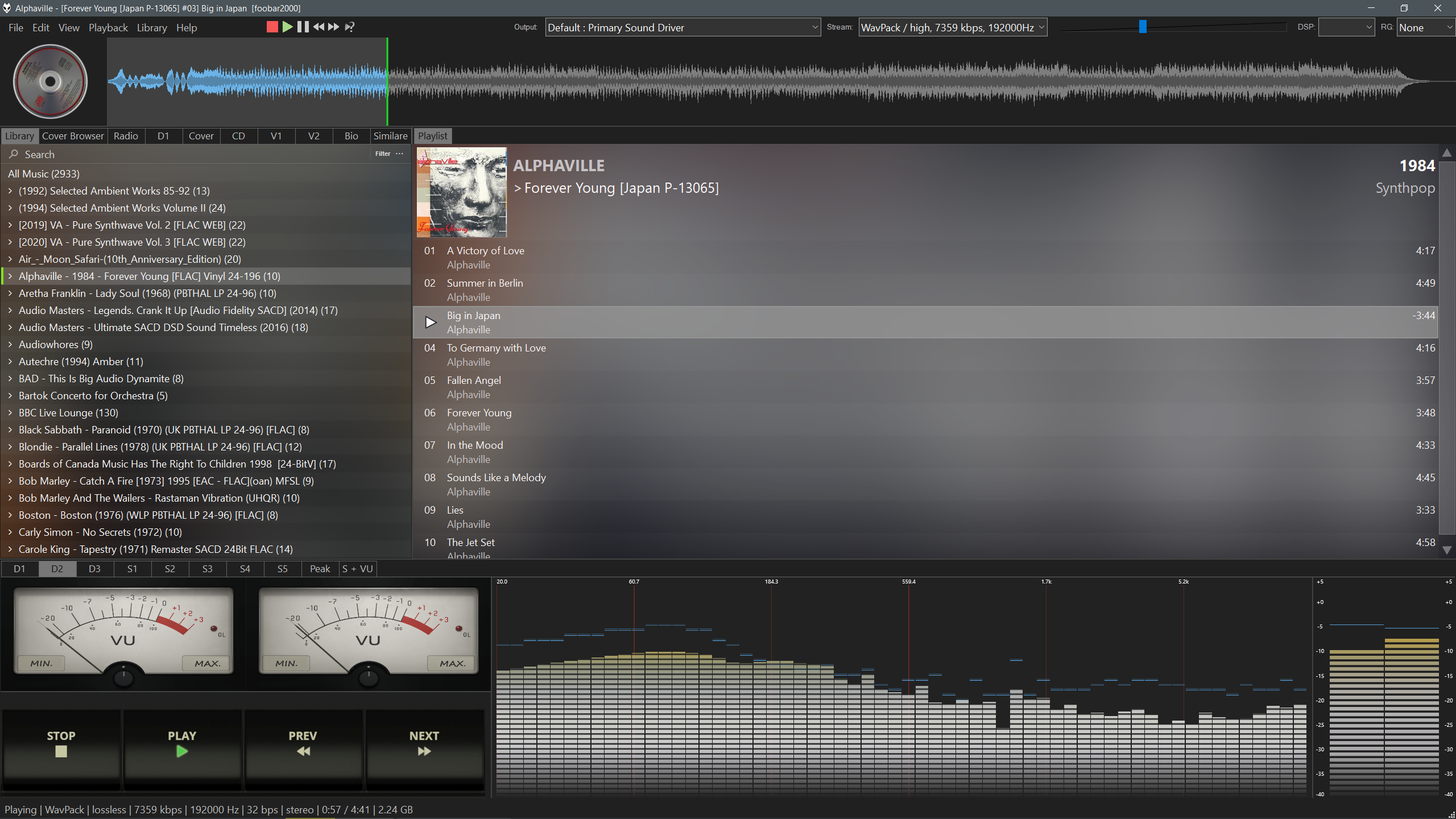
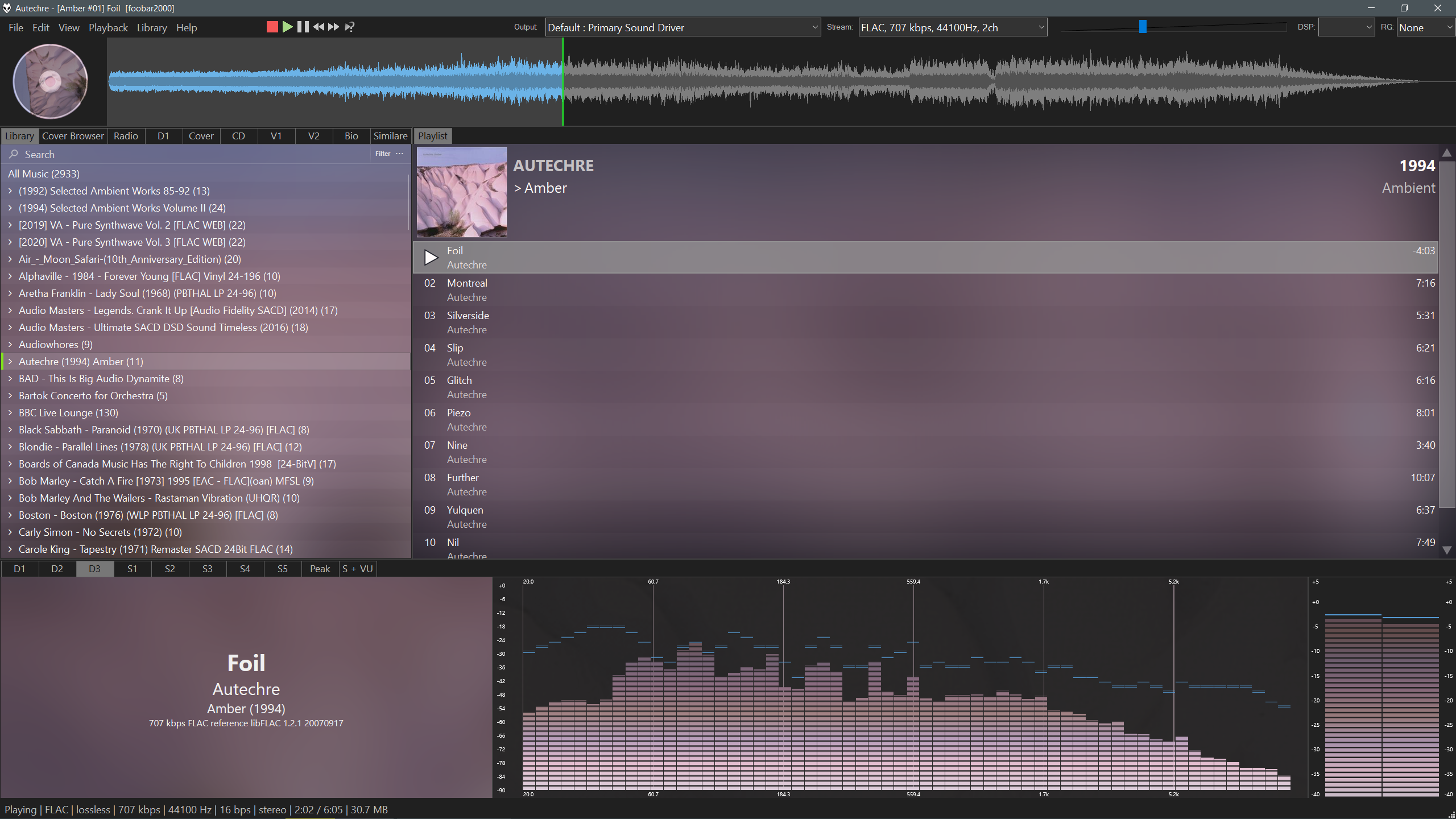
Simple cool layout using the default user interface using plugins and scripts for the 64bit version of foobar2000 2.0+ portable mode.
Dynamic colour scheme based on the cover art of the current playing track/album, custom made play buttons and several VU Meter skins.
diffrent layouts and custom spectrum patterns, presets included in the profile folder, some artwork based colour and some fixed, the artwork doesnt allways work well on the spectrum.
Some small custom modifications to the scripts default values
You may need to adjust the layout box sizes for your monitor resolution. default 1440p
Download and extract Foobar to a folder, Foobar2000 64bit https://www.foobar2000.org/windows
Profile Folder and potable mode file, extract to Foobar2000 Root Folder (e.g. Foobar2000/profile) and start Foobar
https://drive.google.com/file/d/10ddGCHLCtHCx_I_XMGxaRe0NK9qsVetv/view?usp=sharing
Add your media files location on first load, goto File, Prefrences, Media Library, and click +folder to add files location
You will need to sign up to last.fm for an API key for the Bio(right click set API) and Album cover art scrapper, https://www.last.fm/api
Includes Various scripts and additions that have been developed by many coders helping the community on the
Hydrogenaudio Foobar2000 Forum
Waveform Minibar (mod) https://www.foobar2000.org/components/view/foo_wave_minibar_mod
Analog VU Meter Visualisation https://www.foobar2000.org/components/view/foo_vis_vumeter
Spectrum Analyzer https://www.foobar2000.org/components/view/foo_vis_spectrum_analyzer
Spider Monkey Panel https://github.com/marc2k3/spider-monkey-panel-x64/releases
Jscript panel 3, https://hydrogenaudio.org/index.php/topic,110516.msg1067716.html#msg1067716
Library Tree v2.4 mod34 https://hydrogenaudio.org/index.php/topic,111060.msg1073729.html#msg1073729
many audio output options and audio codecs added from the foobar2000 components https://www.foobar2000.org/components
Download and extract to a folder, Foobar2000 64bit https://www.foobar2000.org/windows
Add this file to the Foobar root folder (eg. Foobar2000/portable_mode_enabled.file) to use Foobar in portable mode
portable_mode_enabled.file.
Jscript panel 3 https://hydrogenaudio.org/index.php/topic,110516.msg1067716.html#msg1067716
Waveform Minibar (mod) https://www.foobar2000.org/components/view/foo_wave_minibar_mod
Analog VU Meter Visualisation https://www.foobar2000.org/components/view/foo_vis_vumeter
Spectrum Analyzer https://www.foobar2000.org/components/view/foo_vis_spectrum_analyzer
Spider Monkey Panel, https://github.com/marc2k3/spider-monkey-panel-x64/releases
INSTALL -> open Foobar goto file/prefrences click components and select install, select all the plugins you have downloaded and click open and apply, foobar will restart.
Scripts needed:-
Extract these scirpts/images to the Foobar2000/profile folder https://drive.google.com/file/d/1CQD0EAV9oKIkXqHL3RXSSi-k9KIhz7CA/view?usp=sharing
Install the VU Meter skins, https://github.com/JBW-byte/Cyberman-Dynamic-Foobar2000-Theme/blob/main/vumeter.zip
extract the zip to foobar2000/profile/vumeter.
Download Theme https://github.com/JBW-byte/Cyberman-Dynamic-Foobar2000-Theme/blob/main/Cyberman-Dynamic.fth
Install the Theme goto File, Prefrences, Display, Default User Interface and click import theme, select the .fth file,
There will be some errors on the first load, we need to setup the library panel, on the library tab panel, right click and select configure panel,
select package and import, navigate to foobar2000/profile/packages/albumtree mod34.zip and open the zip, click ok,
reinstall the theme ftl to activate the theme again. Prefrences, Display, Default User Interface and import .ftl
Spectrum presets, they are saved in the theme file as default without them, extract to the profile folder https://github.com/JBW-byte/Cyberman-Dynamic-Foobar2000-Theme/blob/main/Spectrum%20preset.zip
you will need to use dark mode in foobar(display menu/colors and font) or on your desktop to match the borders.
you might need to install these font's to see some icons
https://github.com/TheQwertiest/CaTRoX_QWR/blob/master/fonts/fontawesome.ttf
https://github.com/TheQwertiest/CaTRoX_QWR/blob/master/fonts/Guifx%20v2%20Transports.ttf