BING API key for Raptor
Go to Microsoft Azure portal and login with your outlook credentials.
After Login you should see webpage below
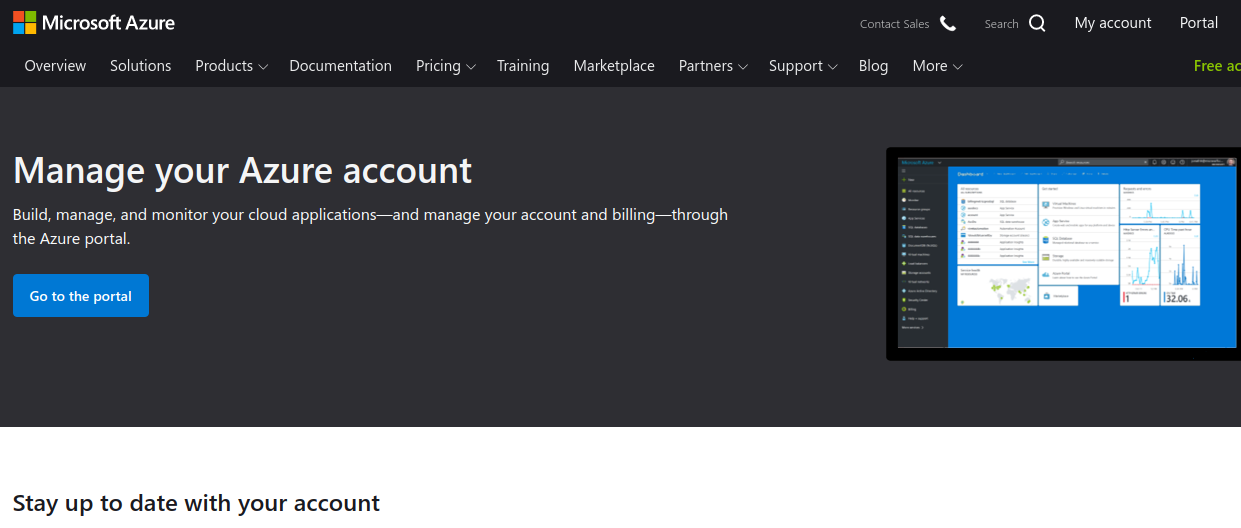
Now click to "Portal" button to get redirected to azure portal.
You should see page below
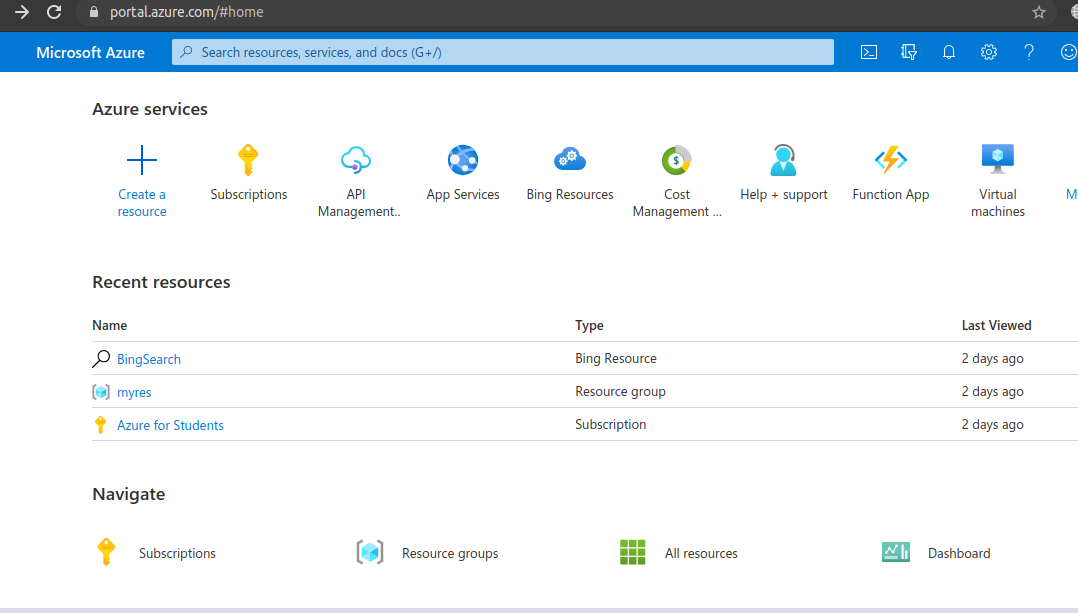
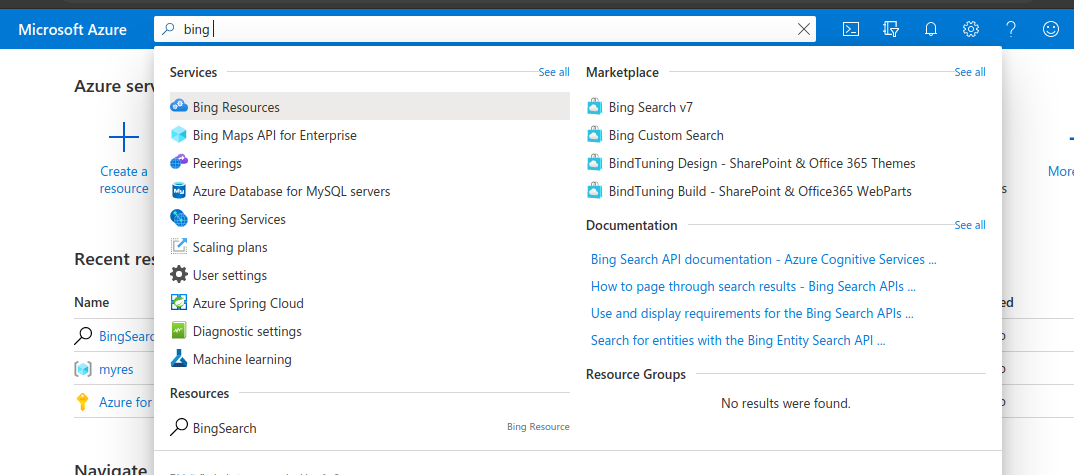
Click search box and type "Bing" you should see "Bing Search API" entry
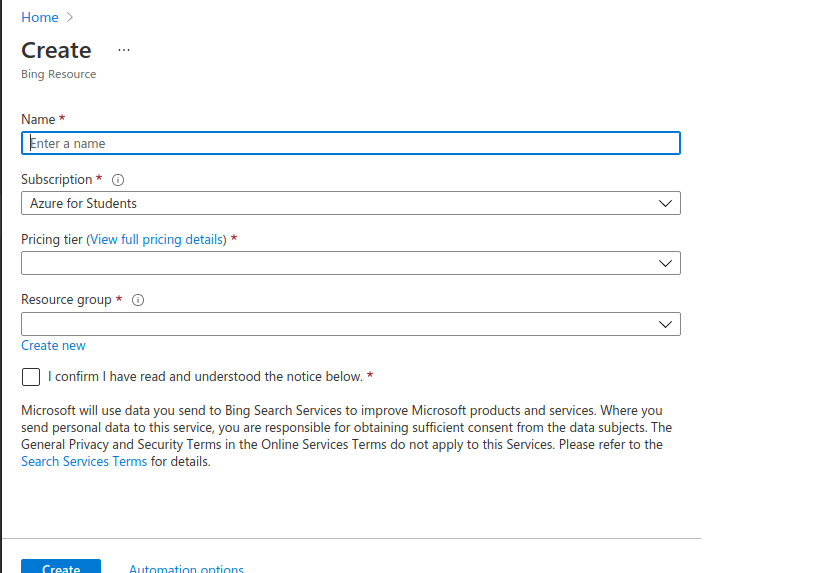
Enter arbitrary name and select "F1 free tier" from selectbox
After successful creation you should see page below
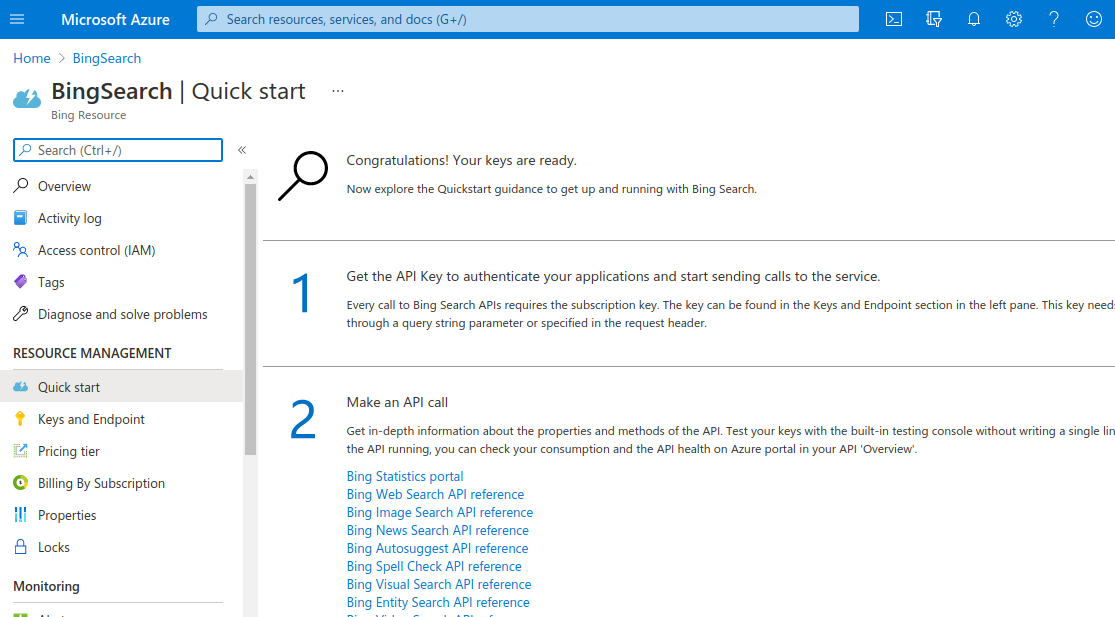
And finally click to Keys and Endpoint button and show key
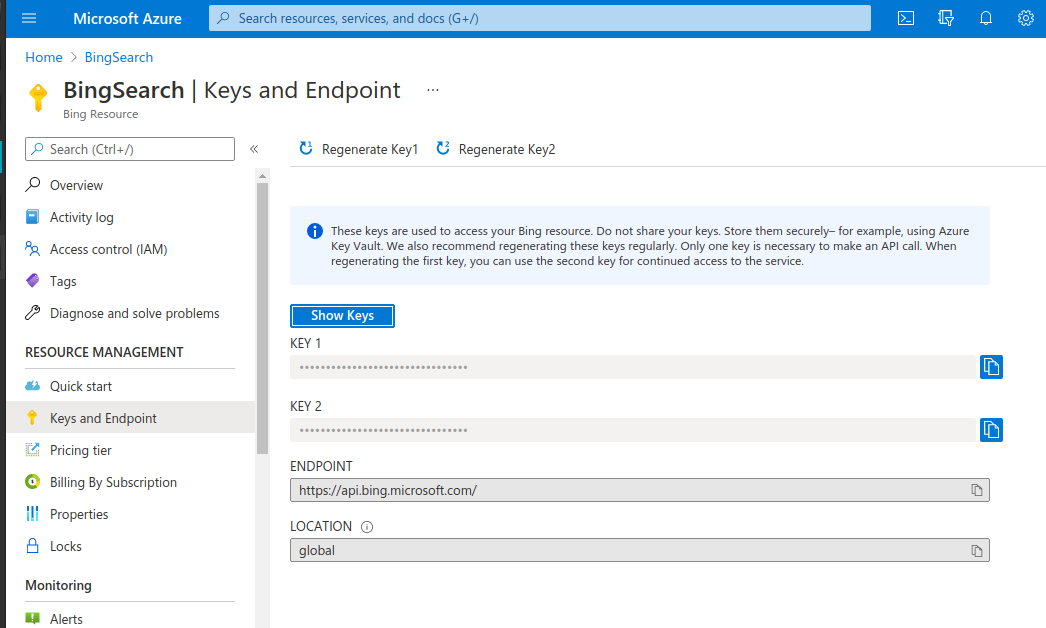
After all these steps enter keys into config.yaml document in Raptor project's config directory.