

Self-hosted Project Management tool - without the clutter.
Powerful enough for complex projects. Simple enough to actually use.



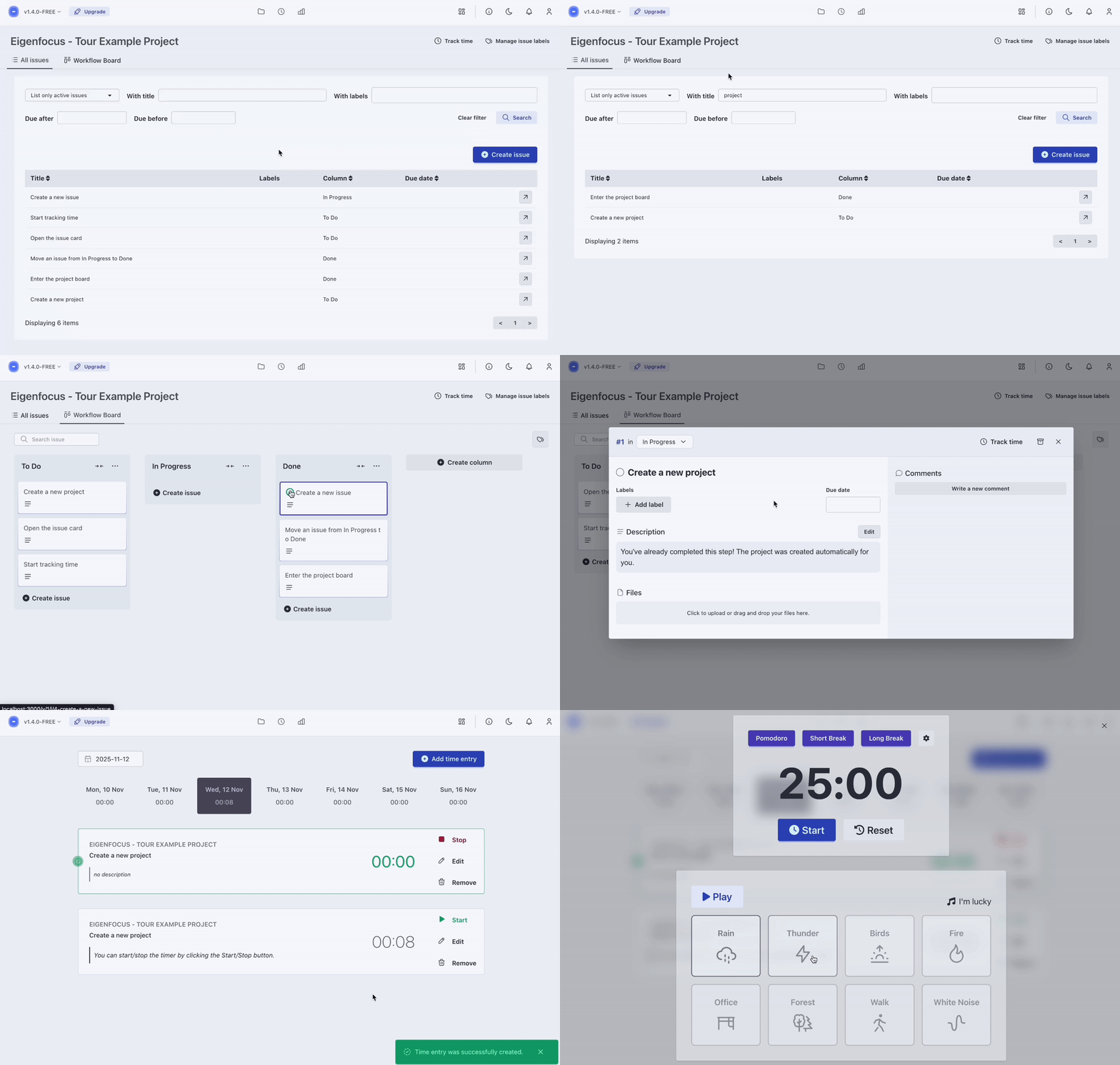
- Unlimited projects, boards, and issues
- List and Board views
- Markdown descriptions and file attachments
- Labels, comments, and due dates
- Built-in time tracking with reports
- Focus Space with timers and ambient sounds
- Light and Dark themes
Eigenfocus grows with you. Pay once, no subscriptions.
- Multiple users with permissions
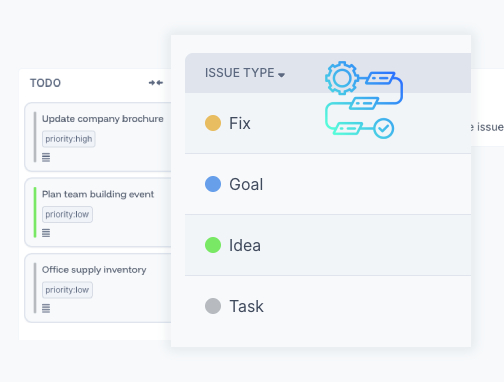
- Custom statuses and issue types
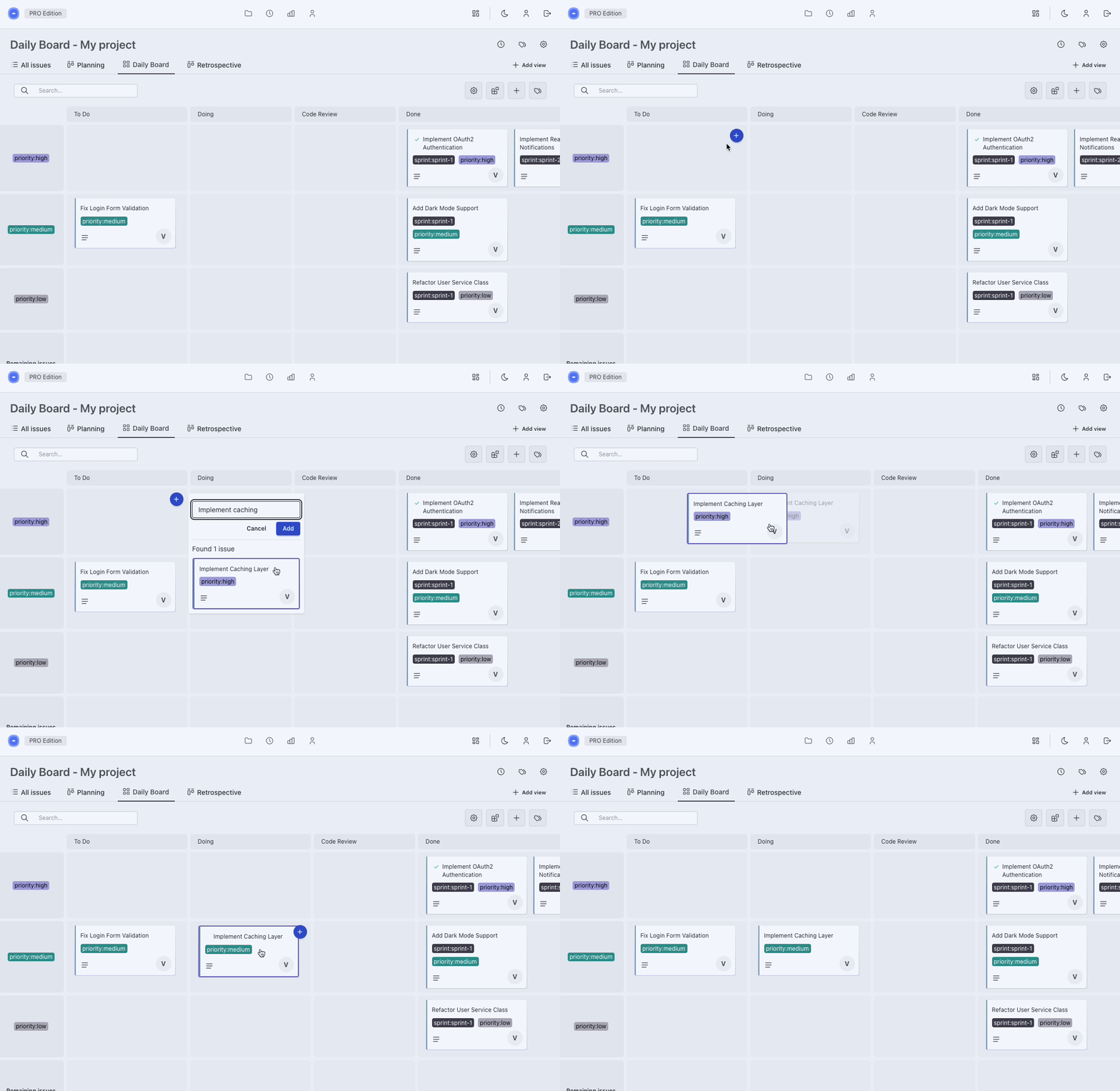
- New types of views
- Project cloning (templates)
- SSO (Google, Microsoft, GitHub, OIDC)
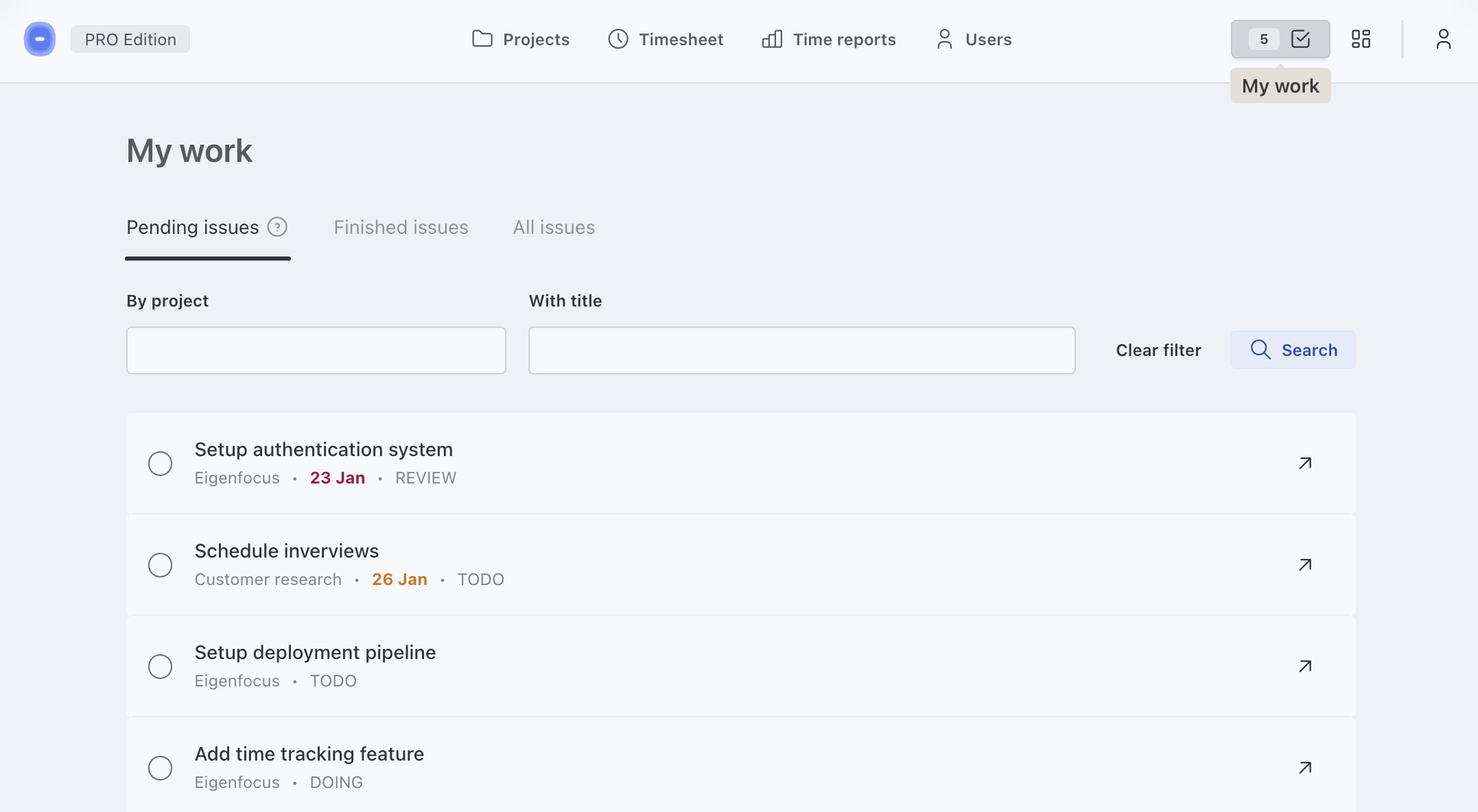
See all your assigned issues in one centralized place.
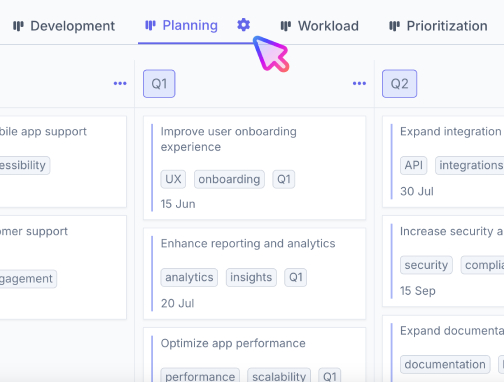
Grid View - Visualize work using columns and rows. Handle multiple workflows.
Custom Statuses & Types
If you know someone who might benefit, spread the word.
docker run \
    --restart unless-stopped \
    -v ./app-data:/eigenfocus-app/app-data \
    -p 3001:3000 \
    -e DEFAULT_HOST_URL=http://localhost:3001 \
    -d \
    eigenfocus/eigenfocus:1.5.0-free
And access it at http://localhost:3001.
Or using a docker-compose.yml file:
services:
  web:
    image: eigenfocus/eigenfocus:1.5.0-free
    restart: unless-stopped
    volumes:
      - ./app-data:/eigenfocus-app/app-data
    environment:
     - DEFAULT_HOST_URL=http://localhost:3001
    ports:
      - 3001:3000
Then, run it with the CLI:
docker compose up -dAnd access it at http://localhost:3001.
DEFAULT_HOST_URL: URL used to access Eigenfocus- Example: "http://localhost:3001", "http://mydomain.com" or "https://mydomain.com"
FORCE_SSL: Defaults tofalse. If set totrue, all incoming requests that are not HTTPS will be redirected to use HTTPS protocol.ASSUME_SSL_REVERSE_PROXY: Defaults tofalse. If set totrue, all incoming requests will be interpreted as HTTPS. This is useful for cases when you haveFORCE_SSLset totruebut are behind a reverse proxy that terminates the SSL. This means that our app will be receiving requests via HTTP. In order to avoid an infinite redirect loop to HTTPS you must setASSUME_SSL_REVERSE_PROXYtotrue. For more information, check the conversation and changelog on rails/rails#47139.
You can enable HTTP Basic Auth by setting these two env variables:
HTTP_AUTH_USER- For the usernameHTTP_AUTH_PASSWORD- For the password
➜ If you're exposing the service to the internet don't forget to setup a certificate and use HTTPS.
Feel free to contact us [email protected].
Thank you for your interest in contributing to Eigenfocus.
You’re welcome to email us with ideas, suggestions or feedback.
Since Eigenfocus includes a paid version, we don’t accept external pull requests. We believe this keeps expectations clear and fair.
Eigenfocus is free to self host and source available under License.