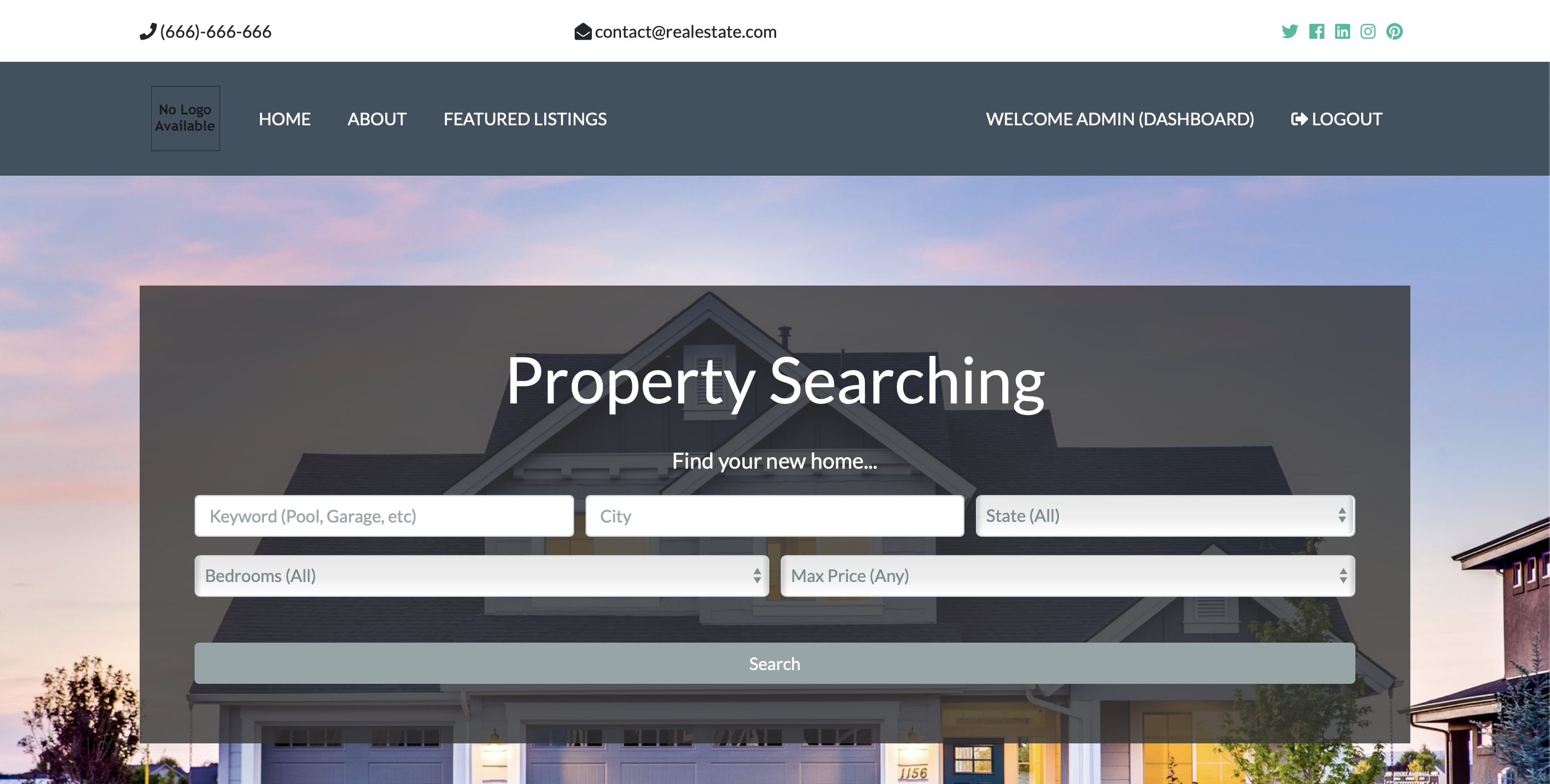
Django.Real_Estate Application is not my project idea. I learned a few things about django on Udemy. I did a lot of refactoring of the original code from the course, because i like the django way.
With my application you can use the following features:
- User Defaults (login, registration, logout, dashboard)
- Messages (JavaScript included)
- CRUD: Realtors, Listings, Contact_Messages
- Realtors can manage contact messages for there listings
- Listings can be created via the admin area with information and images
- You can search for estates or click on the overview "Featured Listings"
- Customers can use a inquiry form to send a message to a realtor
- and many more...
Please do not use my application for production with the current settings!
- Install Python 3.7.4
- Install virtualenv
pip install virtualenv
- Create the virtual environment for Django
mkdir django_example
cd django_example
virtualenv venv
-
MacOS and Linux
source venv/bin/activate -
Windows
venv/script/activate -
Now: Clone the application
-
Install Django
pip install -r requirements.txt
- Prepare the database
If you like to use other databases then sqlite3, please google how to configure Postgres, MySQL in the Django settings
python manage.py makemigrations
python manage.py migrate
- Collect all static files from the applications
python manage.py collectstatic
- Create a super user for the admin area
python manage.py createsuperuser
- Engines start
python manage.py runserver
The application is very easy to use, go into the admin area, create a few realtors and add a few estates to the website.
Contributions are what make the open source community such an amazing place to be learn, inspire, and create. Any contributions you make are greatly appreciated.
- Fork the Project
- Create your Feature Branch (
git checkout -b feature/AmazingFeature) - Commit your Changes (
git commit -m 'Add some AmazingFeature) - Push to the Branch (
git push origin feature/AmazingFeature) - Open a Pull Request
Distributed under the MIT License. See LICENSE for more information.
Tobias Menzel - @BonekitDEV
Project Link: Django-Real-Estate