
Your ultimate streaming and downloading companion for movies, TV shows, anime, and live sports.
Features • Screenshots • Installation • Recommended Providers • Usage Tips • FAQ • Disclaimer
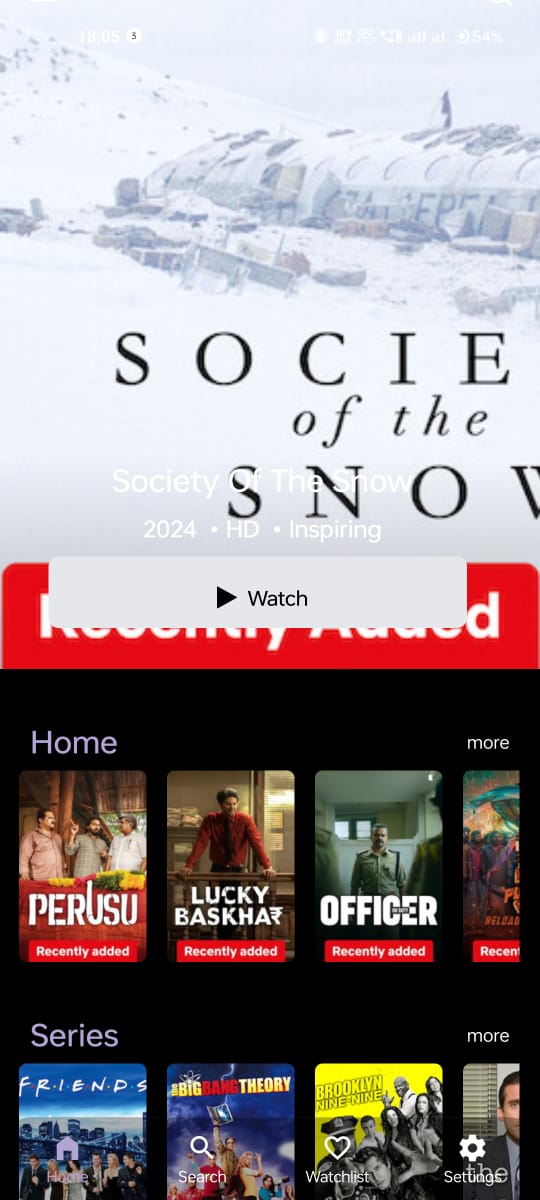
🎬 Extensive Content Library
- Access thousands of movies, TV shows, anime, and live sports events
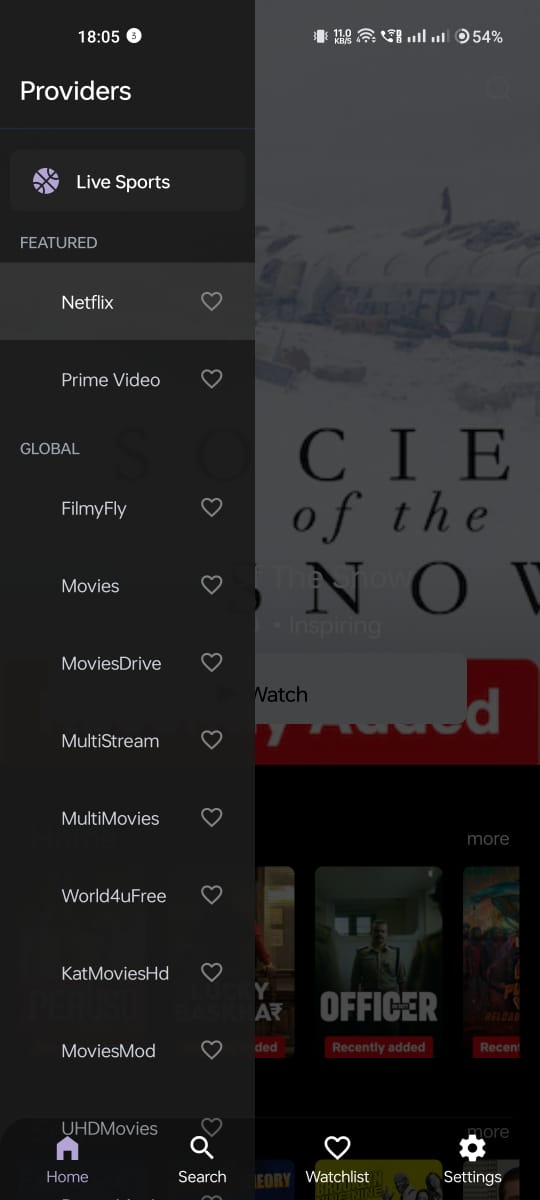
- Multiple content providers with region-specific options
- Global, Indian, and specialized international content
🔍 Powerful Search
- Find exactly what you're looking for across all providers
- Filter by genres and categories
- IMDB integration for ratings and metadata
📱 User-Friendly Interface
- Beautiful, intuitive design
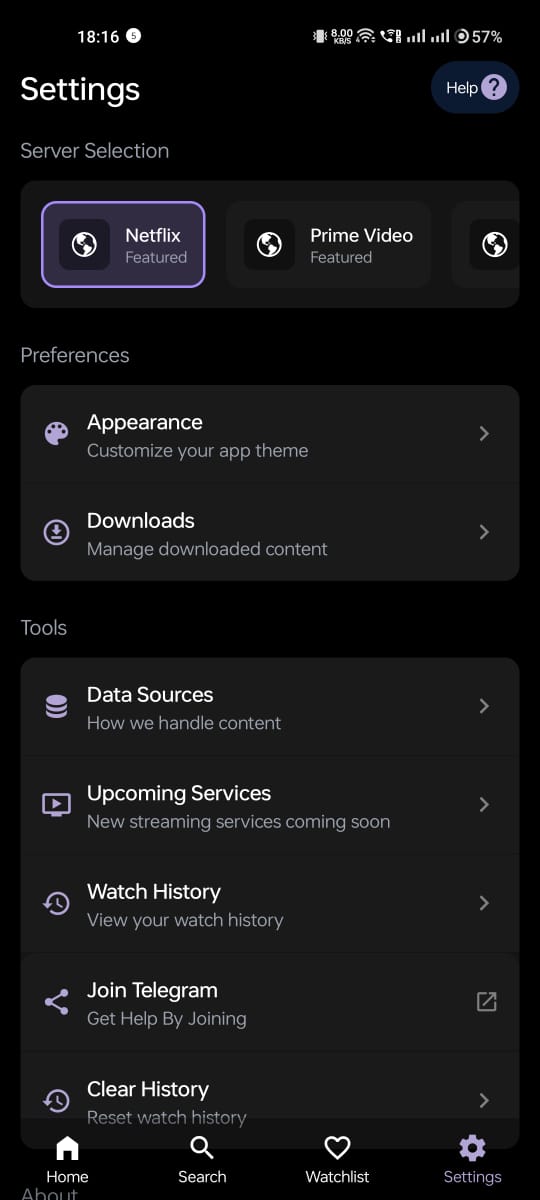
- Customizable themes
- Seamless navigation between sections
📥 Download Manager
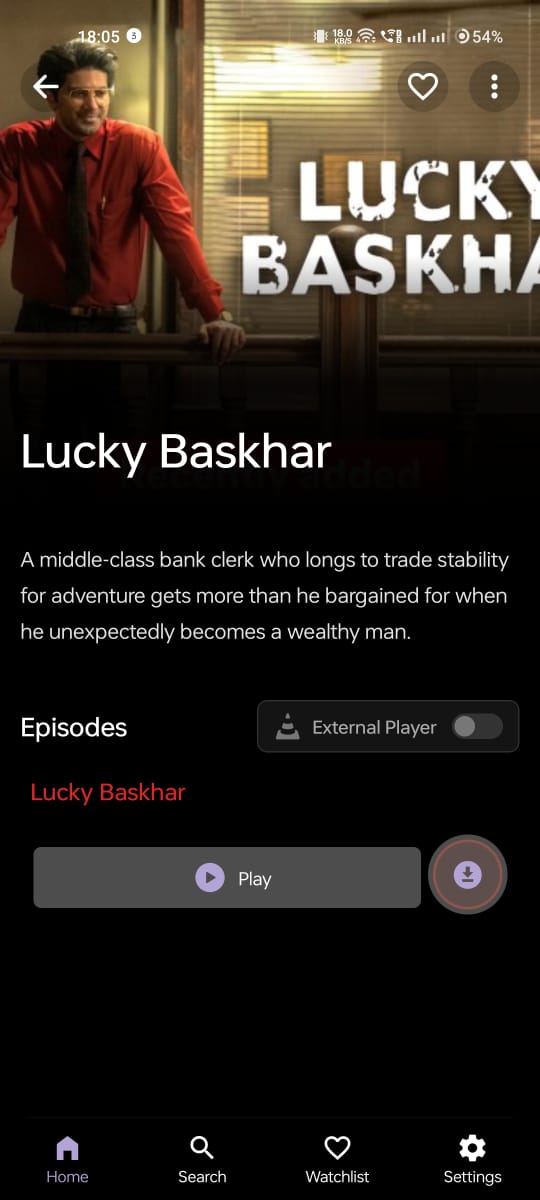
- Download content for offline viewing
- Smart organization of downloaded files
- Background download processing
- Support for multiple video formats
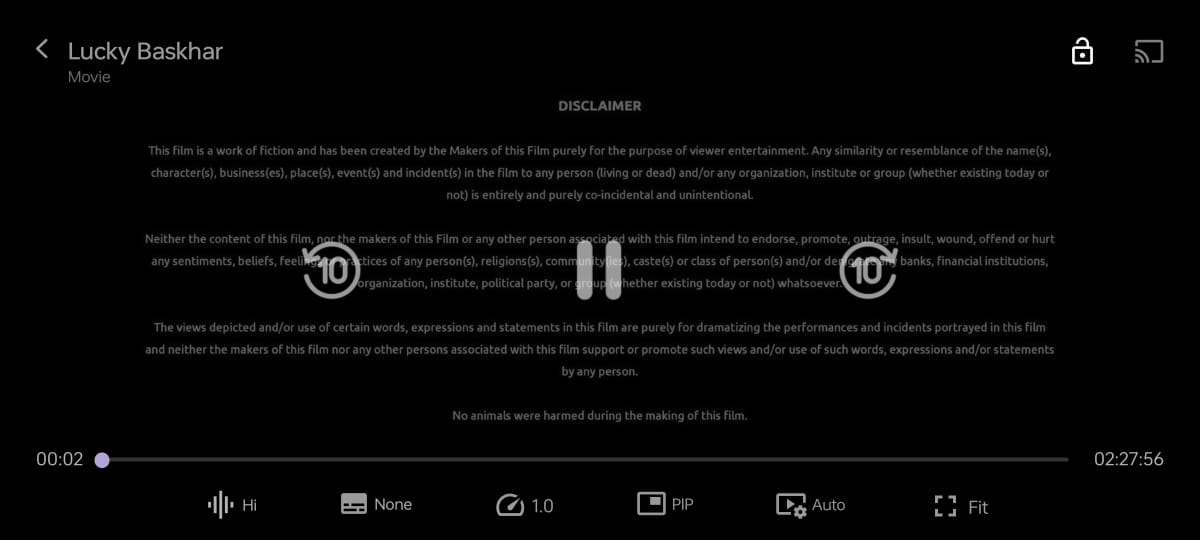
- Adjustable playback speed
- Custom subtitle support
- Picture-in-picture mode
- Resume watching feature
🔄 Multi-Provider System
- Switch between content providers with one tap
- Region-specific providers for localized content
- Automatic provider recommendations
📺 Casting Support
- Cast content to Chromecast devices
- Smart TV compatibility
🛠️ Customization Options
- Personalize app appearance with custom themes
- Configure default playback settings
- Manage storage preferences
📋 Watchlist & History
- Keep track of what you want to watch
- Resume from where you left off
- Track your watching history
- Download the latest APK from the Releases section
- Enable "Install from Unknown Sources" in your device settings
- Open the downloaded APK and follow the installation prompts
- Launch ScreenScape and enjoy your content
For the best experience, we recommend these providers:
- Netflix Mirror: Best for latest movies and TV shows
- MoviesDrive: Excellent for high-quality downloads
- MultiStream: Great alternative for diverse content
- ProtonMovies: Reliable for both streaming and downloads
- FlixHQ: Good for English content with multiple sources
Different providers work better for different types of content and regions. Experiment to find what works best for you.
- Navigate to the content you want to download
- Select your preferred quality
- Tap the download button and wait for completion
- Access your downloads from the Downloads section
- Enable "External Player" mode in the content details page
- Select your preferred server
- Choose your external player when prompted
- During playback, tap the screen to show controls
- Tap the subtitle icon
- Select your preferred subtitle or add external subtitles
- Ensure your TV and device are on the same network
- Tap the cast icon during playback
- Select your casting device
- Control playback from your mobile device
Q: Is ScreenScape free to use?
A: Yes, ScreenScape is completely free to use with no hidden fees or subscriptions.
Q: Does ScreenScape require an account?
A: No, ScreenScape doesn't require any account creation or login.
Q: Why does a provider sometimes not work?
A: Content providers may sometimes be temporarily unavailable. Try switching to an alternative provider or check again later.
Q: Can I request new features?
A: Yes! Please submit feature requests through the GitHub issues section.
Q: How do I report bugs?
A: Submit any bugs or issues through GitHub issues with detailed descriptions of the problem.
Q: Is my data private?
A: ScreenScape doesn't collect personal data. All viewing history and preferences are stored locally on your device.
ScreenScape does not host, store, or distribute any media content on our servers. We operate solely as a search and indexing platform that aggregates publicly available information from various third-party services.
We function as a web scraping tool that helps users discover content across different platforms. The app indexes and organizes information that is already publicly accessible on the internet.
Users are responsible for ensuring they have the right to access content through their local networks and services. ScreenScape is not responsible for how users utilize the discovered content.
Made with ❤️ for movie and TV enthusiasts