Explore the application of Deep Reinforcement Learning techniques to Swarm Robotics, focusing on defining stimulating environments and suitable communication patterns that can enhance the performance of the swarm in Search and Rescue settings.
Paper that summarize our work: Communication strategies in Swarm Robots Search and Rescue
To train with PPO our team used the ML-Agents Toolkit package distributed by Unity Technologies. The package has official documentation on how to initialise the training environment, how to structure the folders and how to test the trained models. (https://github.com/Unity-Technologies/ml-agents).
-
Open WalkerMultiAgent prefab.
-
Set the Communication type between Free/Distance/Position or any combination of the previous. Set to Absent if no communication is desired.
-
Set the actions type between Discrete, Forward and Rotate, NSWE.
-
Change the observation and action space of the agent accordingly.
-
Select the PseudoRandom Scene.
-
To check if the settings are correctly bound, hit play in Unity Editor, that will show you Warning signs if changes have to be adjusted to fit the new model you intend to train.
-
After that, using WASD or arrows depending on the action type, you can see if the agent move by hand.
-
Activate the python environment with ml-agents installed, as explained in the guide
-
With that ready we can use the commands for ml-agents package to start a training session. On the command line type:
mlagents-learn config/config.yaml --run-id=ExampleEnvIDThe first parameter is the config file location, normally inside the config folder.
The run-id represents the name of the folder where data and the final model will be saved.
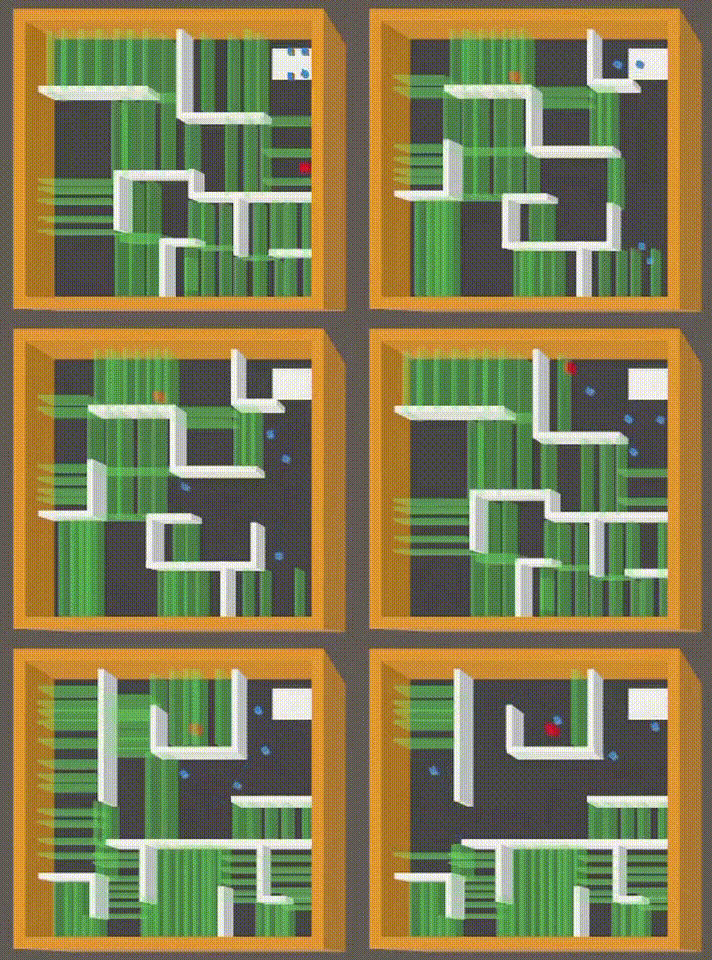
-
Attach the trained model to the Test prefab
-
Set the observation and action space of the prefab accordingly to the model.
-
Build the unity environment with the 4 test scenes - Toy, Small, Medium and Big Maze.
-
Run the built environment. The test will start and data will be saved inside the built environment folder.
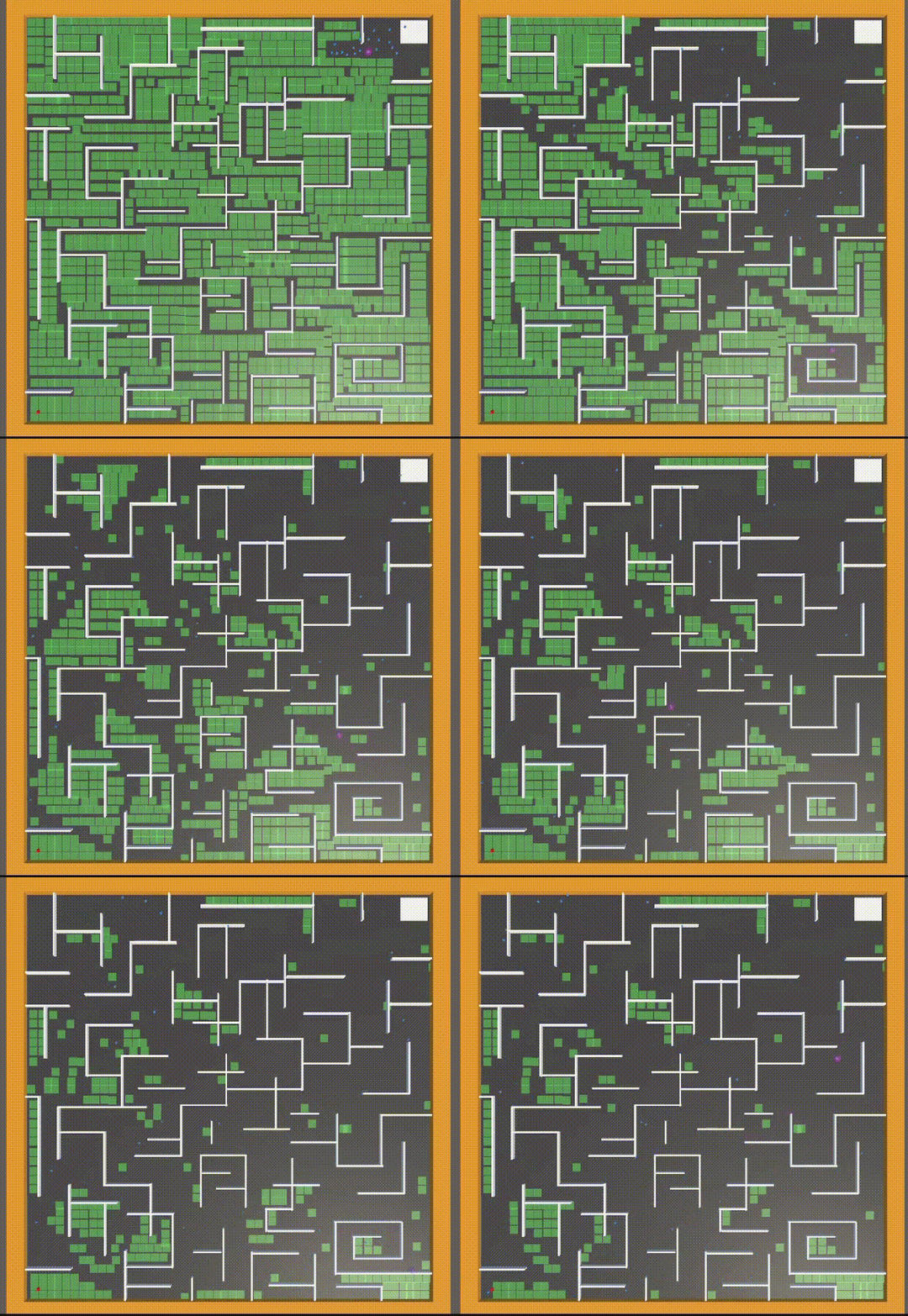
In Data folder you can find useful python scripts to plot the data obtained during the tests.