Table of Contents
- Introduction
- Supported Systems
- Installation
- Running
- Contributing
- FAQ
- Known Issues and Solutions
- Credits
- References
STE is a RGB keyboard visualizer package for Tuxedo laptops. This package also provides a playground for playing with keyboard lights for tinkerers.
Screenshot of the system tray application:

GIF: RGB Keyboard running rgb_kb_custom/sin_wave.py:

GIF: RGB Keyboard running rgb_kb_custom/cpu_usage.py While Compiling a Project

YOUTUBE: RGB Keyboard running rgb_kb_custom/reflect_screen.py:
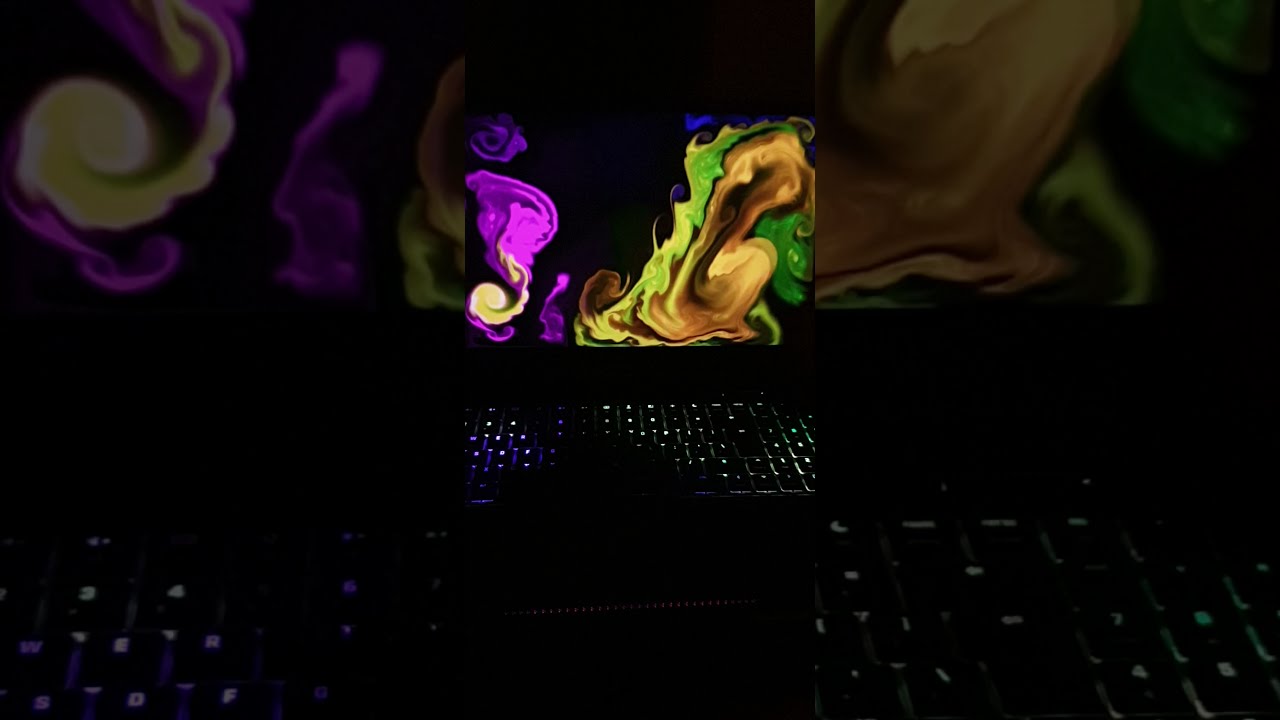
YOUTUBE: RGB Keyboard running various effects:
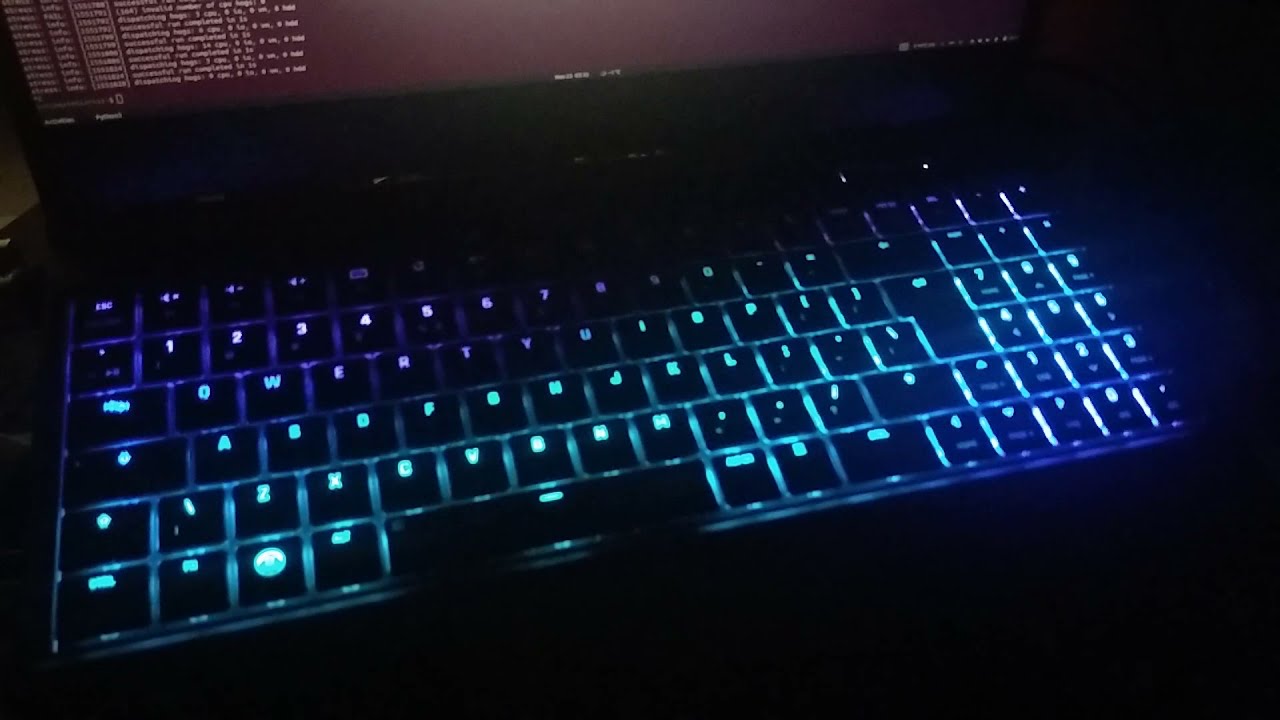
Also here are some other videos for RGB keyboard good for demonstration. Enable rgb_kb_custom/reflect_screen.py effect and watch the video in full-screen: [1] [2] [3]
Supported Distributions:





Tested Systems:
- Tuxedo Stellaris 15 Gen 3 - Ubuntu 20.04
- Tuxedo Stellaris 15 Gen 3 - Manjaro 21.1.6
- XMG Fusion 15 / Eluktronics MAG-15 - PopOS! 20.04, ElementaryOS 6, Nobara 37
Start a new terminal session and use it for all commands above. If you want to run these in multiple terminals don't forget to define INSTALL_DIR.
# Specify installation directory
$ INSTALL_DIR="$HOME/.system_tray_extensions"

# Download the project
$ git clone https://github.com/salihmarangoz/system_tray_extensions.git "$INSTALL_DIR"
$ cd $INSTALL_DIR

# ONLY RUN ONE OF THESE ACCORDING TO YOUR LINUX DISTRIBUTION:
$ bash install_debian.sh # For Debian based distributions; Ubuntu, Pop OS, etc.
$ bash install_arch.sh # For Arch based distributions; Manjaro, etc.
$ bash install_fedora.sh # For Fedora based distributions- Create a file
/etc/udev/rules.d/99-ste.rulesfor device permissions and copy/paste the following:
# RGB Keyboard
SUBSYSTEMS=="usb", ATTRS{idVendor}=="048d", ATTRS{idProduct}=="6004", MODE:="0666"
SUBSYSTEMS=="usb", ATTRS{idVendor}=="048d", ATTRS{idProduct}=="ce00", MODE:="0666"

# Optional: Lightbar (Tuxedo Keyboard)
# Controlling lightbar using the interface provided by tuxedo-keyboard.
# Install the required package and uncomment TuxedoKeyboard line in modules/loading_order.list
SUBSYSTEM=="leds", ACTION=="add", RUN+="/bin/chgrp -R leds /sys%p", RUN+="/bin/chmod -R g=u /sys%p"
SUBSYSTEM=="leds", ACTION=="change", ENV{TRIGGER}!="none", RUN+="/bin/chgrp -R leds /sys%p", RUN+="/bin/chmod -R g=u /sys%p"- Optional: Activate the lightbar module if you installed tuxedo-keyboard module in your kernel
$ sed -i '3 s/^#//' modules/loading_order.list- After creating the file run:
# Optional: For controlling the Lightbar (Tuxedo Keyboard)
# Create `leds` group and add current user to it.
$ sudo groupadd leds
$ sudo usermod -a -G leds $USER- And lastly reboot the system. If you don't want to reboot; logout and login, then run
sudo udevadm control --reload, then runsudo udevadm trigger.
You can start the app via launcher. Also, the app will start on boot by default.
If you want to start via terminal (maybe for debugging) then run this command:
$ bash start.shContributions of any kind are welcome. See ToDo List for current problems/ideas.
Contributors:
ToDo List:
- Core: Check hibernate/wakeup if it works.
- RgbKeyboard: Keyboard shortcuts for effects? "Save this state to shortcut: xyz"?
- TogglePulseaudioSuspend
- App: Logging has some problems. Not working?!
- Add a check if battery path exists!
- Add a check if lightbar path exists!
- There are tons of dependencies, GTK, system tray thing but I don't want them.
- Solution: Check this lightweight fork: https://gitlab.com/Ranguna/tuxedo-rgb-keyboard-daemon
- What happened to
ite8291r3-gui?- It was only for ite8291r3 so I refactored the whole project. If you want then get it here: https://github.com/salihmarangoz/ite8291r3-gui/tree/ite8291r3-gui
tdppackage is causing rgb keyboard animations to stop.- Solution: Uninstall
tdp. If you know how to prevent tdp from modifying USB power I welcome pull requests.
- Solution: Uninstall
- Other icons are not shown properly in XFCE. (If someone knows how please send a pull request)
- Pacman fails with 404:
- Solution: #39 (review)
- Can't install on Arch:
- Solution
pacman -Syand thenpacman -S sudo. Didn't work? Open an issue please.
- Solution
- System tray submenus don't work on elementaryOS 6: (Solution by augustoicaro):
Credit goes to Ambiefix for preset videos used in the RGB Keyboard module:
- Youtube: Aurora Borealis Inspired Ambient Animation Video Backdrop Loop (60 min/No sound) - Free Footage
- Youtube: Rotating Colorful Waves - Rainbow Lines - Motion Graphics Video Background
- Youtube: Blurred Lines Spaghetti Ambient Mood Light Video Loop (2 Hours/No Sound)
Credit goes to MrPacMan36 for the video used in the RGB Keyboard demo video: