Skip to content

jgfmachado/grayscaler

Folders and files

NameName
Last commit message
Last commit date

Latest commit


History

5 Commits


Repository files navigation

Grayscaler

Convert images in any format to grayscale
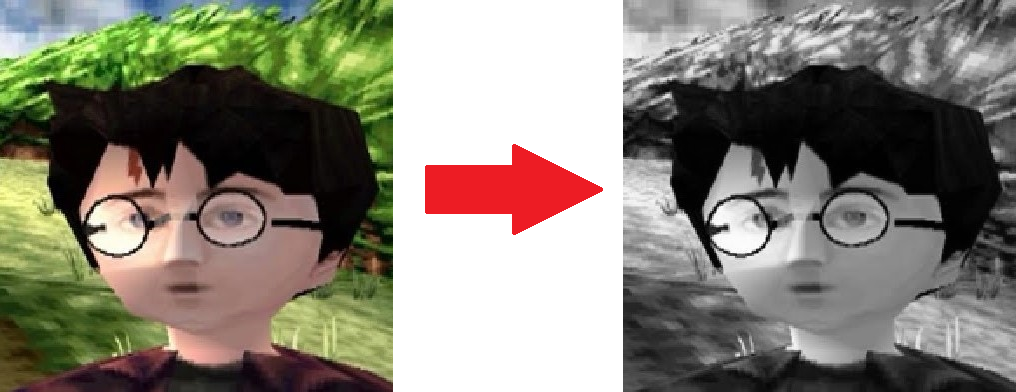
Screenshot of Harry Potter from Playstion 1 era, being converted to grayscale

Pre requisite

You must have Java installed in your machine. You can download it from Adoptium.net

Usage

  1. Open a command line (preferably in the same location as the grayscaler.java file)
  2. Type in "java grayscaler.java" and press ENTER
  3. Drag the image into the command line interface and press ENTER

A grayscale version of the image should be created at the same location

Resources

About

Convert images in any format to grayscale

Resources

Stars

Watchers

Forks

Releases

No releases published

Packages

No packages published

Languages