Activity Log: Media upload activity should open link in Media section (not webview) #10165

Description

Expected behavior
When I upload media to my site, and view that activity in my site's Activity Log, I should be able to tap on the link to open the media settings for that file in the app's media section. (The same as if I went to My Sites > Media > selected the media file I uploaded.)
Actual behavior
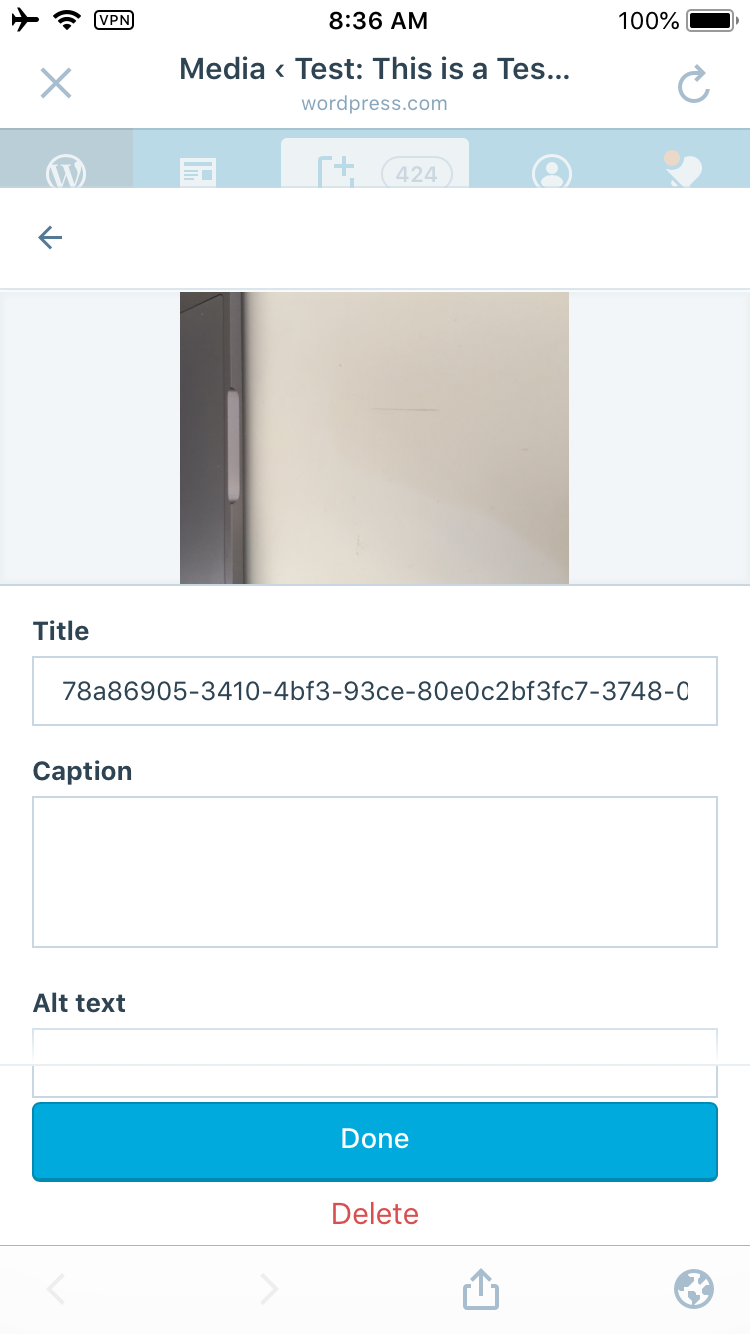
When I upload media to my site, and view that activity in my site's Activity Log, if I tap on the link it opens the media settings for that file in Calypso's media section in a webview. This is very hard to interact with and to understand what I'm seeing.
Steps to reproduce the behavior
- Go to My Sites.
- Select Media and upload an image to your site.
- Go back to My Sites.
- Select Activity to open your activity log.
- Select the "Image uploaded" activity (you may need to wait a minute and refresh the page if it doesn't appear immediately.)
- Select the filename of the image you uploaded.
Result: It opens the media settings editor in the Calypso Media section in a webview.
Screenshots
Activity log:

Media settings in Calypso webview: